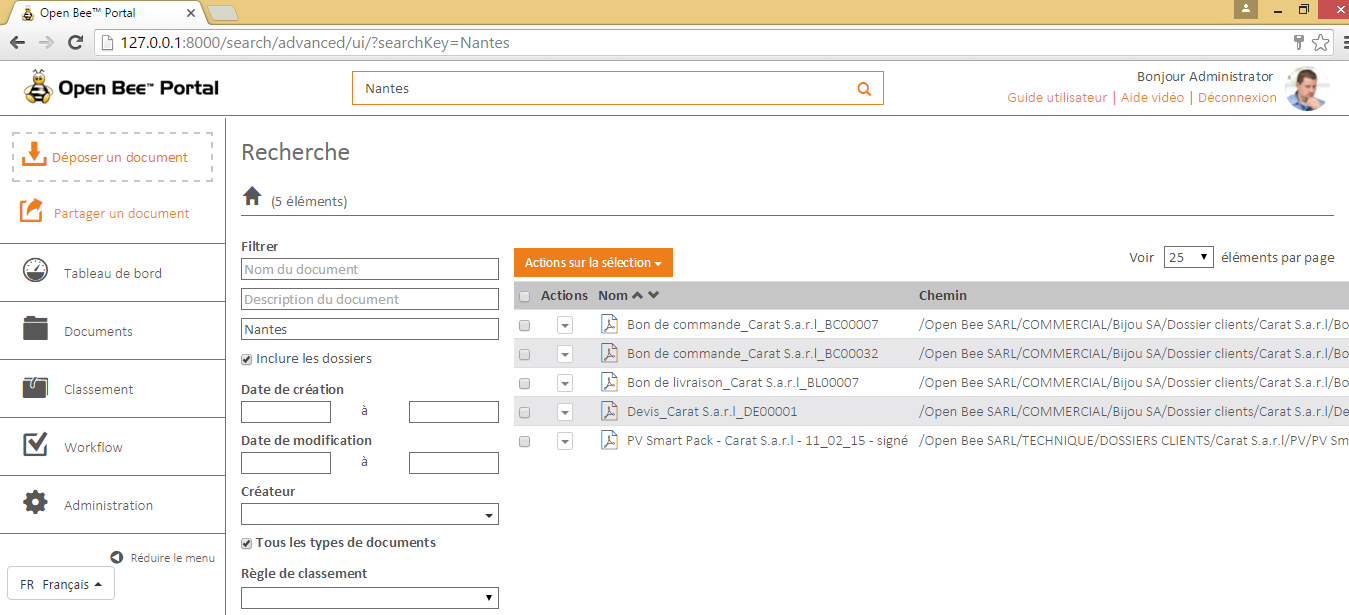
From your ERP, email or any other place on your computer, you can select the keyword by which you want to search for documents in Open Bee™ Portal.
Then enter your keyboard shortcut (default CTRL+ALT+O) to start the search:

The following window will appear to let you know that your keyword is being searched in Open Bee™ Portal :
When the search has been finalized, the documents found according to the search keyword are displayed in the search page of Open Bee™ Portal .