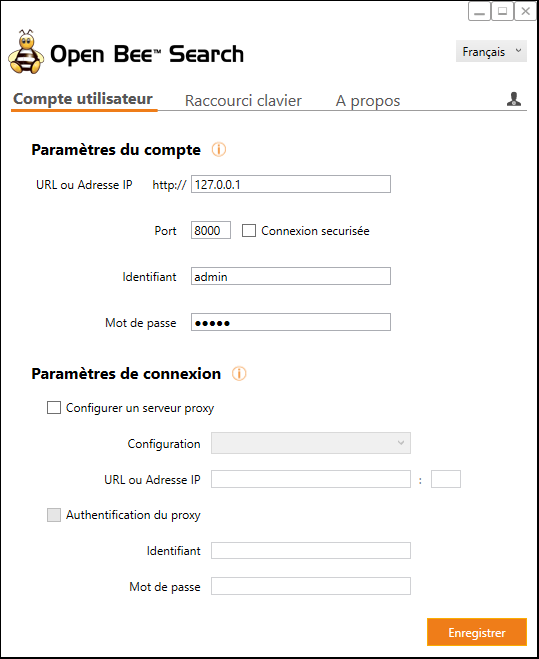
Server configuration and user account configuration Open Bee™ Portal can be done from the dedicated configuration window. To access this configuration window, you need to double-click on the desktop shortcut  or from the systray menu by selecting the “Configure Open Bee™ Portal” option
 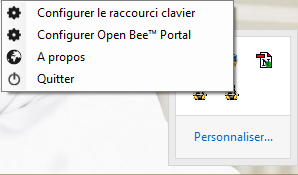 .
.
In the configuration window, the “User Account” tab allows you to configure the server address as well as the user’s login data. If you use a proxy in your network, you can configure it in the “Connection Settings” section.