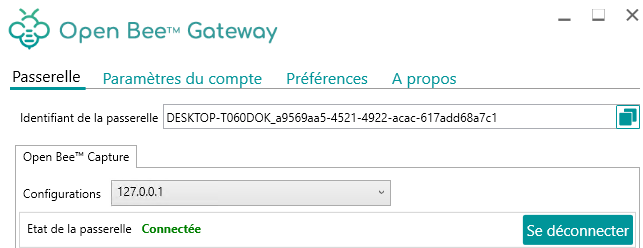
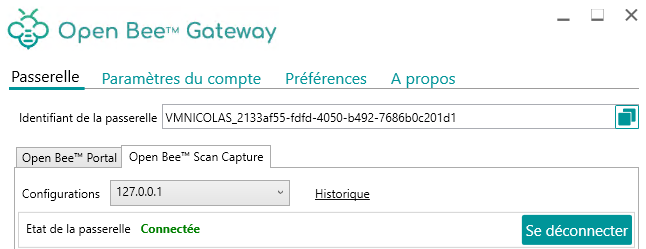
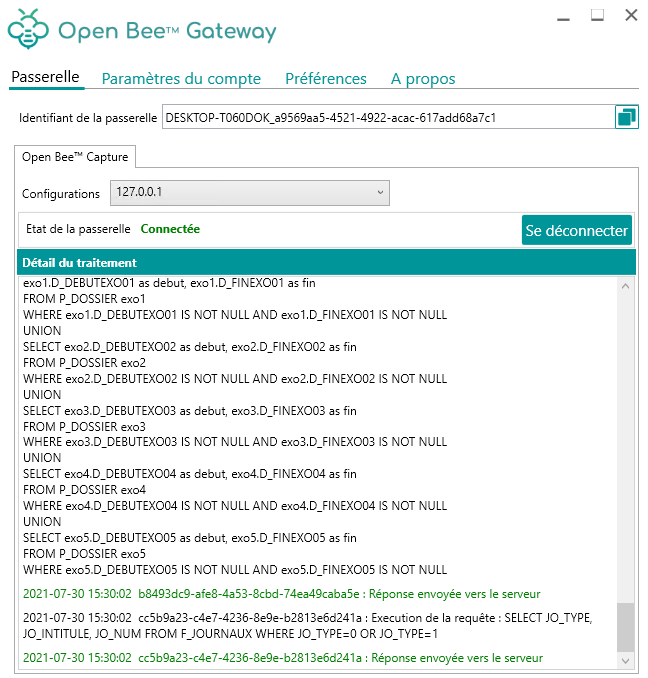
After saving the Open Bee™ Scan Capture server settings, Open Bee™ Gateway automatically connects.
If the gateway is not connected, it is possible to connect to it manually by clicking on the “Connect” button.
When installing Open Bee™ Gateway, a “Gateway ID” is generated.
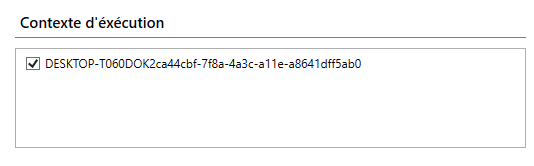
This identifier will be selected in Open Bee™ Scan Capture or Open Bee™ Portal for requests to be sent to the selected Open Bee™ Gateway instance.
Open Bee™ Gateway is now ready to receive requests from Open Bee™ Scan Capture or Open Bee™ Scan Portal.
Multiple Open Bee™ Scan Capture/Portal Configuration Management
If several Open Bee™ Scan Capture are configured, or several Open Bee™ Portal, it is possible to select messages from a specific configuration from the drop-down list.
It is also possible to view messages for all configurations by selecting the “All configurations” entry.