Aftercare
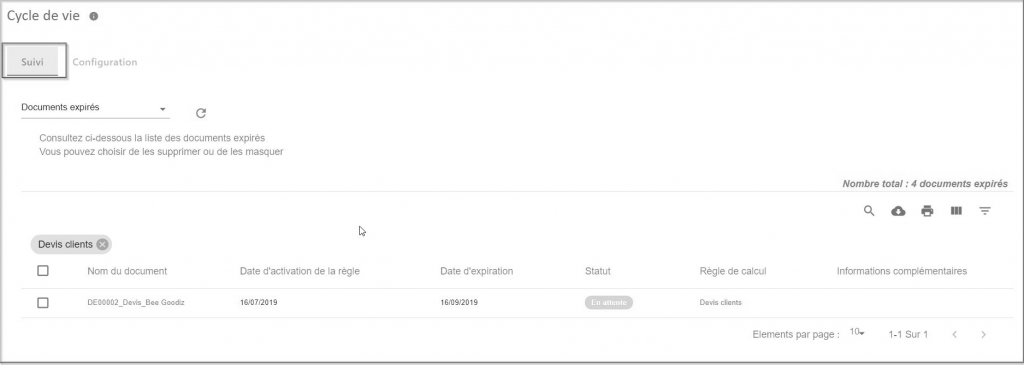
The Tracking interface consists of two sections: Expired Documents and Processed Documents
Expired Documents
The Expired Documents interface allows you to view the list of expired documents, you can choose to delete or hide them.
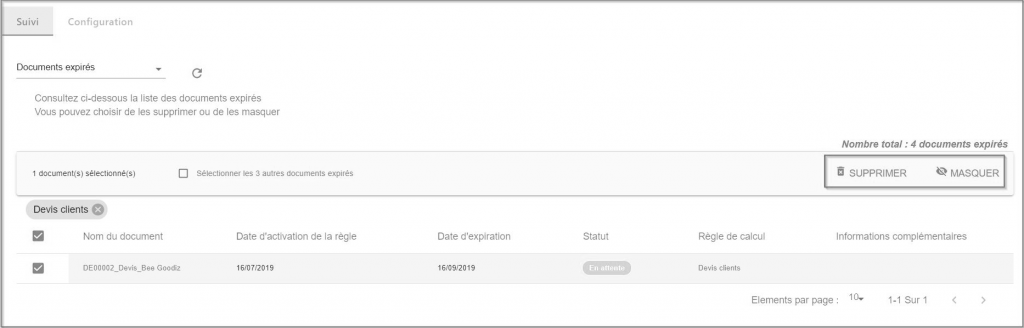
- DELETE : The delete action allows you to delete expired documents in bulk. These documents will be destroyed immediately and will not go through the Recycle Bin.
- MASK: The hide action allows you to keep documents in Open Bee™ Portal , but these documents will no longer be visible to users by default. This makes it possible to clean up the navigation in the document tree.
Expired Document List Options
To Refresh the list of expired or processed documents, click on the icon 
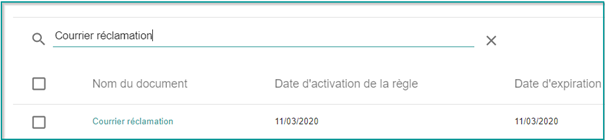
 This icon allows you to search for the document in the list of expired or processed documents.
 This icon allows you to download the list of expired or processed documents in CSV format
 This icon allows you to print expired or processed documents.
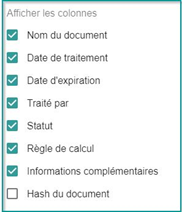
 This icon allows you to filter the list of documents by column
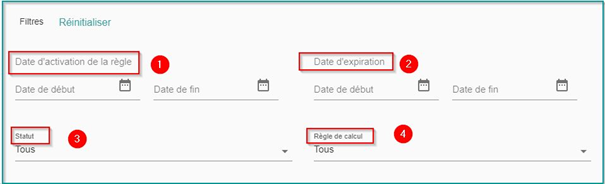
 This icon allows you to apply a filter using the following criteria:
- Date the rule was activated
- Expiration Date
- Status
- Calculation rule
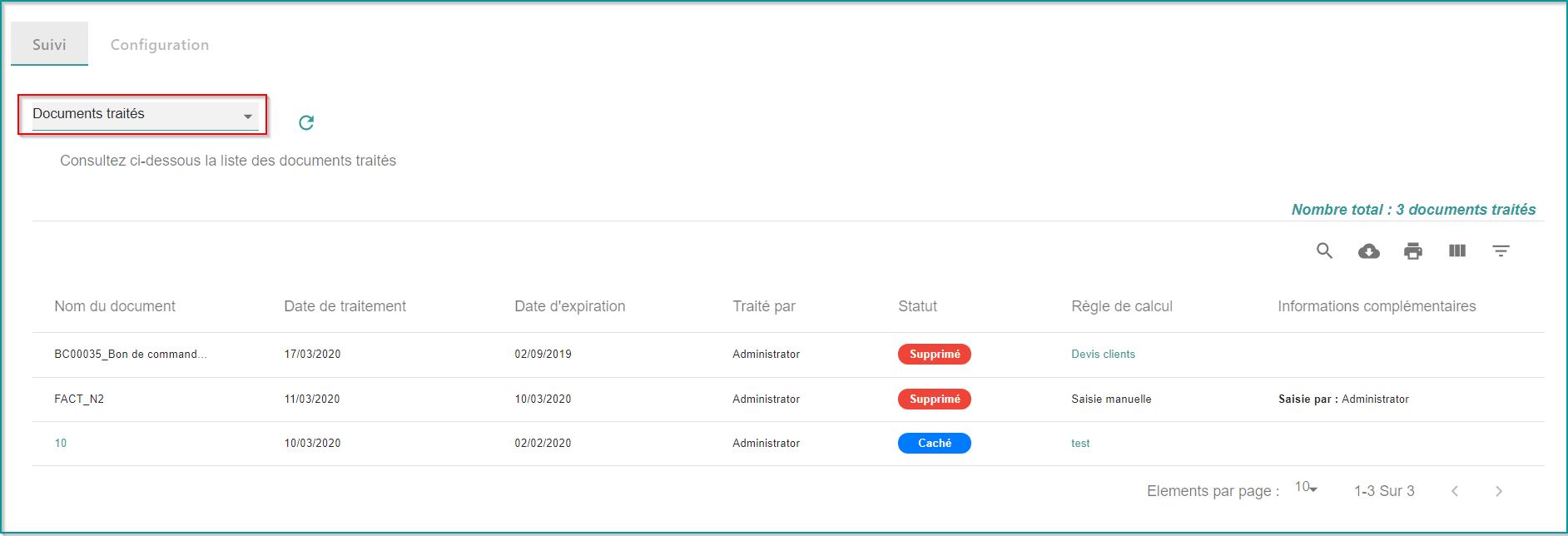
Documents processed
The Processed Documents interface allows you to display and keep traceability on processed documents (hidden and deleted)
It also allows you to view and generate an export of all processing (in csv) over a given period, by user who deleted documents, by business rule, etc.
It is also possible to retrieve the Hash of the deleted document and thus provide proof of the deleted document.