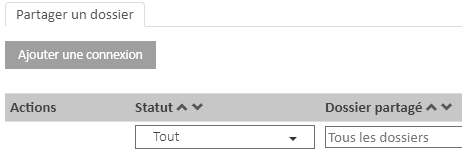
Before you can use the Open Bee™ Multi Sites module, a configuration phase is necessary.
- Floor 1:
First, the Open Bee™ Portal instance that wants to share data with users from another instance will need to create a connection share. - Step 2:
Then, the instance with which the share was created will have to validate this request.
As far as licensing is concerned, it should be noted that the Open Bee™ Multi Sites module does not require a special license to create a tethering (step 1).
However, to validate the connection (step 2), a specific license is required.
If the license includes the Open Bee™ Multi Sites module, the two tabs “Share a folder” and “Share requests” will be visible in the module’s administration.
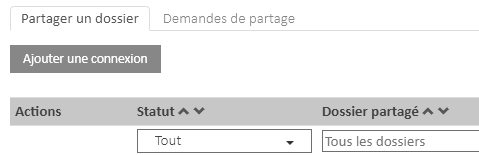
On the other hand, if the license does not include this option, only the “Share a folder” tab will be visible.