The Open Bee™ Multi Sites module includes a mail merge feature, i.e. sending a document easily to several remote folders of several different Open Bee™ Portal instances.
This is possible from the Remote Folders menu entry.
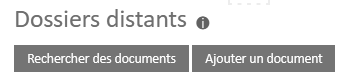
- First, you need to click the “Add Document” button and then select a document.
- Then, select all the remote folders to which the document should be sent
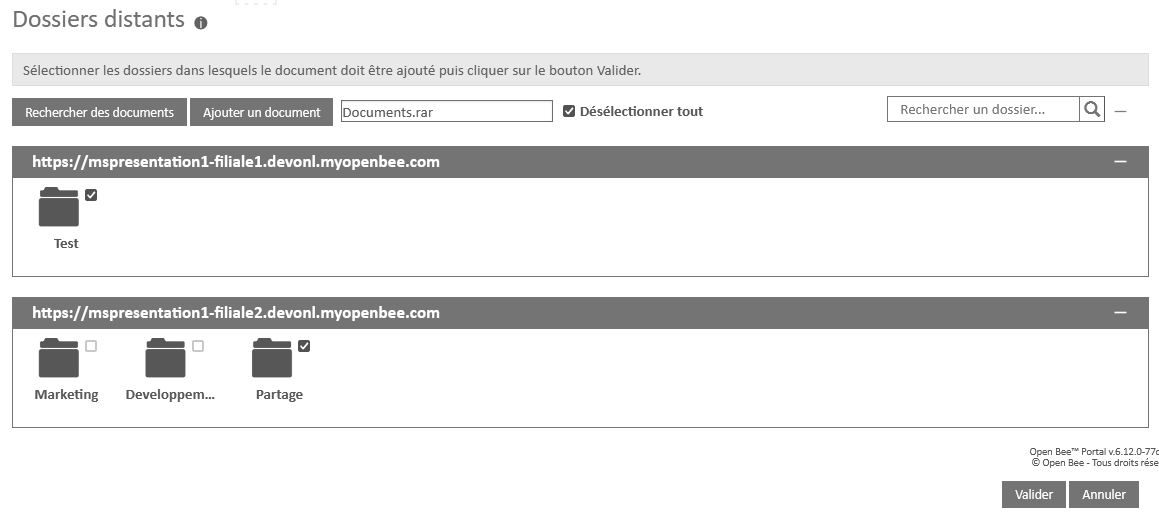
- Click the Validate button to send the document.
A first message indicating that the request has been taken into account is displayed, followed shortly after by a second one, indicating that the submission has been successful.

