The installation of the connector is done by following the steps outlined below:
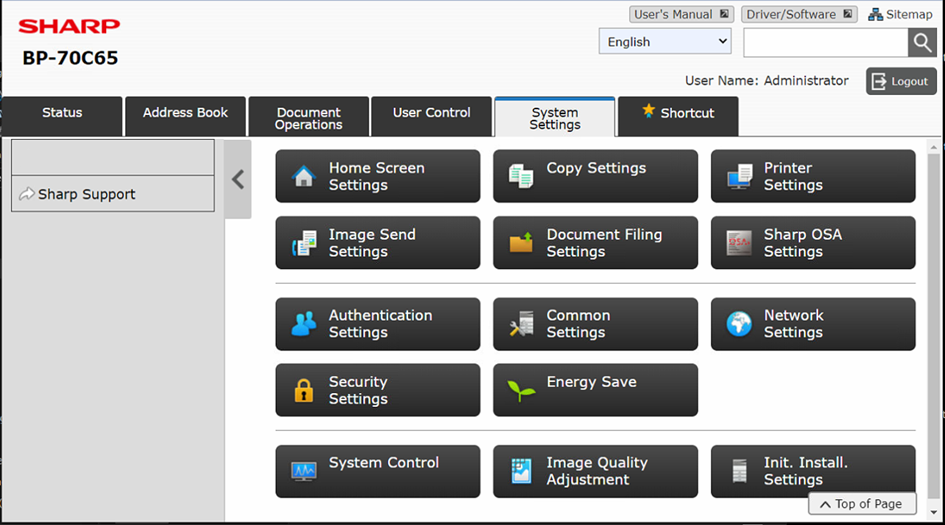
- Go to the Sharp OSA settings interface, and then in the “System Settings” tab, click on the “Sharp OSA Settings” button.
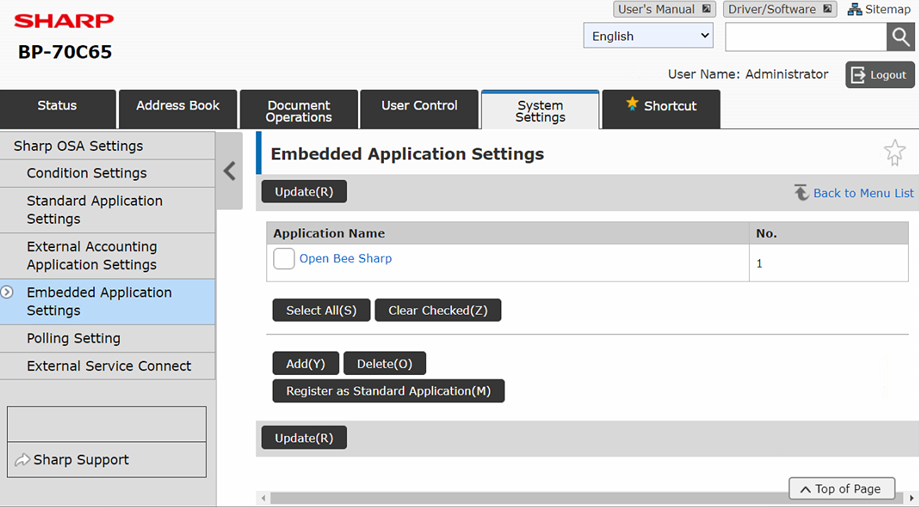
- Click on “Embedded Application Settings” in the left sidebar, then click on the “Add (Y)” button
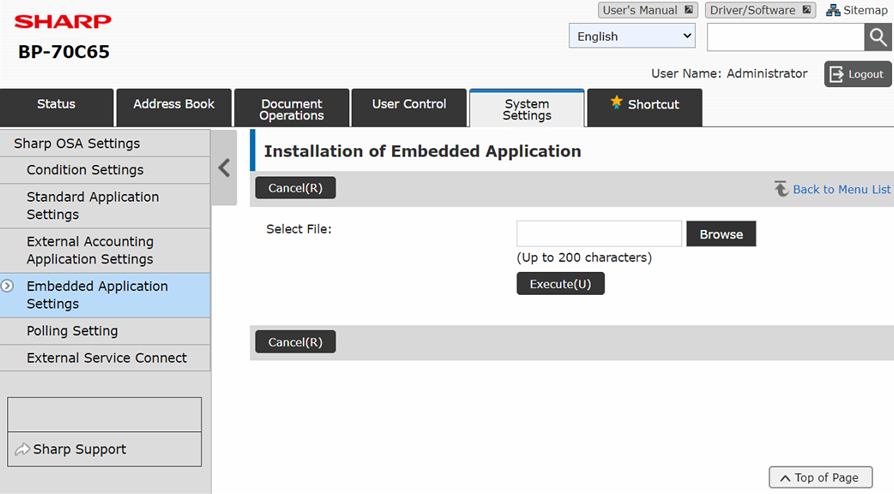
- Click the “Browse” button to navigate to the .emo package file, select the file, and then click Run(U)
- You will land on the confirmation page of the app. Click ‘Run’ to complete the installation of the Open Bee Sharp app.
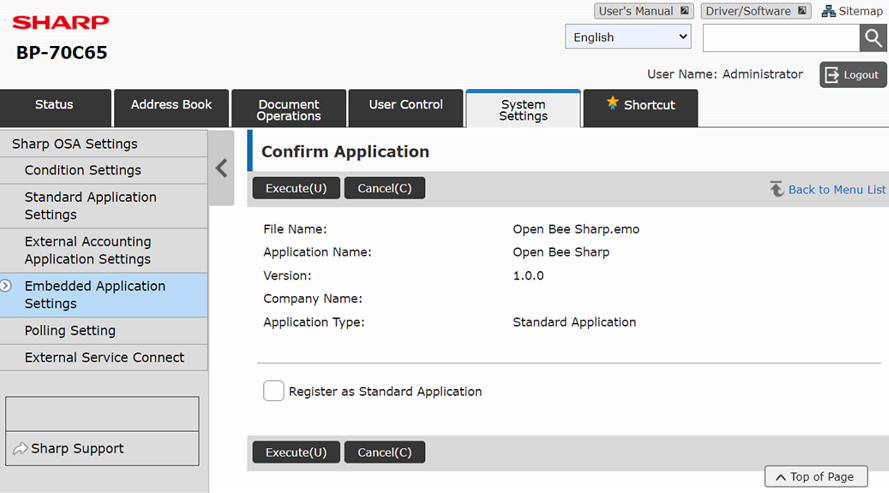
Note 1
Make sure to select ‘Save as Standard Application’ before clicking ‘Run’ to complete the installation.
Note 2
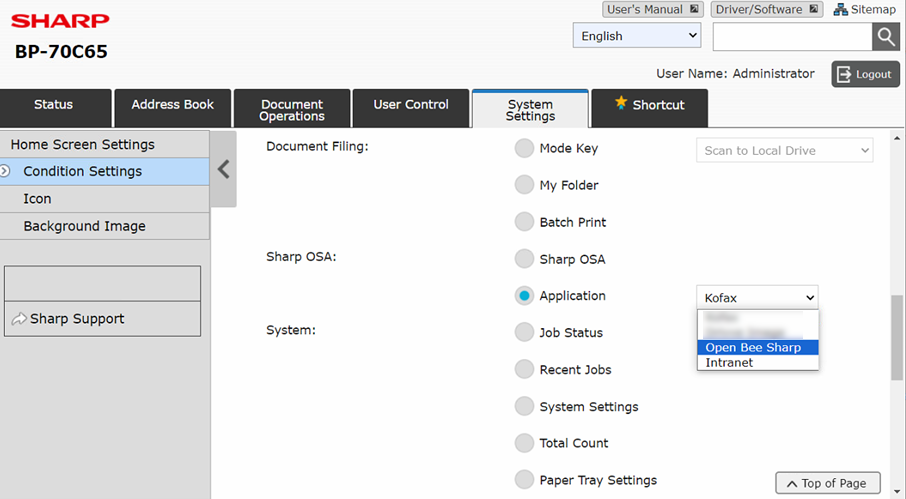
In the ‘Condition Settings’ section, try choosing ‘Application’ in the ‘Sharp OSA’ section, and then select the Open Bee Sharp app from the app drop-down list