In addition to scanning to an Open Bee™ Portal folder, the document can also be sent to the filing area.
- From the home page, click on “Scan to the ranking area”.
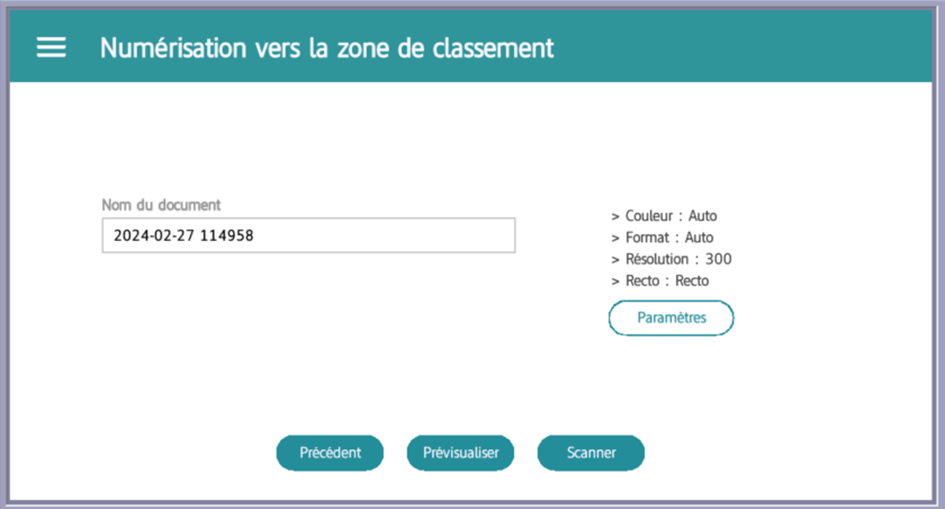
- You will arrive at the scan page to the filing area where you can:
- Change the name of the auto-generated document.
- Preview the document to be scanned.
- Configure the scanning settings by clicking the “Settings” button and adjusting the options to your preference. Make sure to click “Save” once the settings are set.
- Once ready, click “Scan” to start scanning.
Remark
The process of scanning to a filing area is similar to scanning to a folder, with the same confirmation steps at the end.