If you want to enable the identity verification request when sending a Level 2 signature, you must perform the following operation on your DocuSign account.
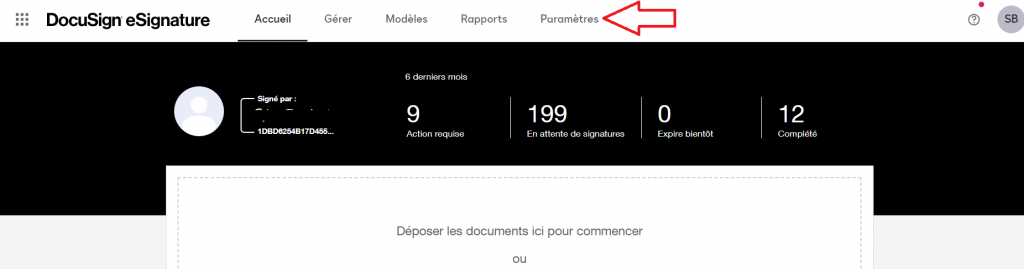
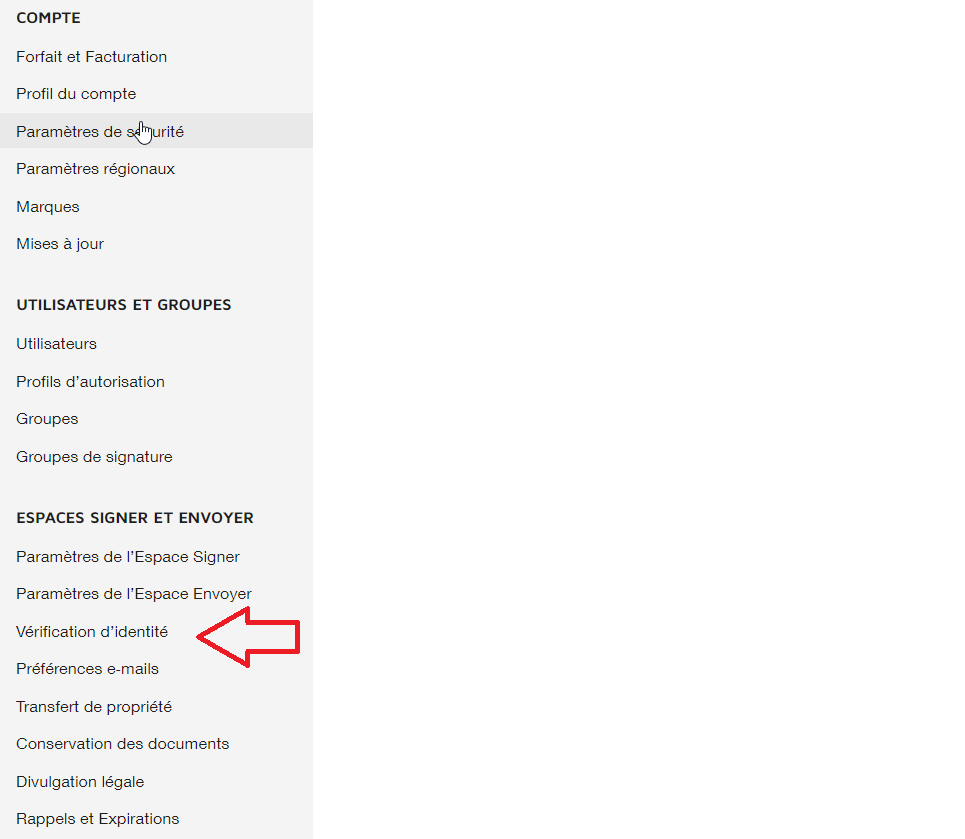
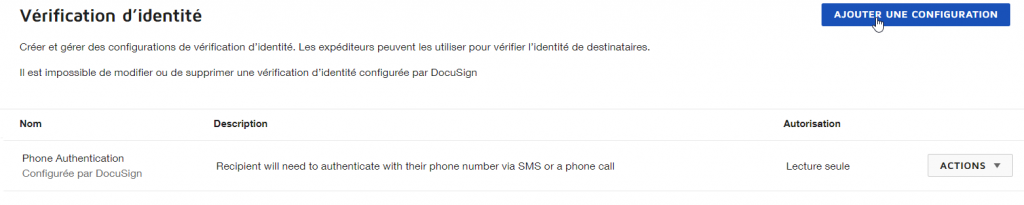
Please go to the settings screen on your DocuSign account and in the left menu select the “Identity Verification” category and add a new configuration.
Set up the identity verification method
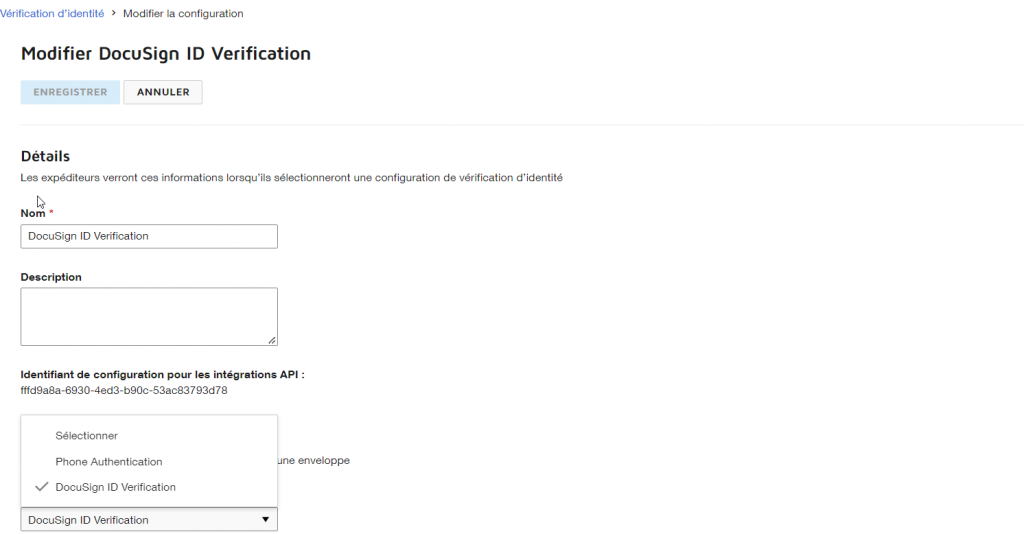
Please create a configuration with the exact name: DocuSign ID Verification.
You must select the type of the same name from the list of verification methods.
The other settings are to be configured according to your convenience.
The use of the ID verification service is an additional service offered by DocuSign. If the option is not available in the list of verification methods, please contact DocuSign to add it to your account.