Use
A signature tracking table will allow you to view all signature shipments made as well as their status.
Access the signature tracking table
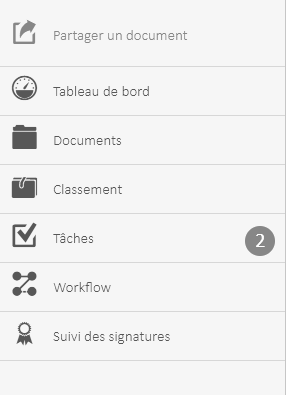
Once the module is installed, you can access the history screen by clicking the button  to bring up the menu.
- Click on “Signature Tracking“
The following interface is displayed:
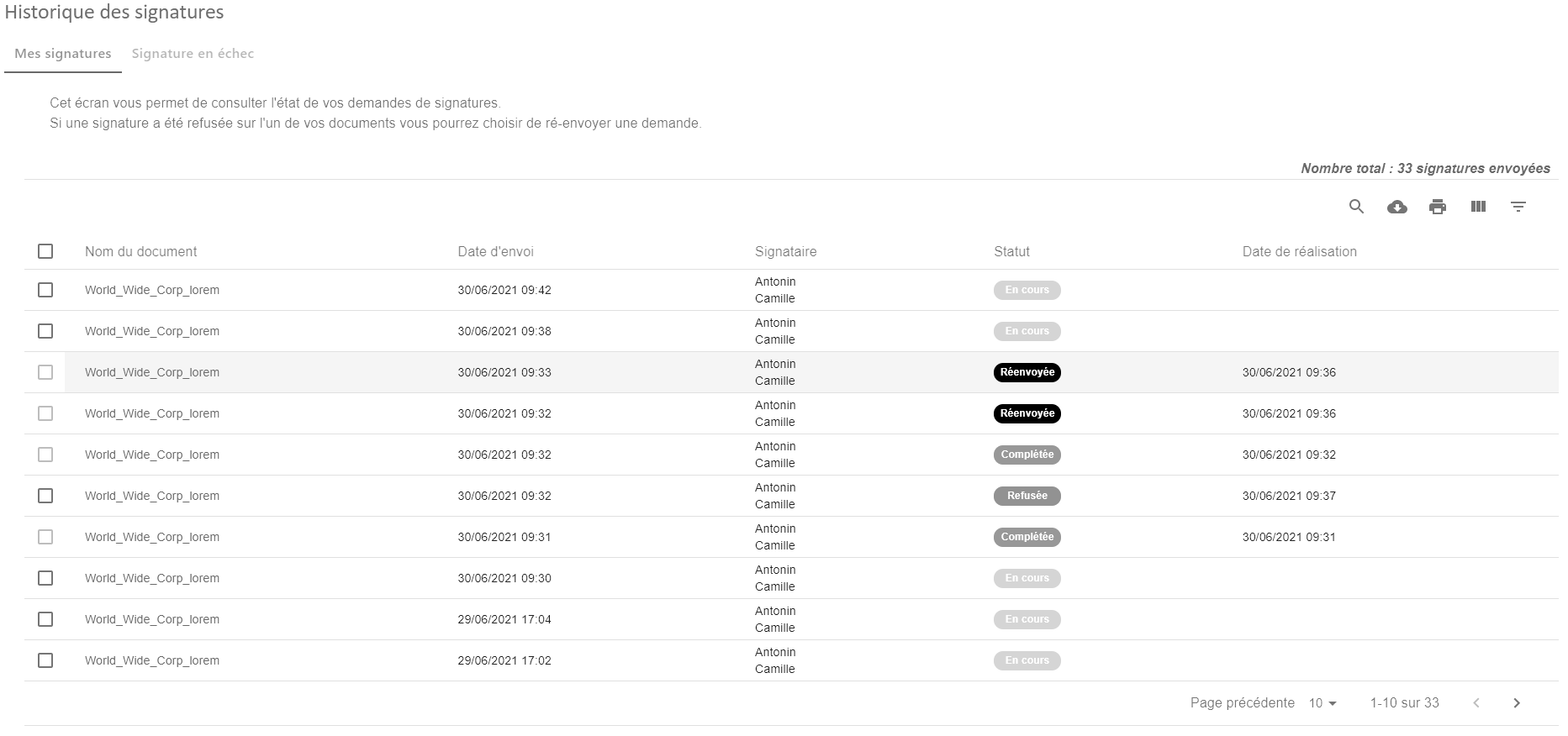
This interface allows you to see the status of signatures. It also allows you to perform several actions.
Indeed, when a signature is “in progress”, you can:
- “Refresh”, this allows you to query the signature provider to be able to find out if the status of your signature has changed.
- “Undo” allows you to cancel a signature in progress.
- “Refollow” allows you to send a reminder email to the signatory.

When a signature is marked as failed, 2 actions are possible
- “Edit” allows you to edit a failed request to resubmit it for signature.
- “Resubmit” allows you to resend the signature without changing the original data.

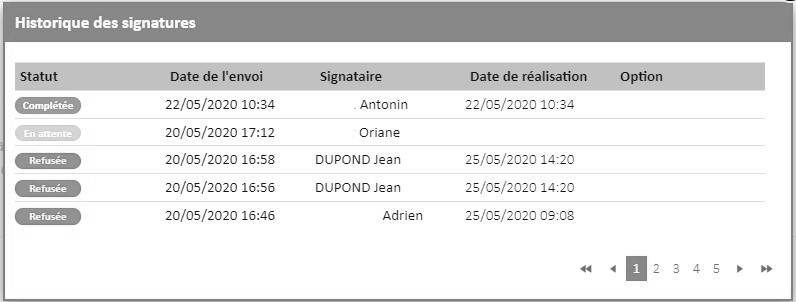
You can also click on the status of a signature to see the history of all signatures that have been made on a document.
Please note that the update of the signature status is carried out by night processing in the case of Universign and SwissSign, whereas it will be done immediately with DocuSign.
However, it is possible to immediately refresh the status of a signature with the “Refresh” action available on each document.