Use
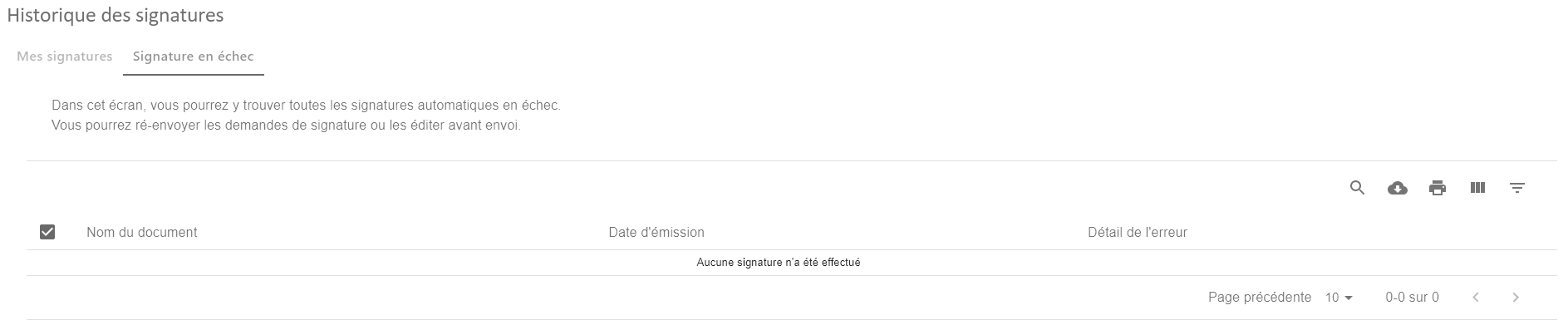
A failed signature table will allow you to view all failed auto-signature submissions
Access the signature tracking table
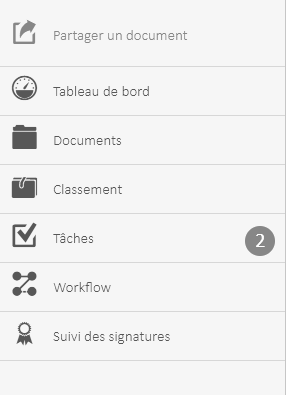
Once the module is installed, you can access the history screen by clicking on the  to display the menu.
- Click on “Signature Tracking“
The following interface is displayed:
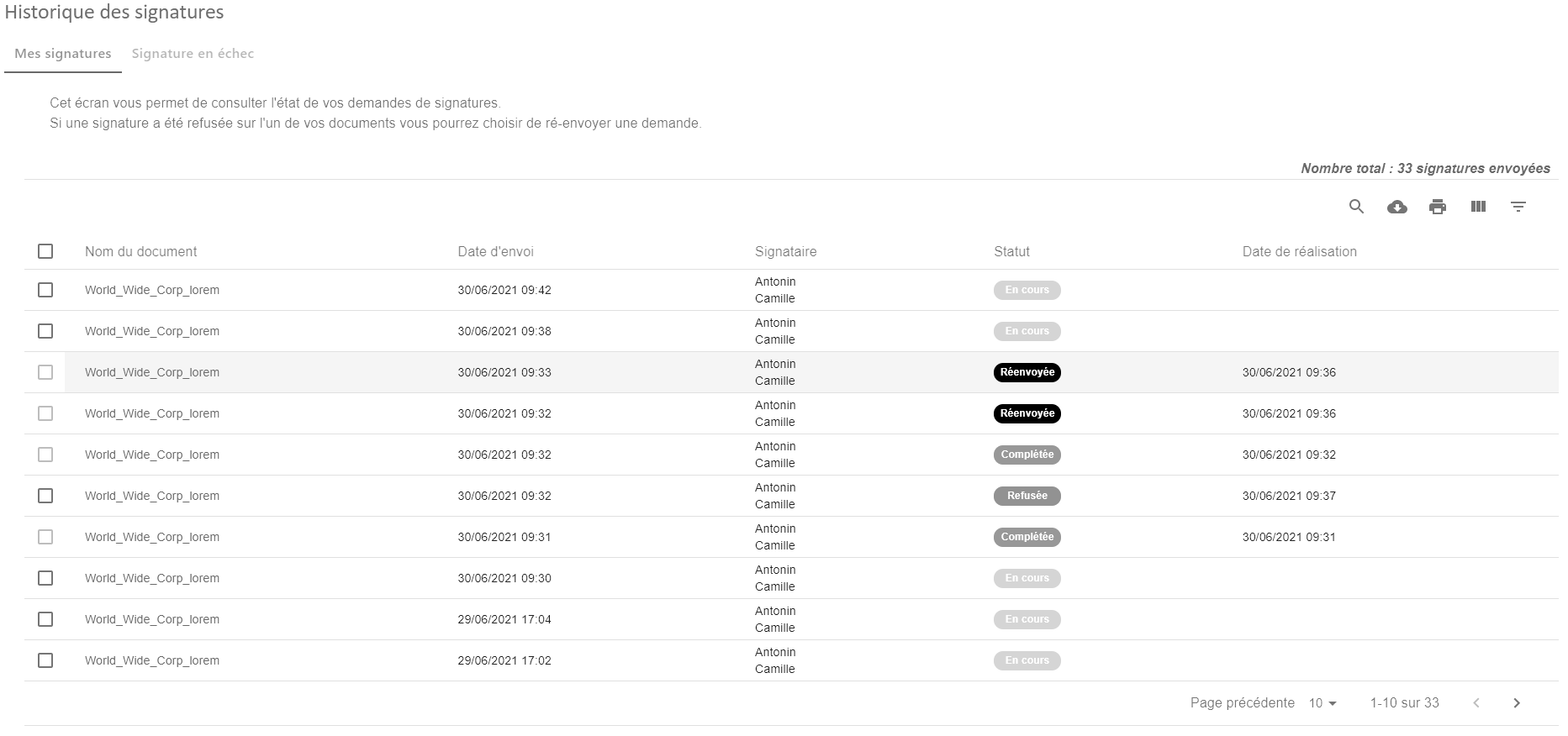
Simply click on the “Signature Failed” tab to be redirected to the Signature Failure history
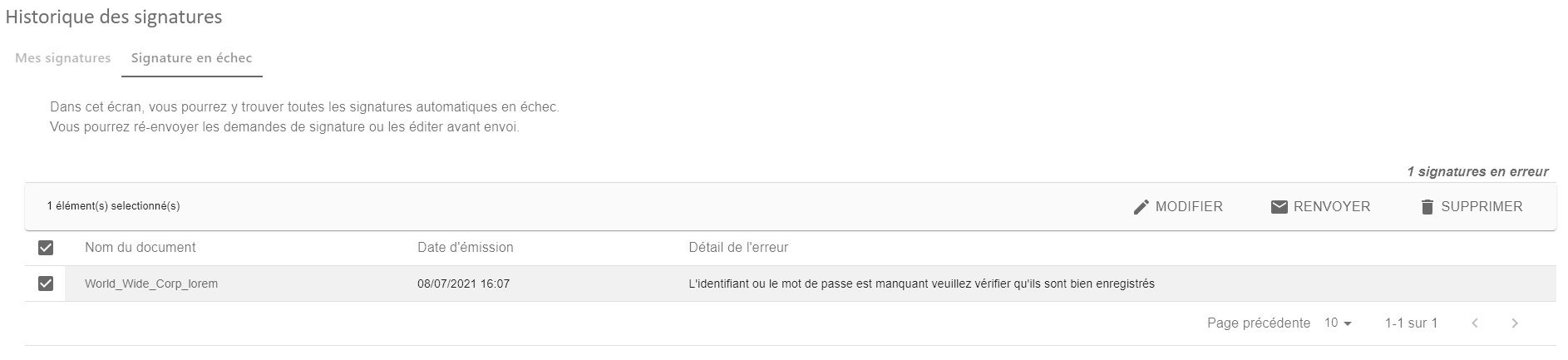
When a signature is selected, 3 actions are possible
- “Edit” allows you to edit a failed request to resubmit it for signature.
- “Resubmit” allows you to resend the signature without changing the original data.
- “Delete” allows you to delete the failed signature.