This screen can be accessed from the menu by clicking on “Signature Tracking” and then selecting the “Signature Area” tab.
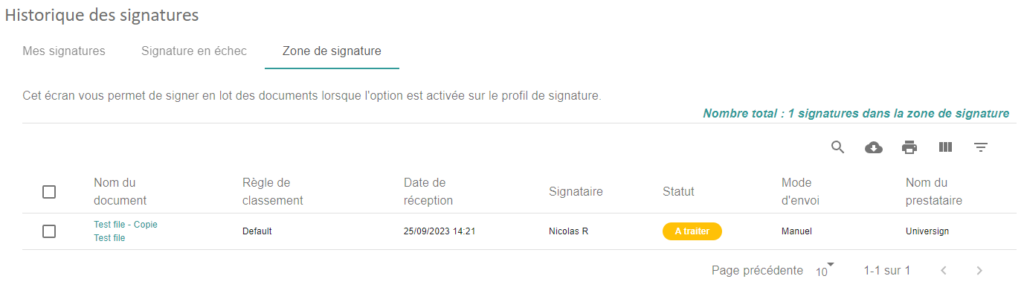
In this tab, the logged-in user will see all their signatures that they can perform in batch. In order for documents to appear in this tab, you will first need to have signed documents with a profile that has the Signature Zone option enabled.
If this signing profile option is set to “Yes”, the user will need to manually select signatures and click send.
If the option is set to “Yes with Nightly Sending”, the user will be able to send them manually or wait until the next morning for them to be sent automatically. In the case of a batch send, all documents will be sent in a single signature request where the user will only have to enter the SMS confirmation code once.