Login credentials can be entered in two different places in theOpen Bee™ Portal app .
Personal settings
From the profile screen of each user, it is possible to enter the personal credentials of your Universign account .
To access the login credential setup screen:
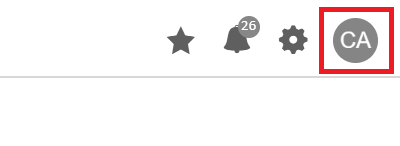
- Click on your user profile
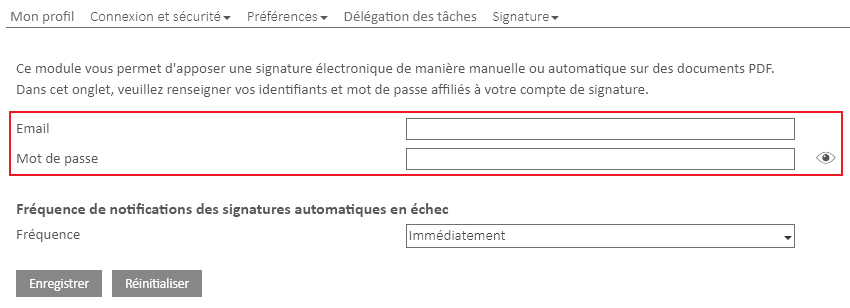
- Click on the “signature” tab, then click on “electronic signature”.

All you have to do is enter the email address of your electronic signature account and your password.
Global Setup
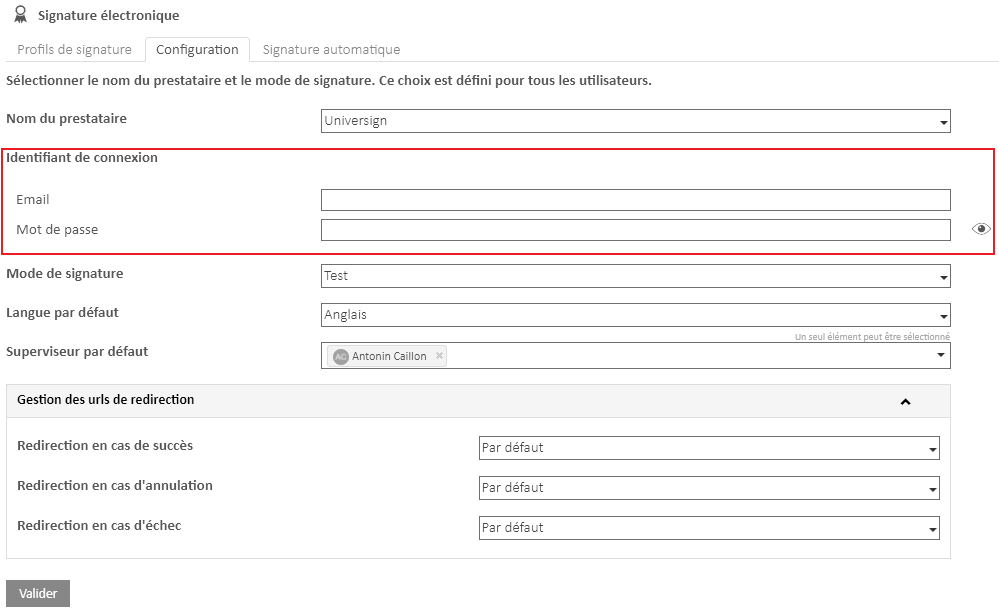
From the electronic signature configuration screen, it is possible to enter the global identifiers of the Universign account that will be used by all users of your Open Bee™ Portal.
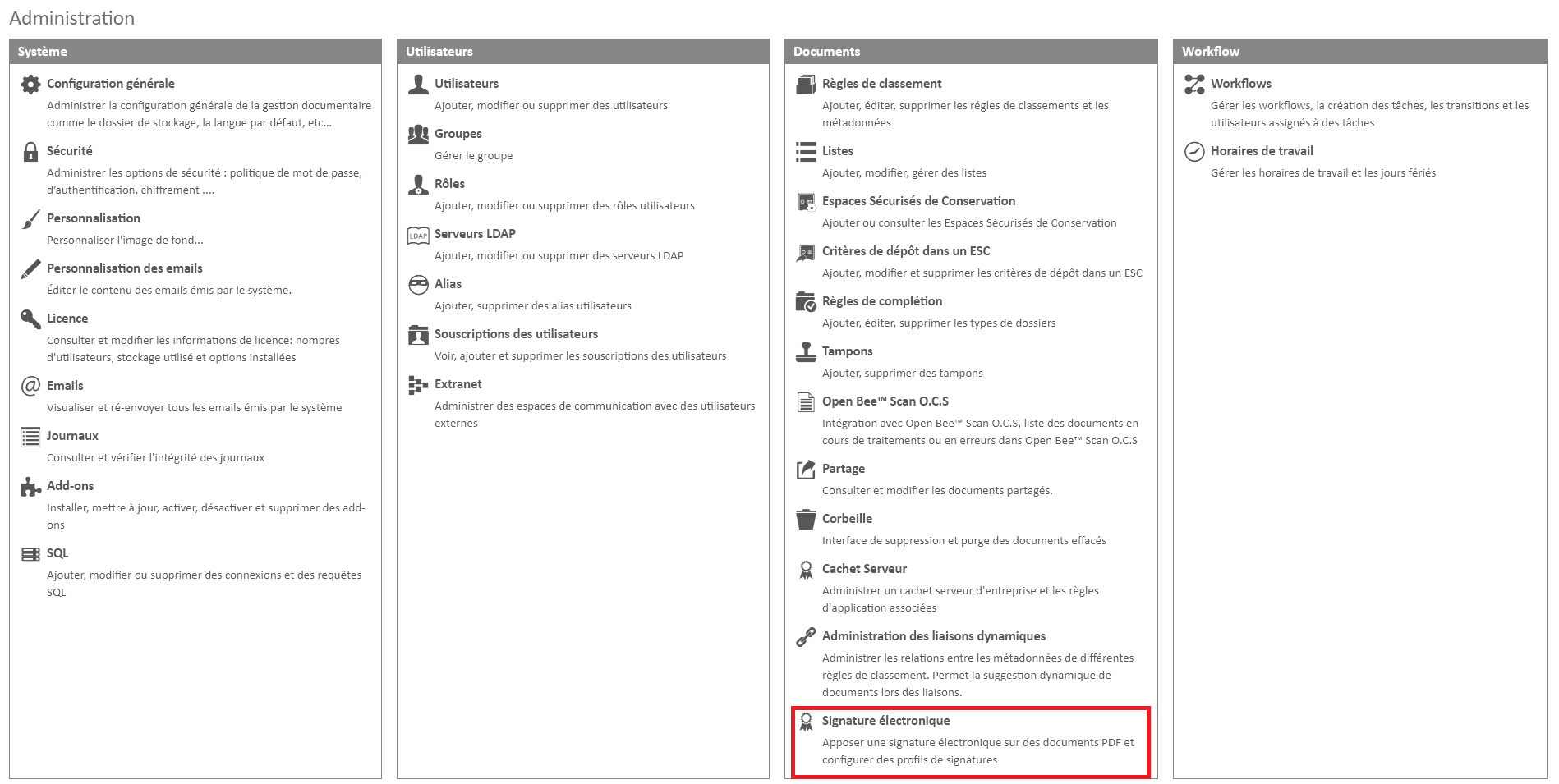
From the administration panel in yourOpen Bee™ Portal solution , click on “Electronic signature” to access the Electronic Signature add-on .
You will then have to go to the “Configuration” tab and put your credentials in the “Login ID ” section.
Usage
In the vast majority of cases, a single account is created with a single login at Universign and all requests for electronic signatures can be made with this login.
In this case, all you have to do is make a global setup.
If personal accounts are created, it is possible to fill them in the profile of each of these users.
The way it works is as follows, each time a signature is sent, the personal account is preferred, if it is not filled in then the global account is used.