The Open Bee™ Doc Office Manager installation topic will guide you, screen by screen, through the steps to install the software.
Make sure you have closed all Microsoft Office applications before installing Open Bee™ Doc Office Manager
The different stages of the installation:
| The Steps | Illustrations |
|---|---|
| Double-click on the ” .exe ” button to run the installer. | 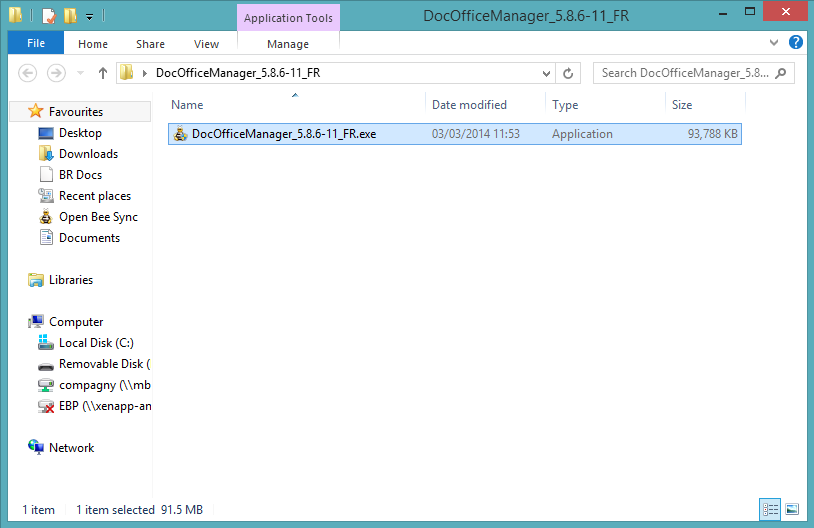 |
| 2. The welcome page will be displayed. Click ” Next “ | 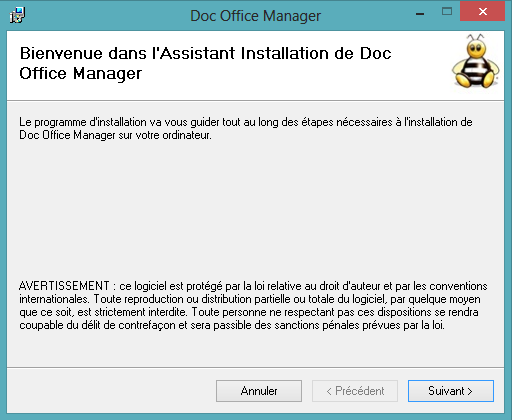 |
| 3. Select the location where you want to install the software by clicking on ” Browse…” 4. Click ” Next ” once you have chosen the location. | 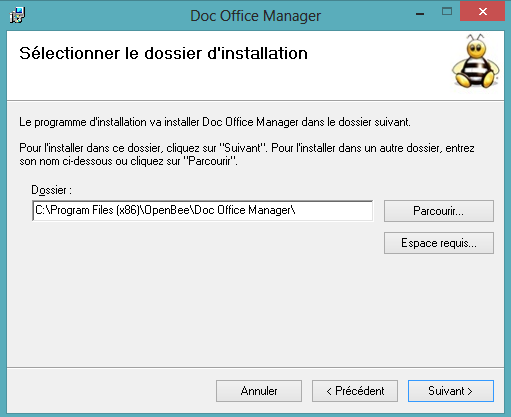 |
| 5. A confirmation page will appear. Click ” Next “ to begin the installation. | 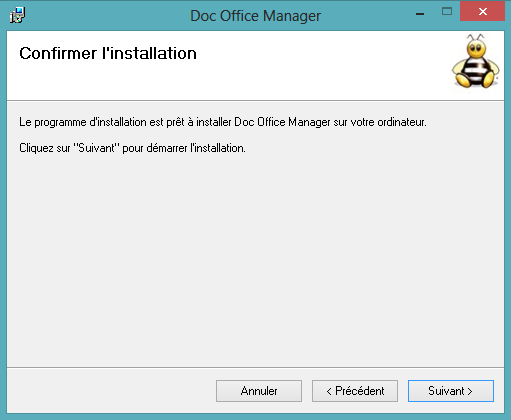 |
| 6. Wait for installation. | 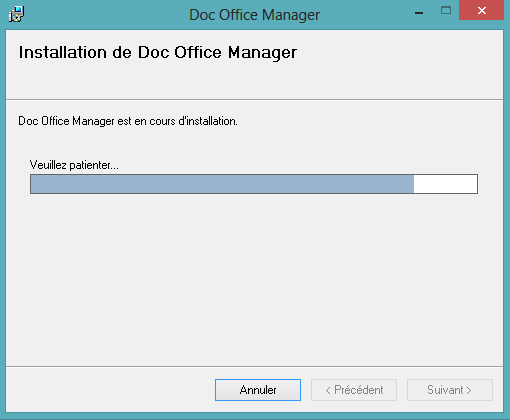 |
| 7. The installation is complete. Click ” Close “ | 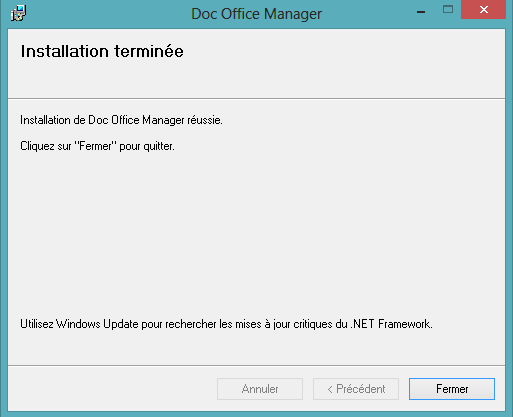 |