Please start the ” Open Bee™ Doc Office Manager – Add-In Manager ” module:
- In the ” Start ” menu, click on ” Open Bee™ Doc Office Manager – Add-In Manager ” in ” All Programs / Open Bee™ / Open Bee™ Doc Office Manager – Add-In Manager “
Or
- Double click on the ” Open Bee™ Doc Office Manager – Add-In Manager ” icon that was created on the Windows desktop by the installer
The ” Installation ” tab of the Add-In Manager allows you to enable or disable all Office Add-ins.
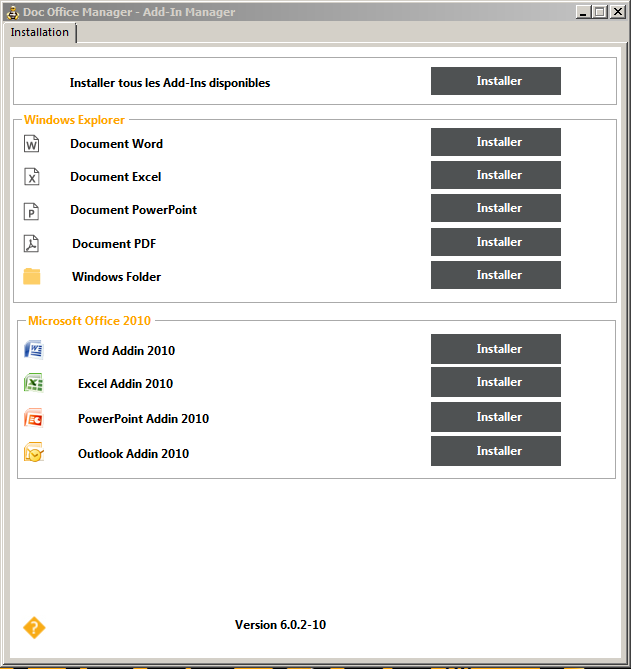
Click on the ” Install all available add-ins ” button to begin the installation of all add-ins.

The bar at the bottom of the window shows the status of add-in installations:

You can also choose to install each add-in separately. To do this, follow the instructions in the following paragraphs: