The Open Bee™ Data Importer application uses a MySQL database to store the configuration as well as all the extracted and imported documents.
The purpose of this page is to explain how to install MySQL Server.
MySQL Server can be downloaded from this page.
- Download the latest version
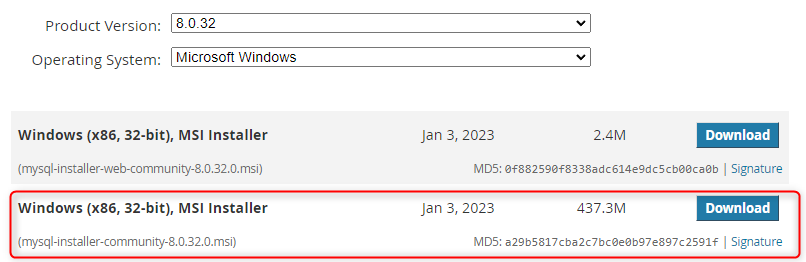
- After downloading it, launch the executable
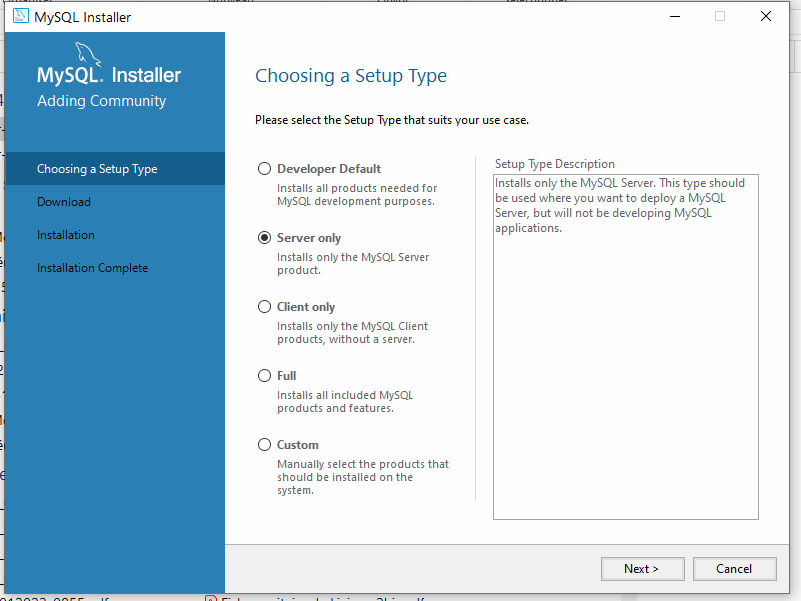
- Install in server mode
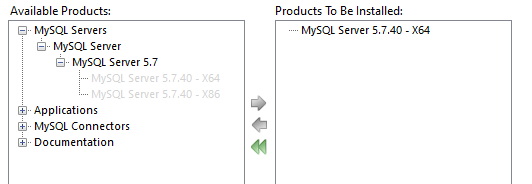
- Select MySQL Server – X64 from the list on the left to the list on the right
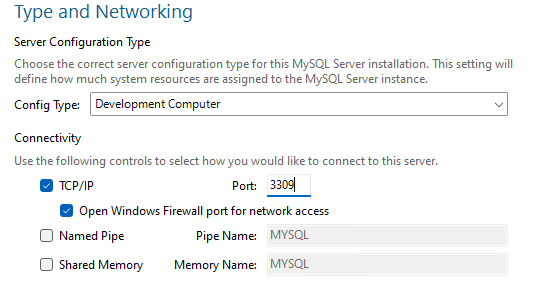
- When selecting the configuration type, leave “Development” and note the port entered that will have to be filled in when configuring Open Bee™ Data Importer
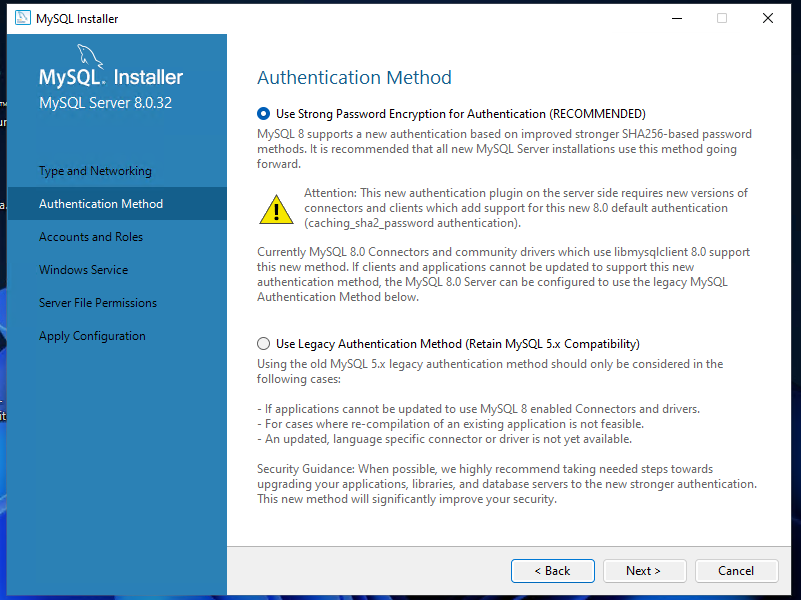
- Select the recommended authentication method
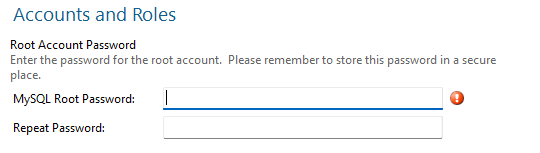
- Then enter the password which will also be entered in Open Bee™ Data Importer, then finalize the installation.
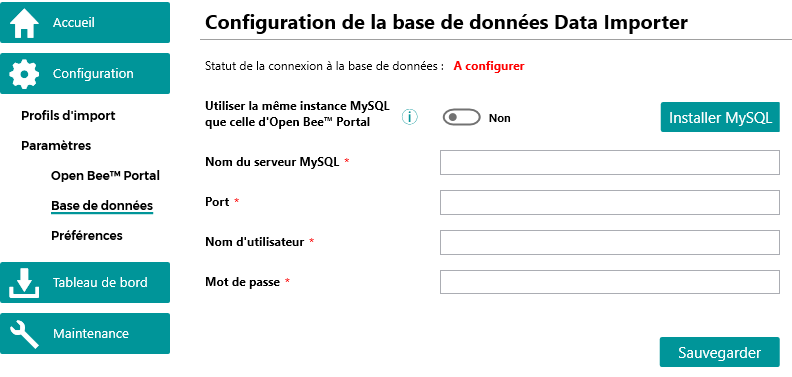
- Once the MySQL Server installation is successfully completed, finalize the configuration in the Open Bee™ Data Importer application.
- MySQL Server Name is 127.0.0.1
- The default port is 3306 (unless it was changed during installation)
- The Username is root
- The Password is the one entered during the installation
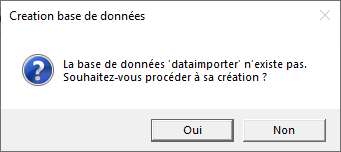
When saving the configuration, a message is displayed to automatically create the database, click on “Yes”.