After configuring Open Bee™ Data Importer via the Settings menu, the creation of imports is available from the Configuration screen > Import Profiles.
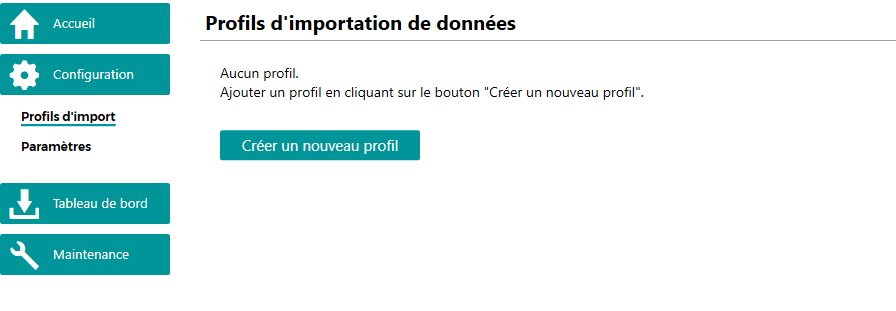
In this screen, all the import profiles created are displayed.
Creating an import starts by clicking on the “Create a new profile” button.
A configuration wizard is then available to proceed with the creation according to the type of import to be created:
- Generic XML, CSV or JSON import
- Import to classification areas
- Importing documents to Open Bee™ Portal
- Downloading documents from Open Bee™ Portal
- Document synchronization
- Documalis (You can contact your sales representative for more information on this)