This screen allows you to add the email accounts that will be processed by the Open Bee™ eMail Capture application.
The “Mailboxes” tab allows you to fill in one or more mailboxes. This topic explains how to set up an email account.
Click on “Configuration-Messageries>” and then on the “New” button:
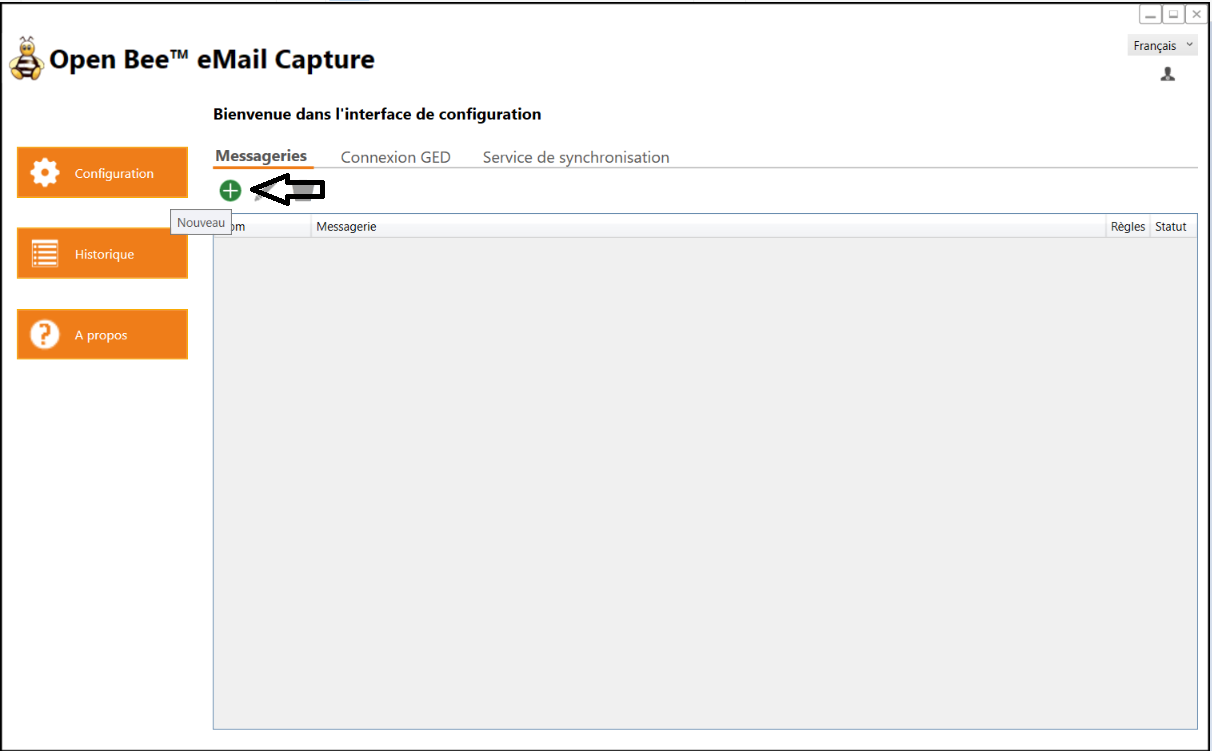
A new configuration interface containing 2 tabs is displayed: