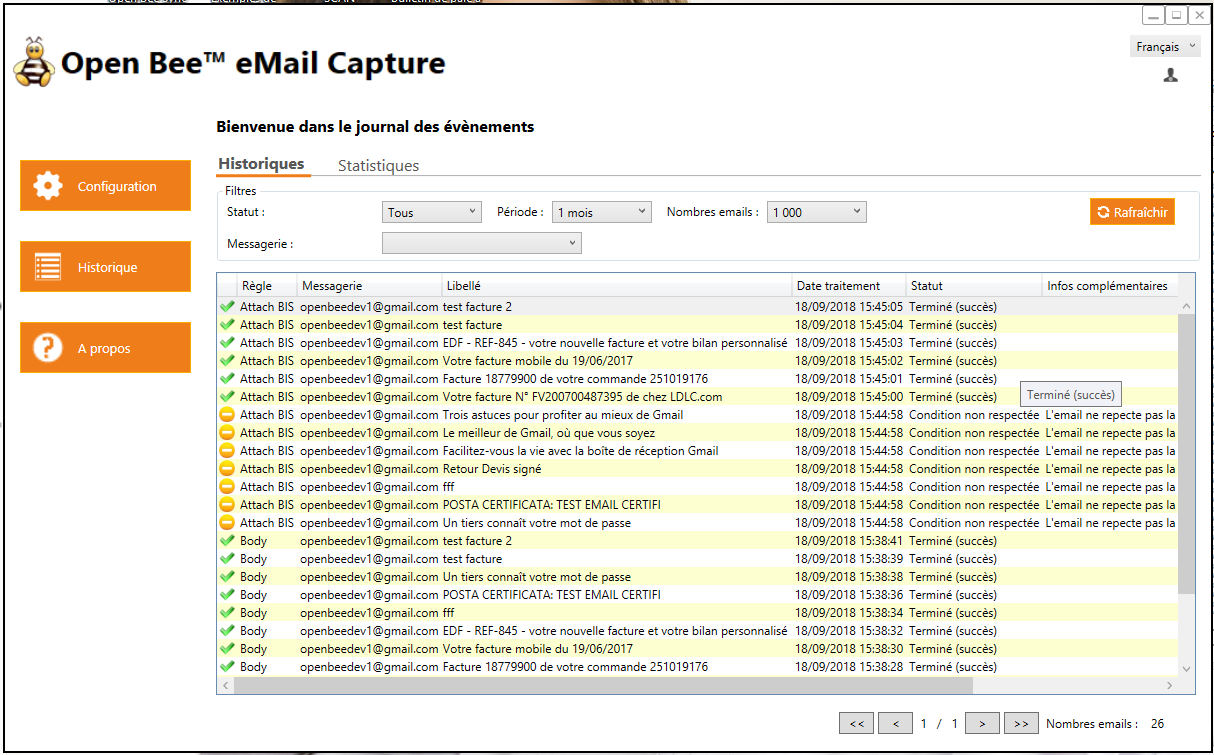
How to quickly re-run email sync with emailCapture during a demo
Context:
You have performed a first demonstration of email recovery and you want for some reason to re-run this synchronization another time.
From the moment emails have been processed for a rule, they will never be reprocessed again. There is no possibility to “reset” the processing of the rule
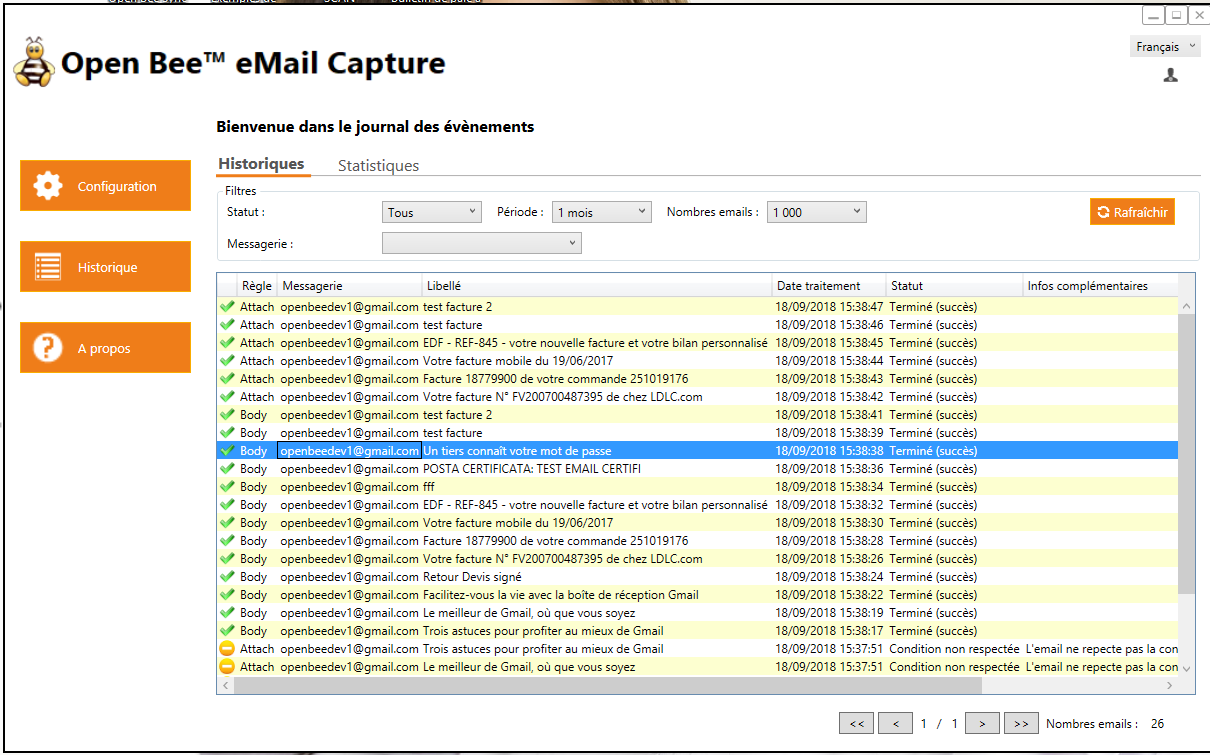
Here’s what you need to do:
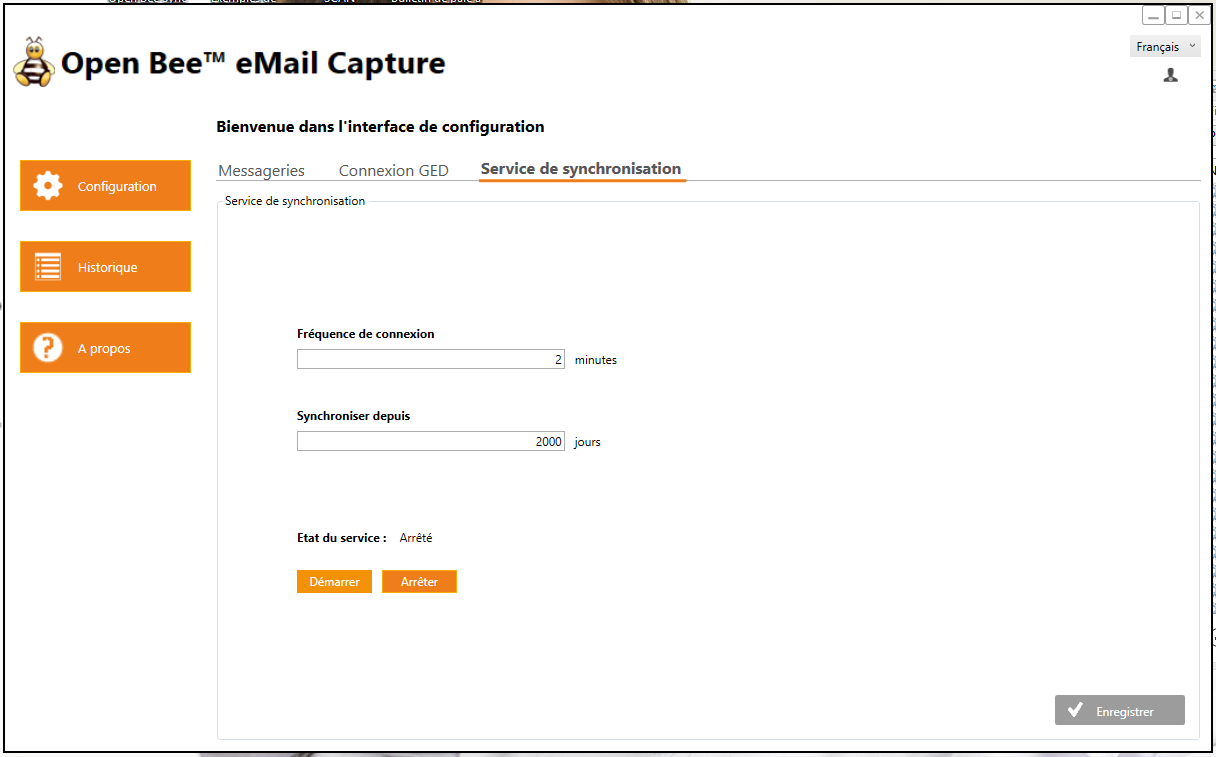
- Stop the running service. The demonstration will seem clearer.
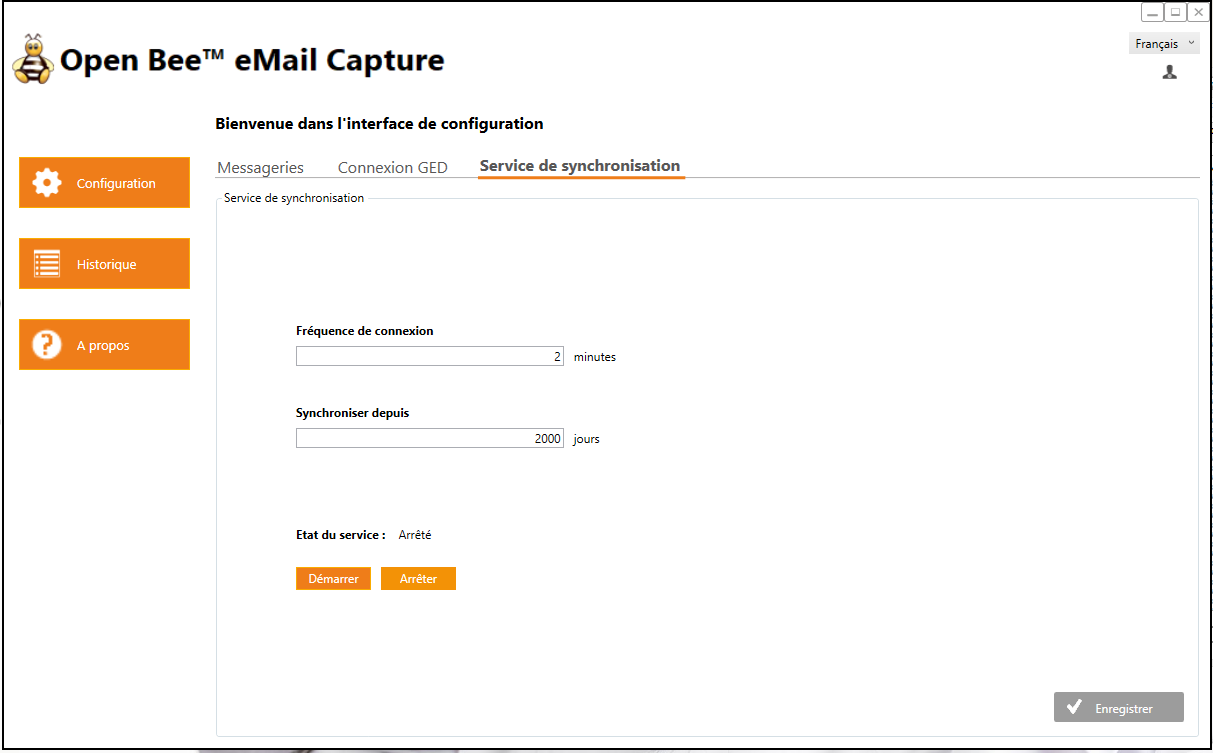
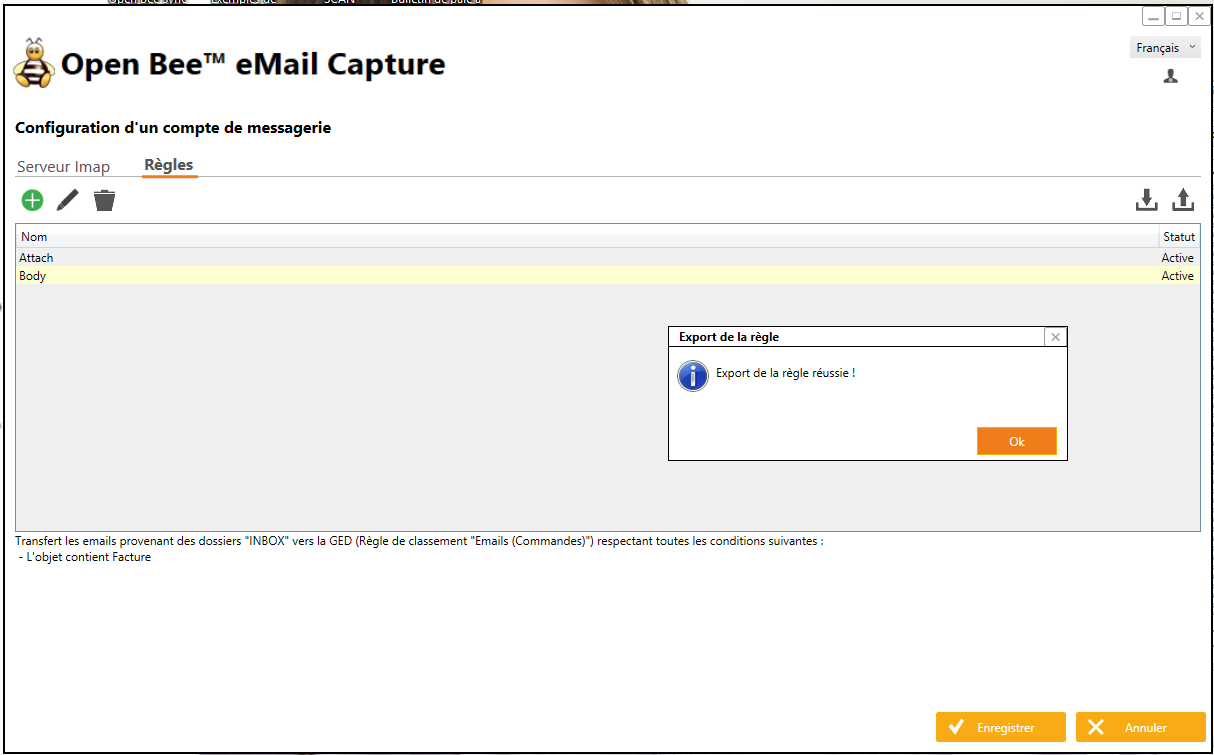
- Export the rule you want to re-run via the export button at the top right of the interface listing the rules
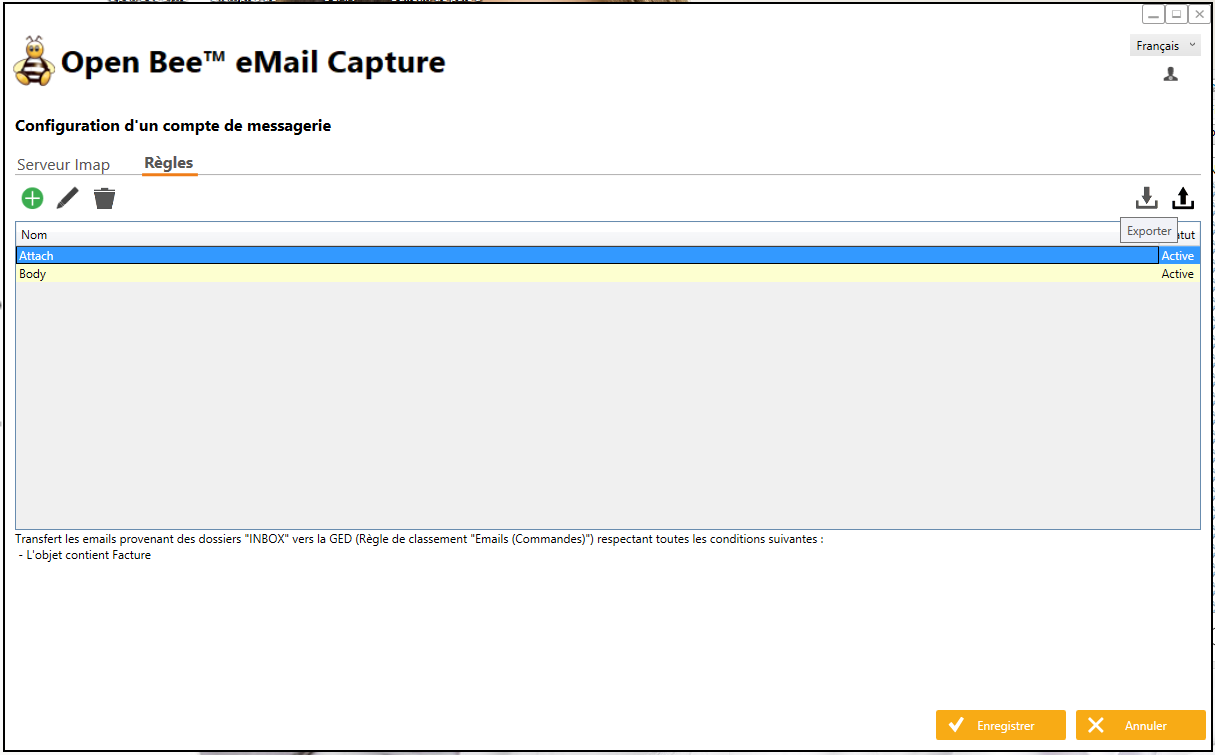
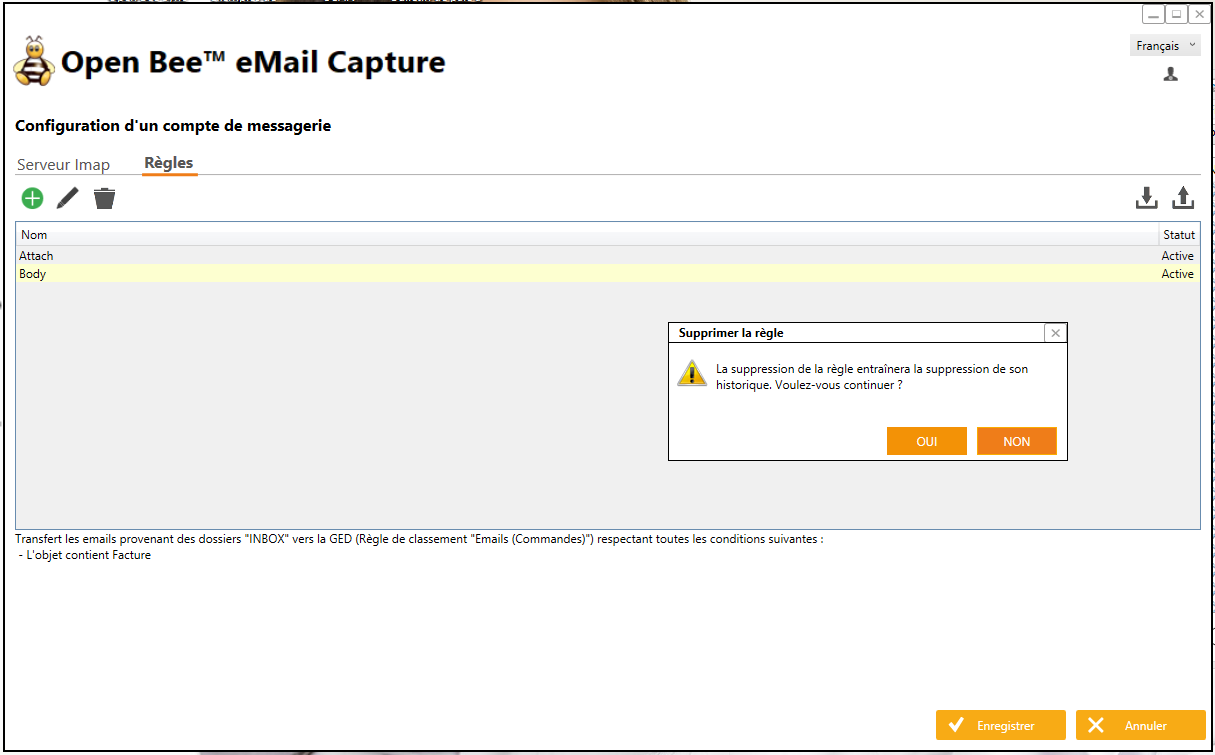
- Remove the “obsolete” rule. All processing history associated with this rule will be deleted. This will no longer result in the history of the processing performed.
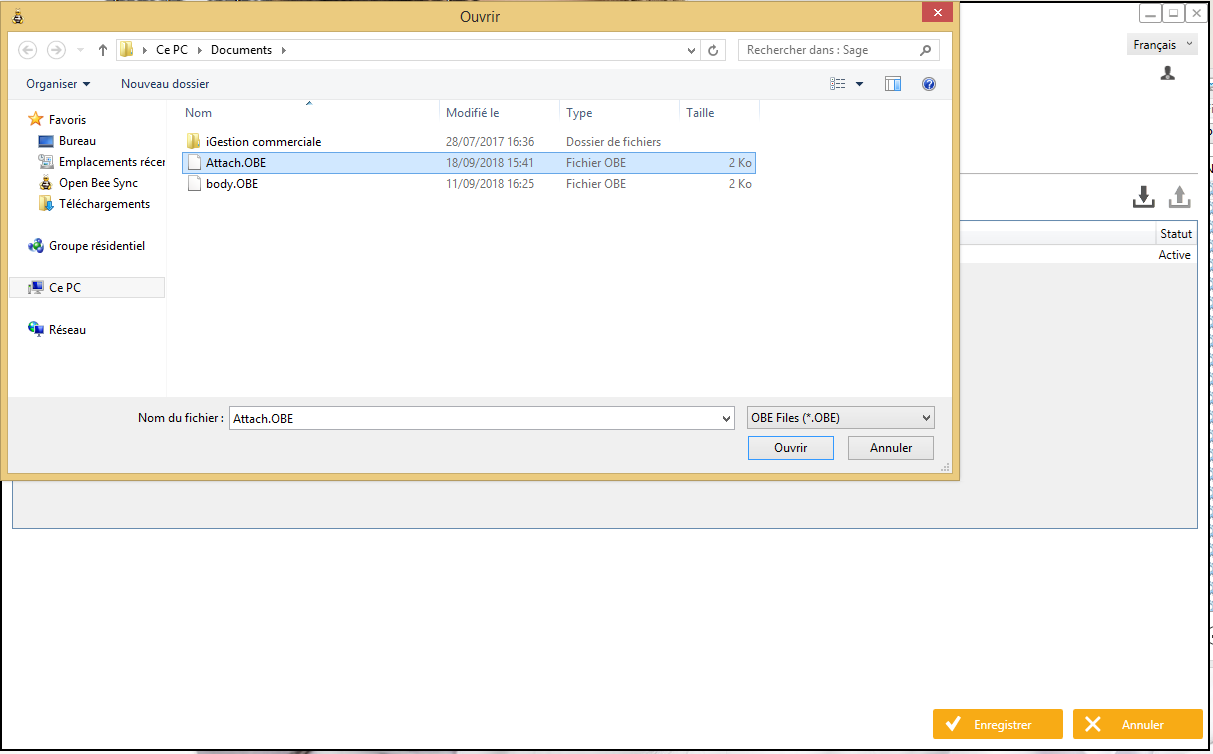
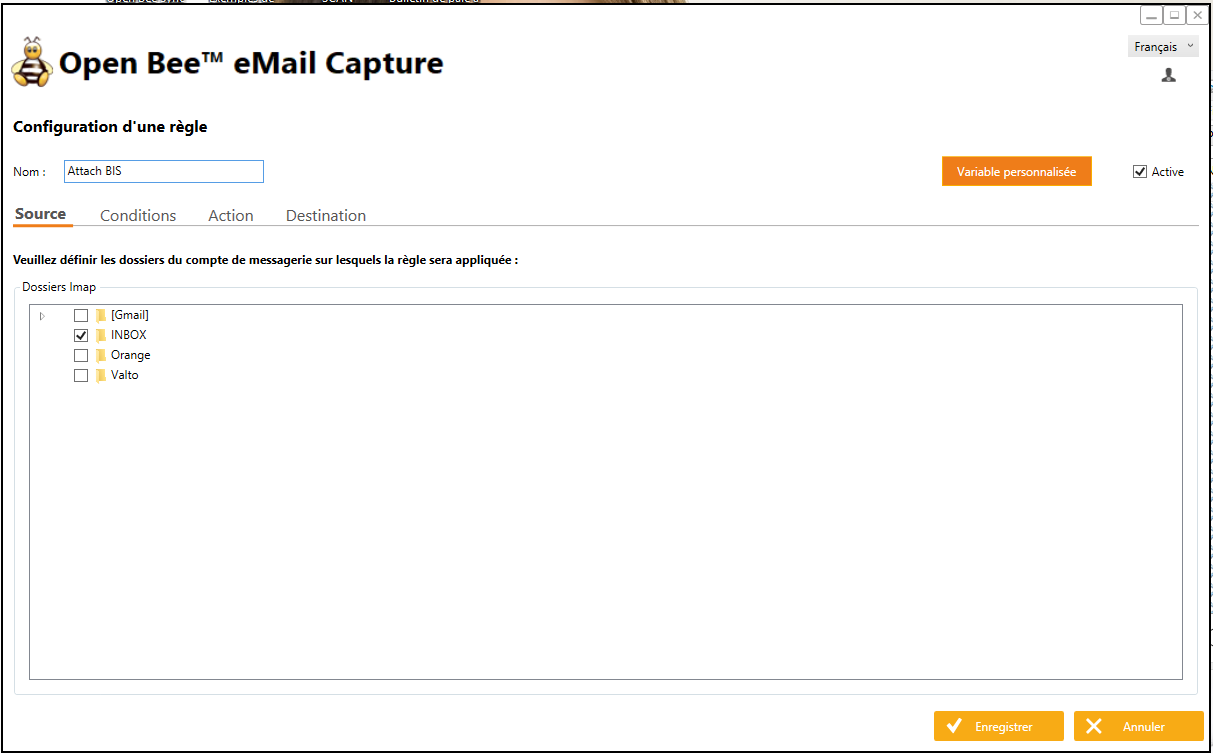
- Import the rule from the directory selected in step 2. You can then modify the imported rule to optionally change its name or one of its characteristics.
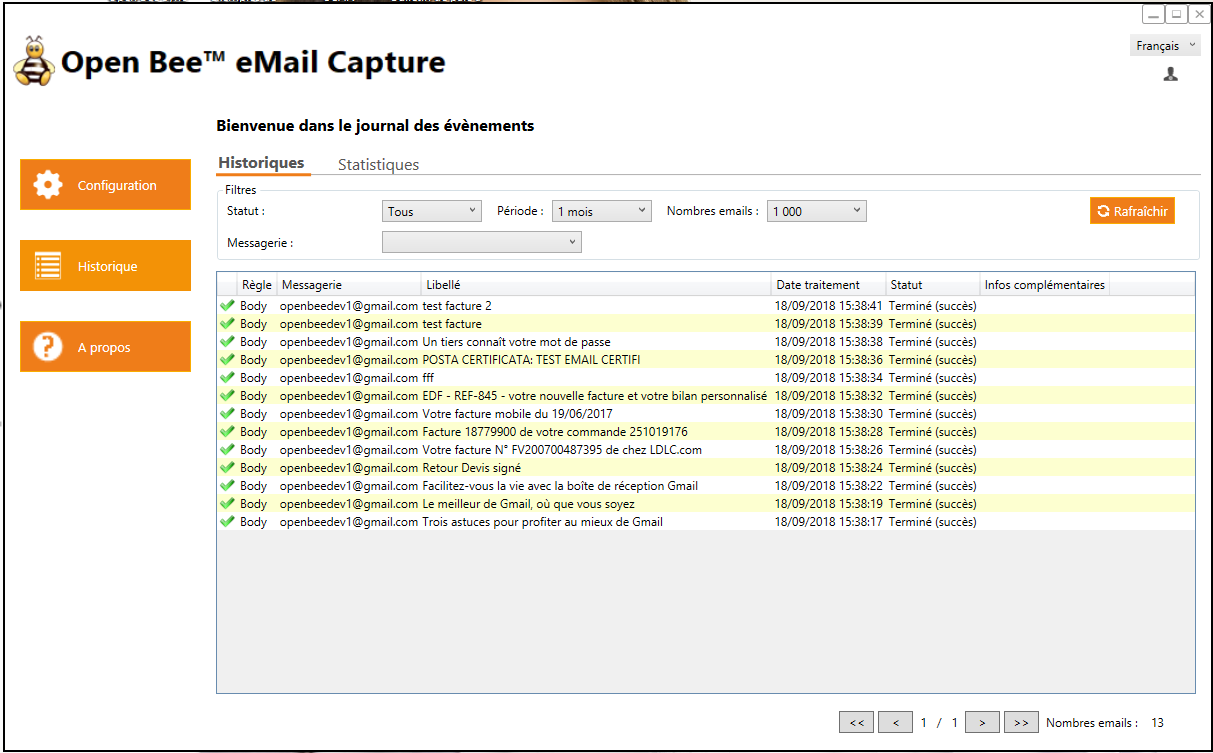
- You can see in the history that emails processed on behalf of the rule you just deleted no longer appear.
- You can now restart the service.
- The emails have been reprocessed !