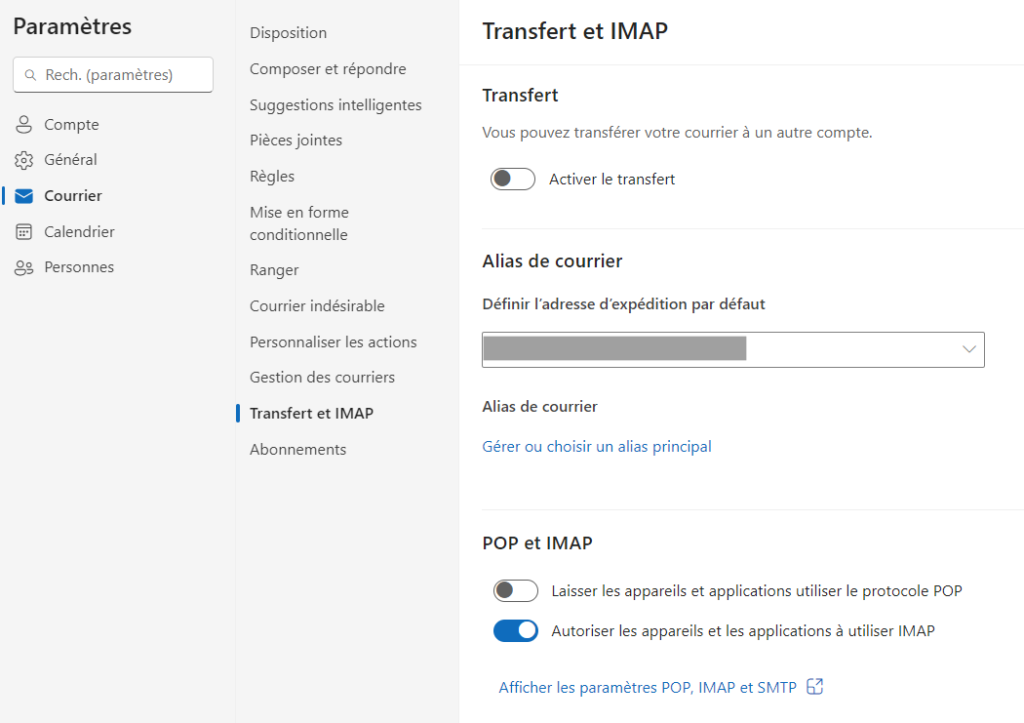
To use Email Capture with an Outlook account, IMAP login must first be enabled.
Follow the procedure on Microsoft’s page
- Select Mail forwarding> and IMAP settings>.
- Under POP and IMAP, toggle the slider to Allow devices and apps to use POP or Allow devices and apps to use IMAP to ON depending on the account you’re enabling.
- Select Save.