The Open Bee™ Sync installer will guide you – screen by screen – through the steps to install the software.
Before installing Open Bee™ Sync :
- Close any active applications, especially anti-virus software.
- Log in as an administrator on your workstation
|
Description |
Illustration |
|
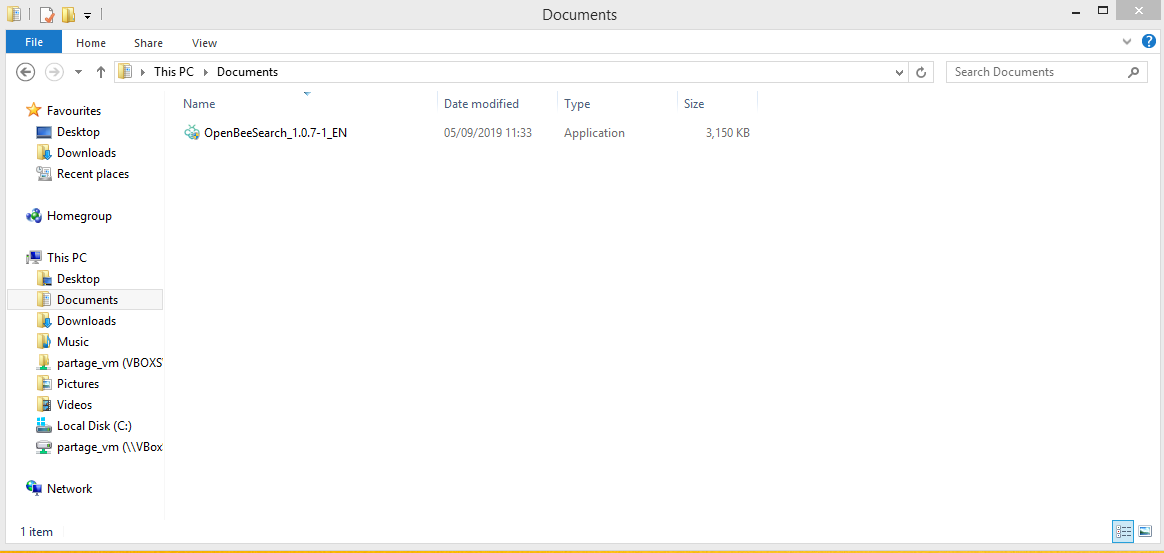 |
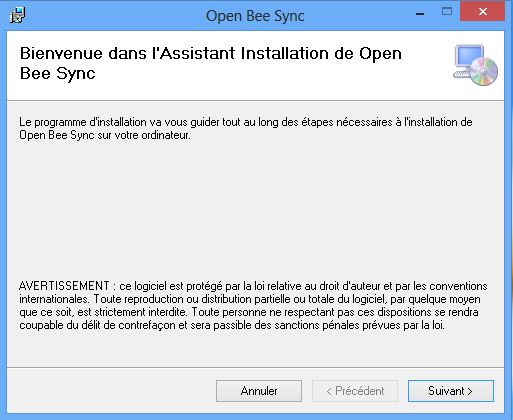
| 2. The welcome page will be displayed. Click “ Next “ |
 |
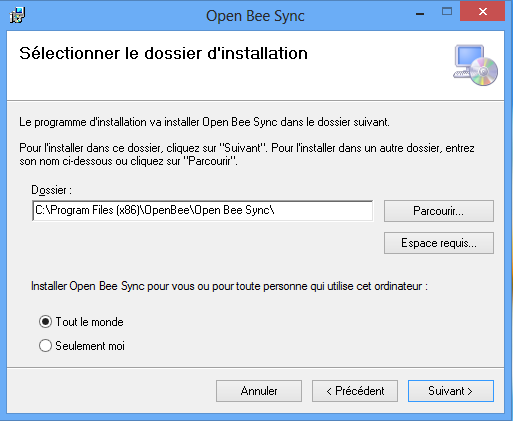
| 3. Select the location where you want to install the software by clicking “Browse…”
4. Click “ |
 |
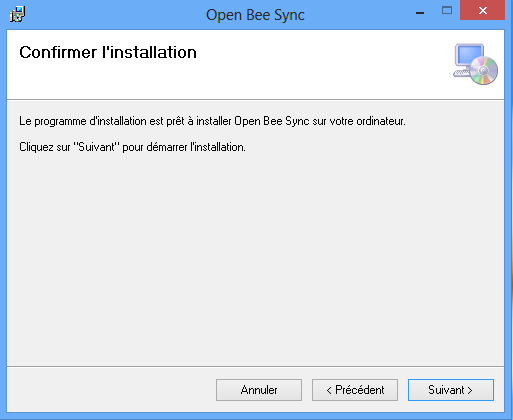
| 5. A confirmation page will appear. Click “ Next ” to begin the installation.
|
 |
| 6. Wait for installation. | 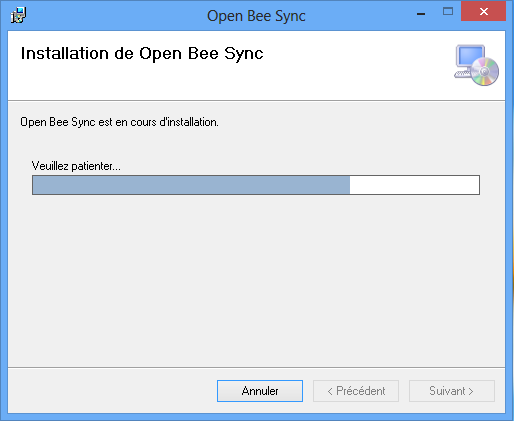 |
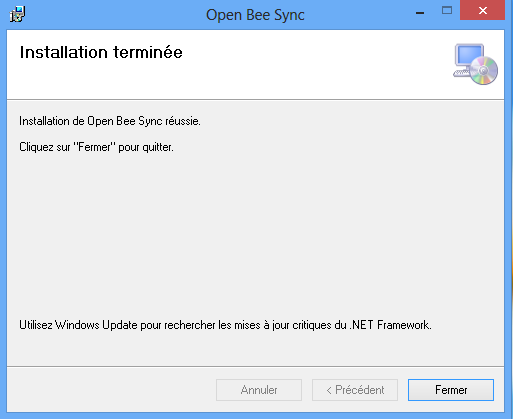
| 7. The installation is complete. Click on “ Close “ |
 |
| 8. A shortcut appears on the desktop and in your “Start” menu (if you have Windows 7 and below) or in your “Home” menu if you have Windows 8.
9. Double-click this shortcut to start the software. |
 |