Configure application security
It’s always a good idea to protect access to your app from unauthorized use. You can use a PIN code to do this. Below are the steps to follow to configure these security features.
- From the Security interface, click on the “PIN CODE” button
- Another interface opens asking you to set a 4-digit PIN code
- Re-enter your PIN



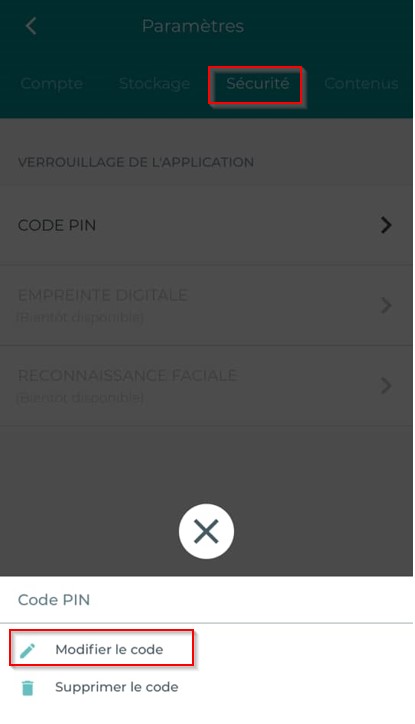
Changing the PIN code
To change your app’s PIN:
- Press the Menu
 button on the home screen.
 - Tap Settings

- Tap on the security section
- Tap Edit Code
- Enter and confirm your PIN
Removing the PIN code
To remove your app’s PIN:
Press the Menu  button on the home screen.
Tap Settings
Tap on the security section
Tap Remove Code