This section allows you to configure the categories of personal expenses.
When the module is installed, the most commonly used categories are automatically added.
It is possible to add new categories and disable the default categories.
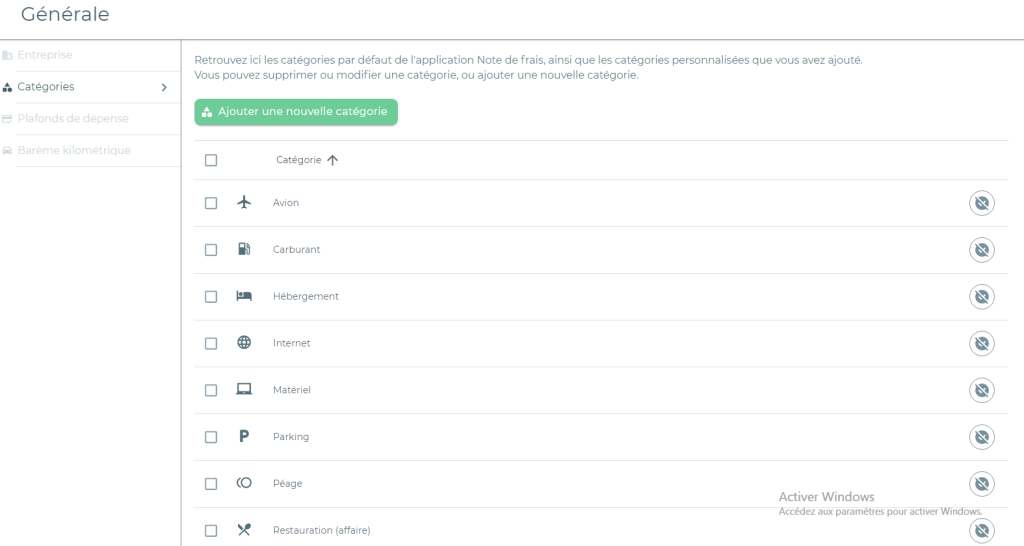
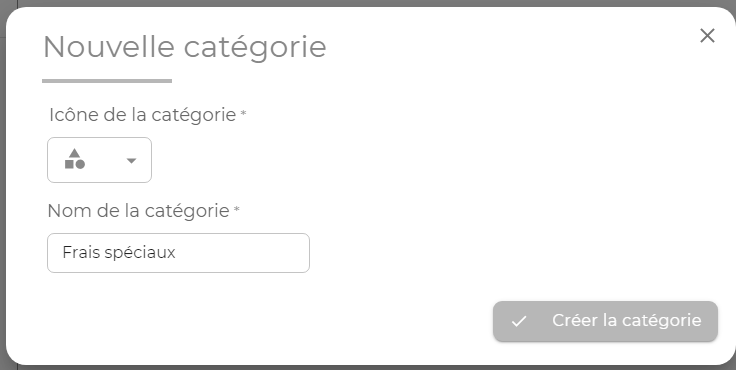
Creating a new category
If the company’s internal organization requires categories that are complementary to the categories imported by default, click on the “Add new category” button to create custom categories.
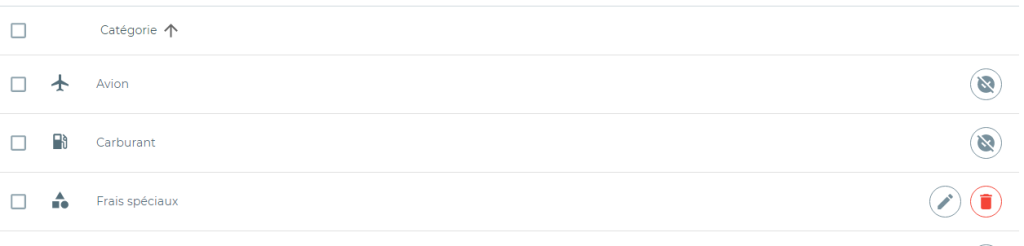
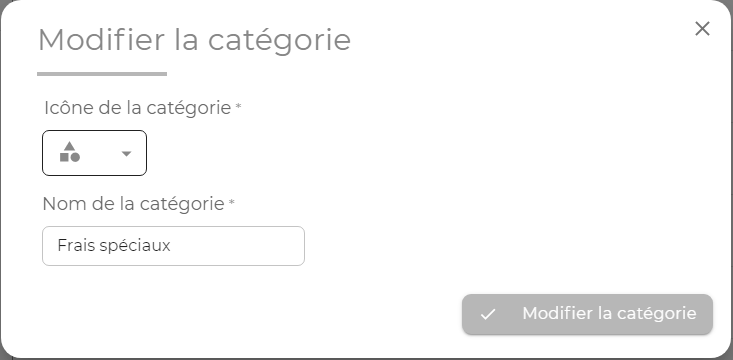
Editing a category
It is possible to modify a custom category, change its name and icon by clicking on the pen button.
Deactivating and deleting a category
Categories that were originally uploaded cannot be deleted. However, they can be deactivated by clicking on the following icon:

Once deactivated, the category will no longer be visible to all users of the Expense Reports module. This allows categories that were originally imported and will never be used can be hidden.
Custom categories can be deleted by clicking on the following icon:

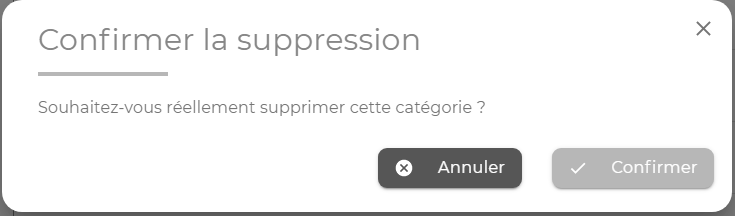
Please note : once associated with an expense, a custom category can no longer be deleted
