This section allows you to configure the limits for business expenses.
When the module is initialized, no spending limit is configured. Imposing limits on expense reports helps provide clarity on what is an acceptable expense.
When a spending limit is set on a category, the amount to be reimbursed for future expenses created on that category will automatically be limited to that limit if the expense amount exceeds the limit.
At any time, the employee may exceed the ceiling. An overrun is an exception and requires an explanation of the reason for the overrun. This will then have to be approved in the validation circuit (Workflow).
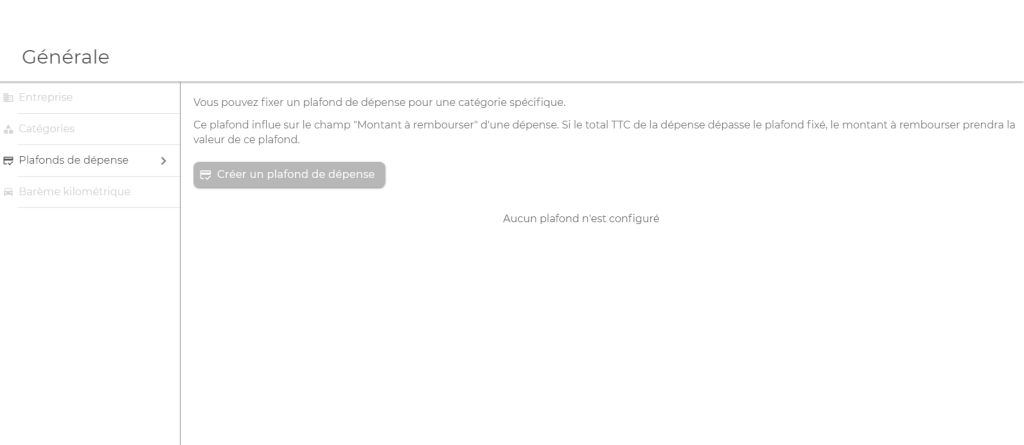
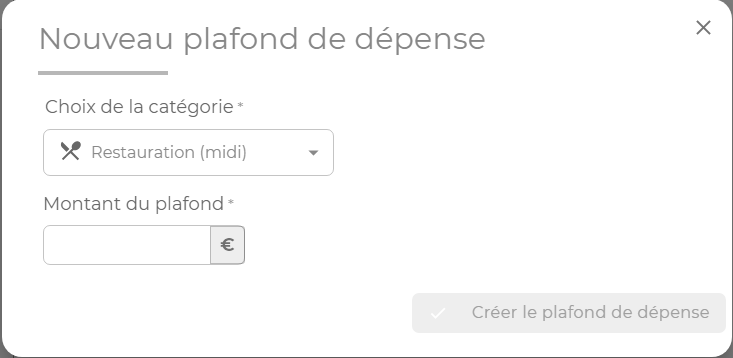
Creation of a spending limit
To create a spending limit, simply select the category and enter the amount of the limit, including VAT.
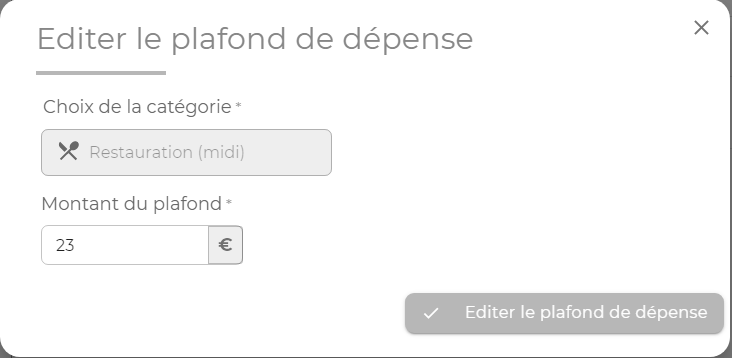
Changing a spending limit
It is possible to modify the amount of the ceiling positioned on a category
Please note : In the case of creation or modification, the ceiling will only be taken into account on future expenses. A change in the ceiling of a category does not lead to the recalculation of the amount to be reimbursed for expenses already created and not yet validated.
Deactivating and removing a spending limit
Caps can be temporarily disabled by clicking on the following icon:

Once deactivated, there will no longer be a cap on future expenses created from this category.
Spending limits can also be removed by clicking on the following icon:

Please note : If expenses have been created from this category, the amounts to be reimbursed will not be automatically recalculated. However, the user will be able to modify his unvalidated expenses.