From this interface, it is possible to activate the validation circuit in the Expense Reports module.
Once activated, expense reports can be sent to an Open Bee™ Portal workflow when sent for validation.
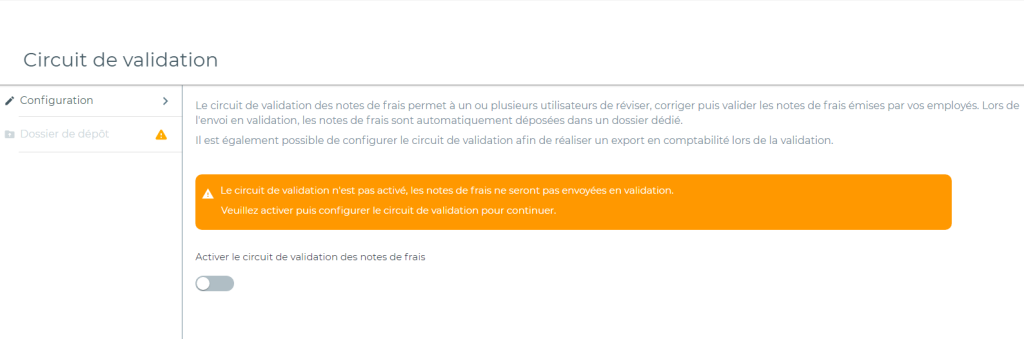
Activating the validation circuit
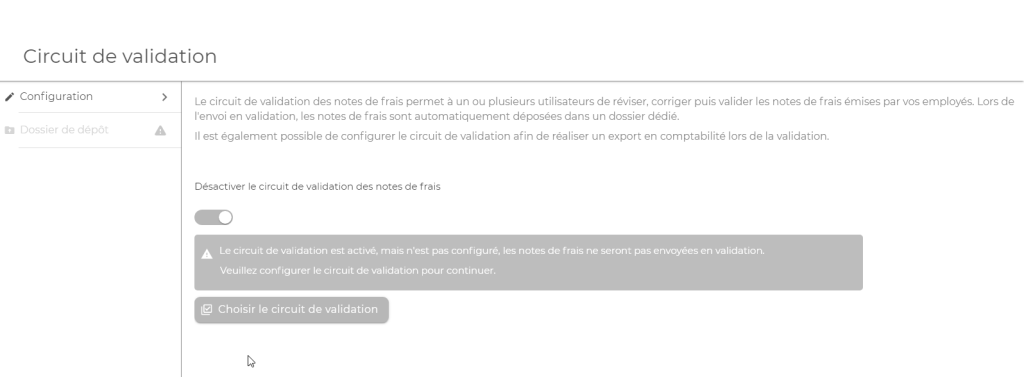
By activating the validation circuit, the administrator must then choose the workflow that will be triggered when the expense reports are sent for validation
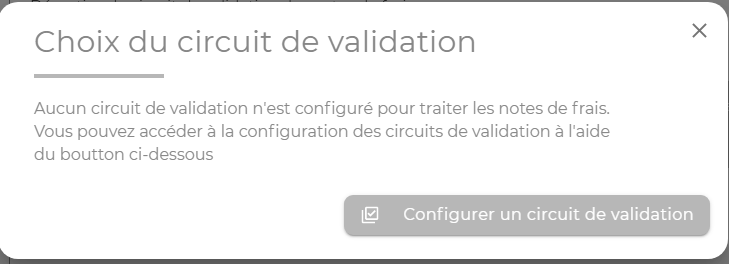
If no workflow exists on the Expense Report filing rule, Open Bee™ Portal redirects the administrator to the workflow configuration screen. More details on how to set up workflows here.
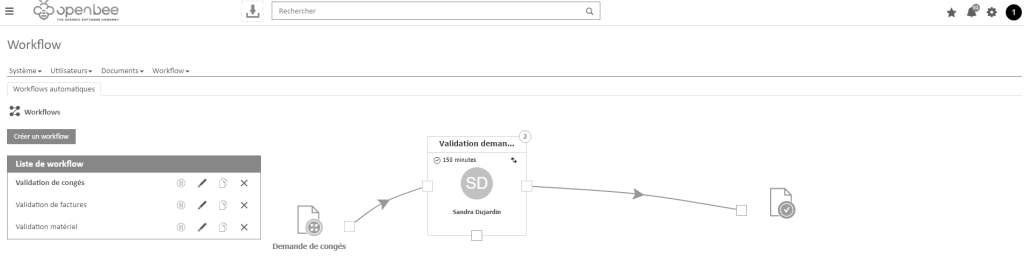
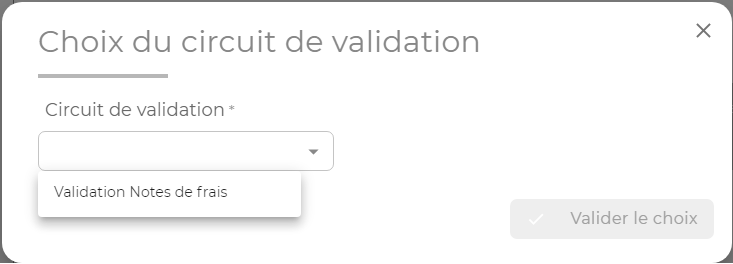
When one or more workflows exist on the Expense Report classification rule, the activation of the validation circuit can be finalized by choosing the desired workflow for the validation.