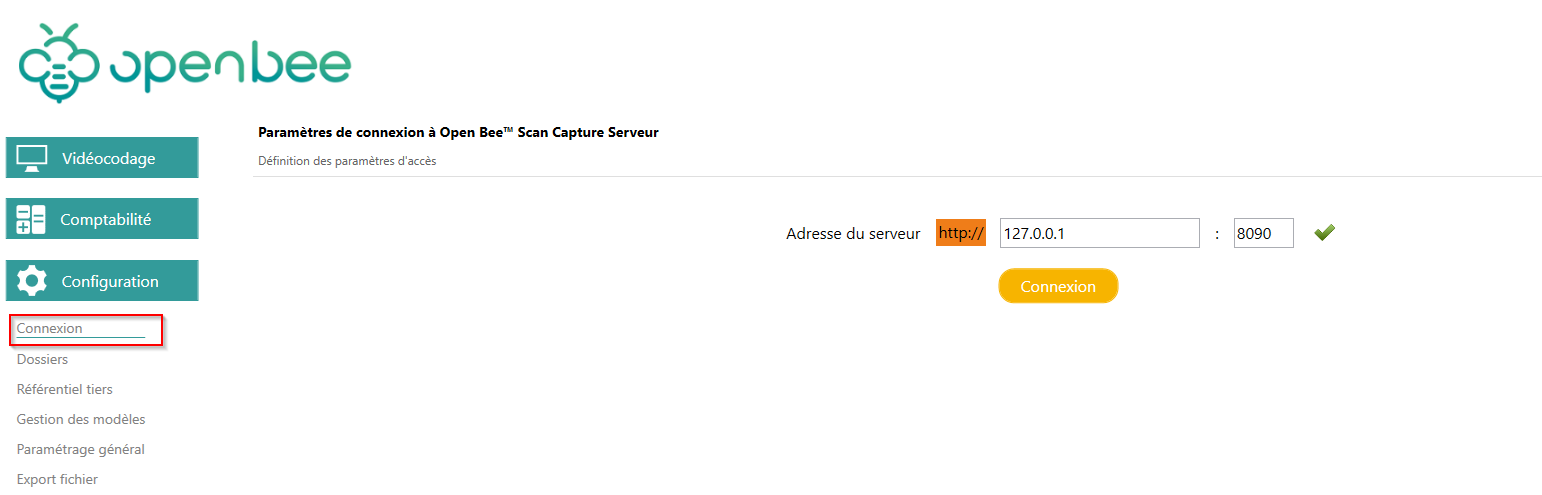
Launch the software, double-click on the shortcut:
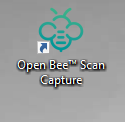
By default, the console tries to connect to Open Bee™ Scan Capture Server locally through port 8090 and the user “anonymous”.
The “anonymous” user is a pre-configured user.
This identifier is:
- Login : anonymous
- Mdp : anonymous
If the Open Bee™ Scan Capture server is located on a different machine, or configured with a different port, the software will ask you for the server address:
After entering the IP address or name of the server on which Open Bee™ Scan Capture Server is installed, click “Save“.
Note : By default, the connection port for Open Bee™ Scan Capture is always 8090.
As soon as Open Bee™ Scan Capture Console has successfully communicated with Open Bee™ Scan Capture Server, the login window will appear and prompt you to log in.
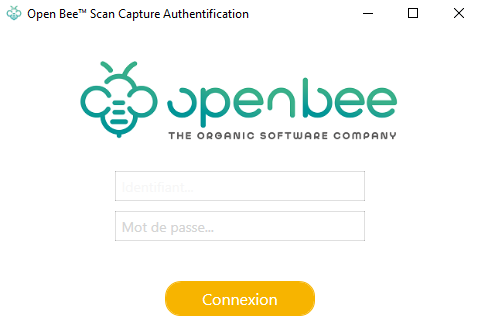
You can change the connection settings at any time, by going to the “Configuration” tab, then “Connection“: