Cette version de Open Bee Scan Capture inclut la nouvelle version de MongoDB or celle-ci nécessite la présence du package “Redistribuable Visual C++ 2015”.
Before starting the installation or update to this version, please check the presence of this package on your machine. If you don’t have it installed, you can download it from the following address:
https://www.microsoft.com/fr-fr/download/details.aspx?id=48145
Once the download is complete, start installing the package. If this fails, please check that your system is not waiting for an update. If this is the case, please update before starting the installation.
The Open Bee™ Scan Capture Server installer will guide you – screen by screen – through the software installation steps.
Before you install Open Bee™ Scan Capture Server:
- Fermez toutes applications actives, en particulier les logiciels anti-virus.
- Identifiez-vous en tant qu’administrateur sur le poste de travail
- Vérifier la présence de Java 17 64bit (minimum)
| Description | Illustration |
| Double-click “Open Bee™ Scan Capture Server-X_x.x.x.x” to run the installer. |  |
| 2. Select the installation language | 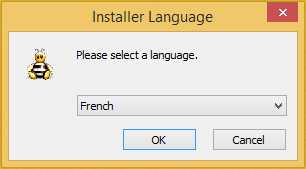 |
| 3. The welcome page will be displayed. Click “Next“ | 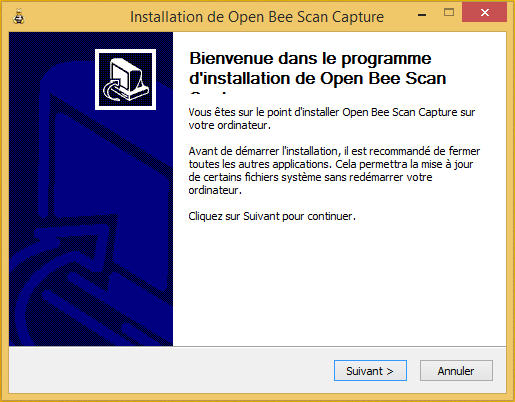 |
| 4. Click on the “I accept the terms of the license” checkbox to validate the terms and conditions of use and then click on “Next“ | 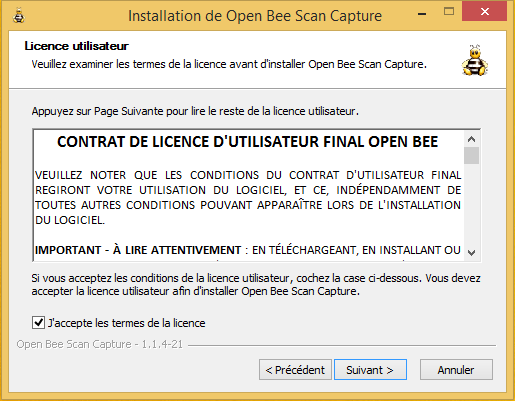 |
| 5. Select the location where you want to install the software by clicking “Browse…” Click “Install” once the location has been chosen. | 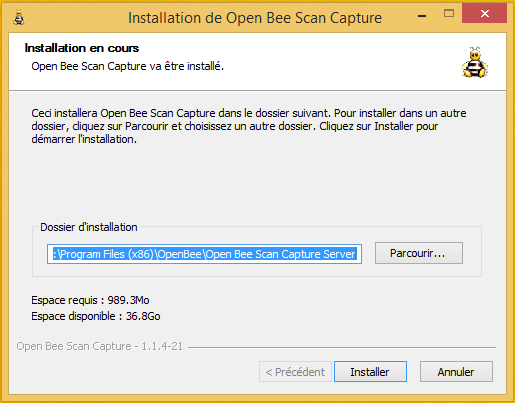 |
| 7. The installation is complete. Click “Close“ | 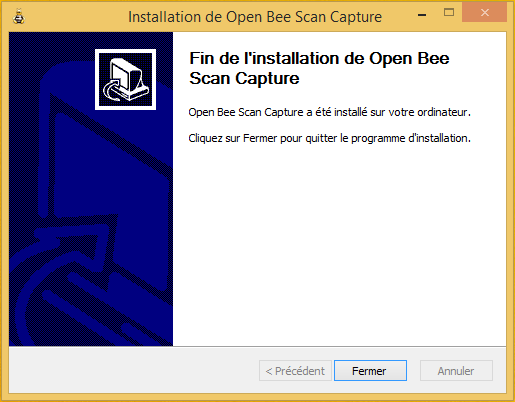 |