Ranking
Open Bee™ Scan Capture also needs a filing rule that will be used to file the documents. It is necessary to assign a rule to each type of document that will be sent to the Open Bee™ Portal EDM.

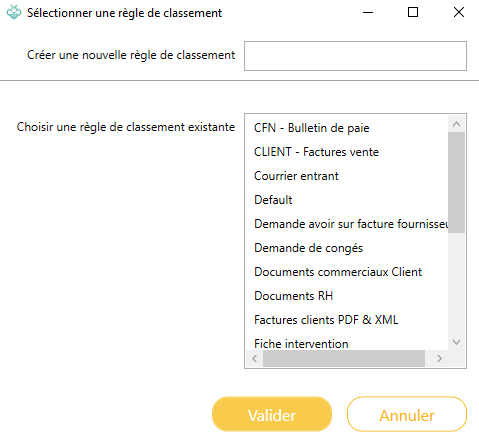
Clicking on the “Edit” button will open a window. This allows you to:
- Create a new rule
- Choose one from the rules that already exist in your GOL.
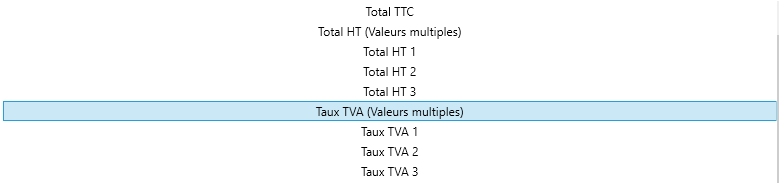
On each binding, only indexes of a compatible type will be displayed. Because EDM does not support compound indexes, component indexes for item lines are not offered. On the other hand, indexes within groups are visible as multiple duplicated indexes by their maximum number of group iterations :
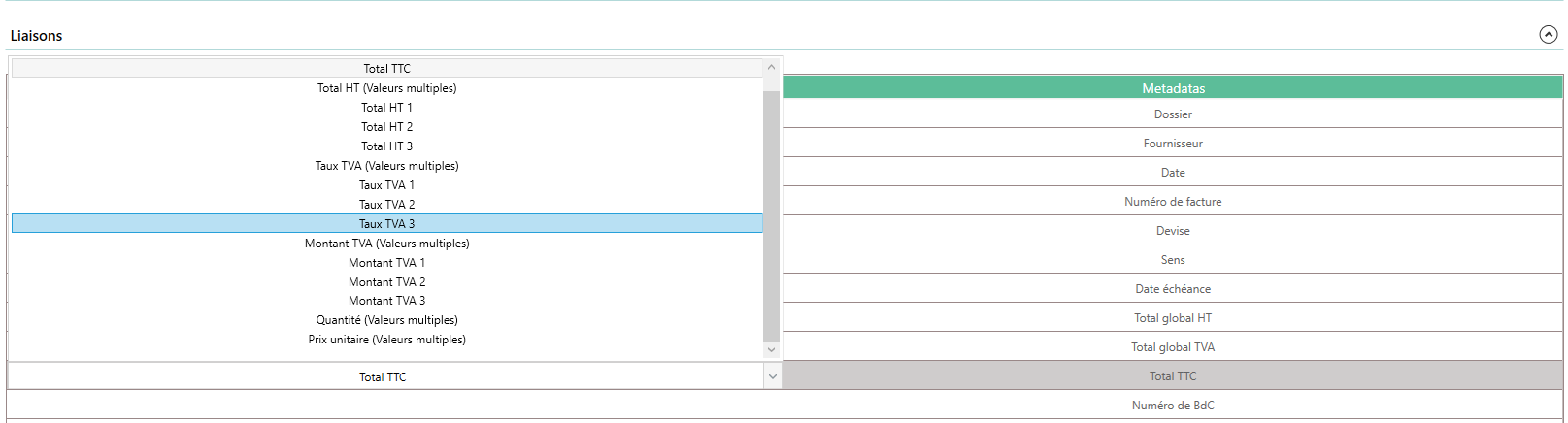
Multiple metadata
Open Bee™ Portal offers multiple metadata, which can accept multiple values.
This information can be filled in in two ways: manually, or through a group index.
Manually
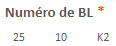
It is possible to link an Open Bee™ Portal metadata with a text-type index of Open Bee™ Scan Capture, and enter the values in this index, separating them with “;”.

Group Index
When an index is included in a group, it can be used as multiple values in the configuration page of the Open Bee™ Portal. Open Bee™ Scan Capture It then gathers the different values from each group iteration and sends them to Open Bee™ Portal when the document is classified.