Starting with Open Bee™ Scan Capture 3.2.4, a check validates that the version of the JVM (Java virtual machine) installed on the Open Bee Scan Capture server is 64-bit.
If you get this error message, it means that the JVM of your Open Bee™ Scan Capture server is not 64-bit:
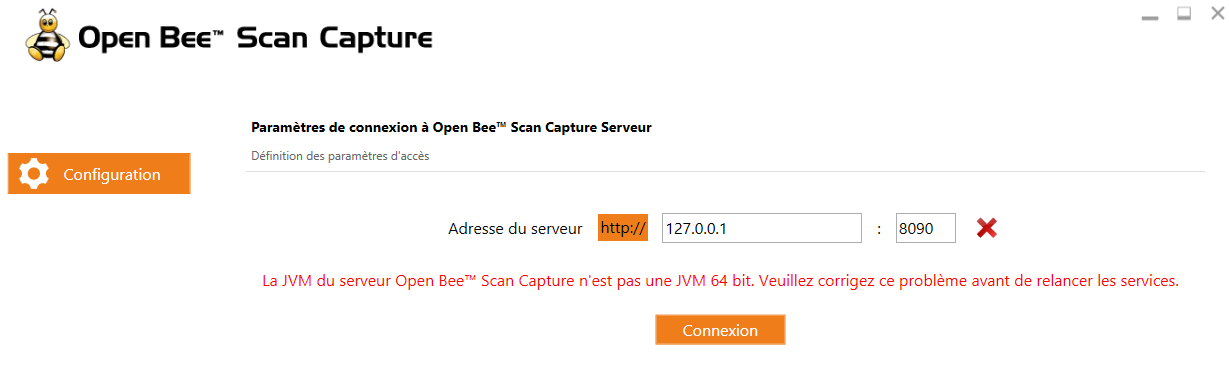
To remedy this, here are the steps to perform:
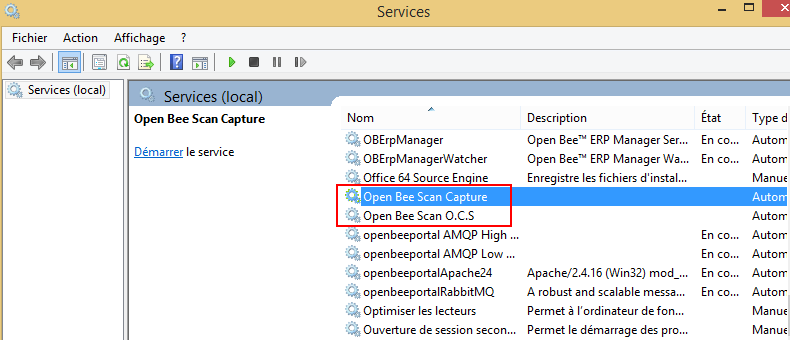
- Stop Open Bee™ Scan Capture and Open BeeOCS services (if this component is installed on the same server):
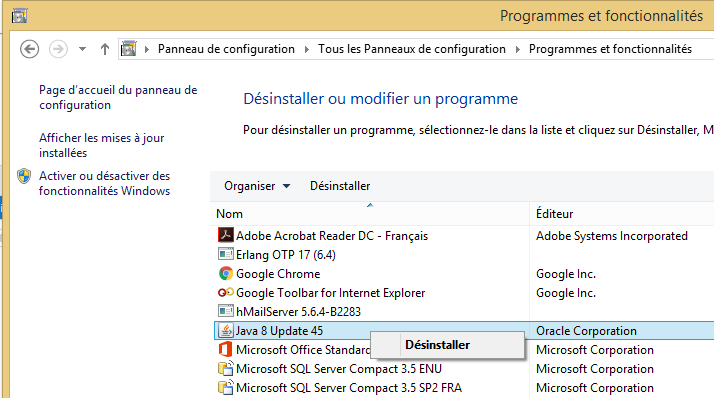
- Uninstall the 32-bit Java version on the Open Bee™ Scan Capture server:
- Install Java 8 – 64 bits. We recommend RedHat’s OpenJDK implementation:http://download.myopenbee.com/software/openjdk/
- Restart the Open Bee™ Scan Capture and Open BeeOCS services (if this component is installed on the same server):
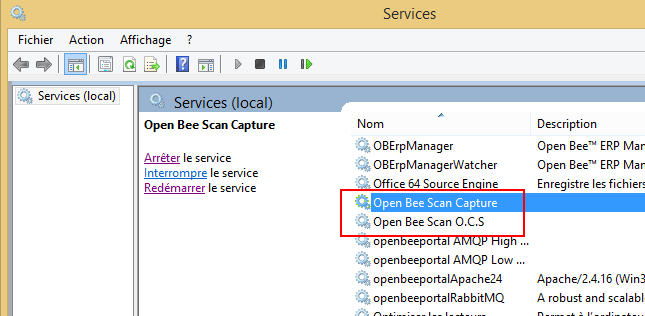
- Relaunch the Open Bee™ Scan Capture