This feature provides the ability to search documents and folders.
From any page, you have access to a search frame, giving you two ways to search for documents.

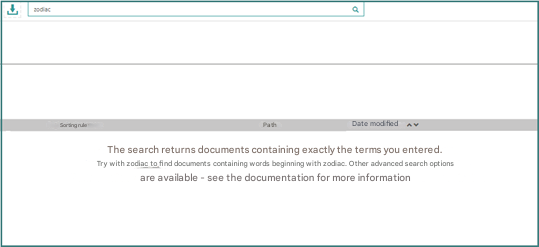
You can search directly by entering a value in this field. You can also click on the “magnifying glass” to the right of this field to display the search page.
In both cases, you will be redirected to the search screen that integrates both the results and the search criteria.