This area contains a list of available stamps that can be applied to a document as part of a workflow.
Click on “Administration” “Stamps“.
A list of existing stamps is displayed.
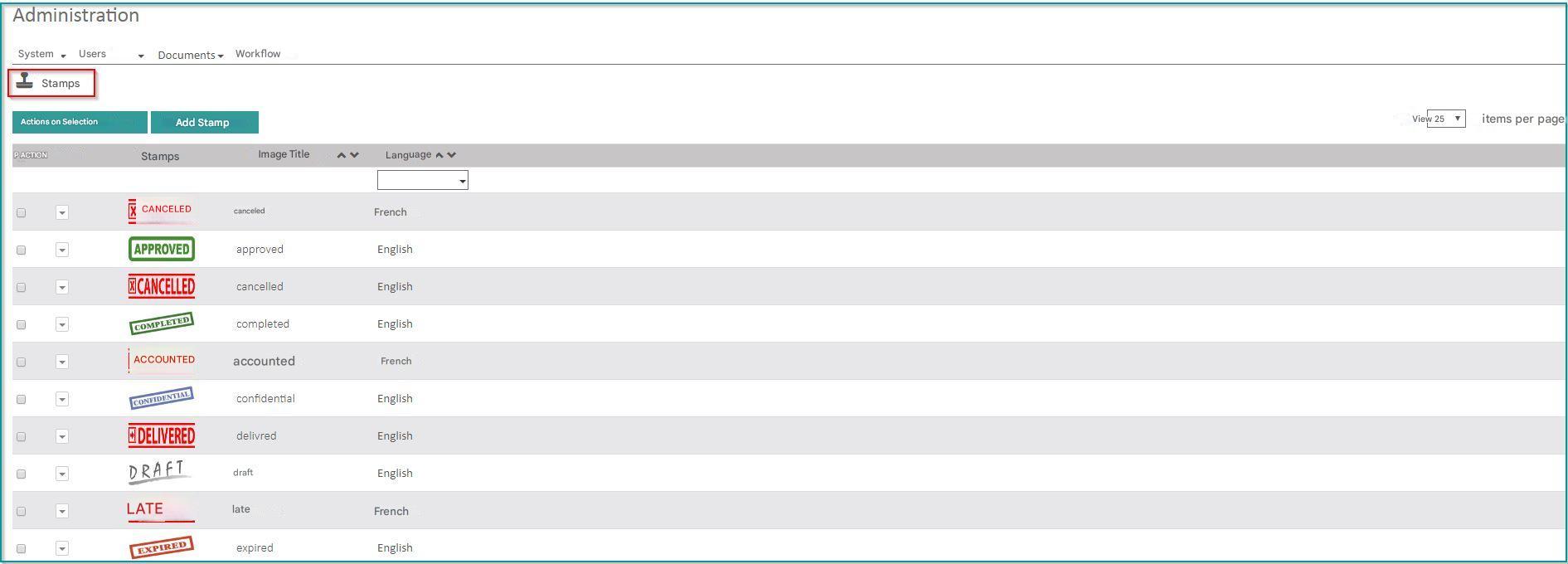
You can add a stamp using the “Add Stamp” button
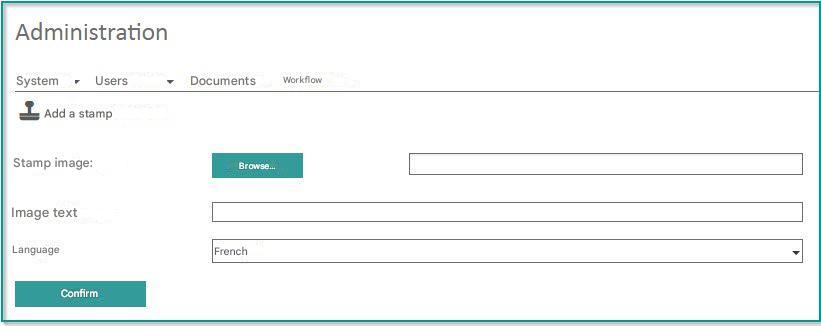
- Stamp Image: Select an image in the .PNG format present on your computer.
- Image Text: Enter a label for the stamp. It is only used to sort stamps alphabetically when displaying them.
- Language : Select the language in which the stamp will be available. This field allows you to offer only stamps in the user’s language.
Note
There is no limit on the size of the image. However, for optimal use, we recommend using an image that is 150 pixels wide.
It is also possible to delete a buffer using the action menu on buffers or the action menu on selection.