From the “Administration” interface, “Ranking rules“.
Edition
- Select the ranking rule (Label can be changed)
- Edit its metadata (1)
- Select the ranking rule again
- Change the dynamic ranking tree and permissions to access the ranking rule (2)
1) Modifying Metadata
- Visit the Create Metadata page
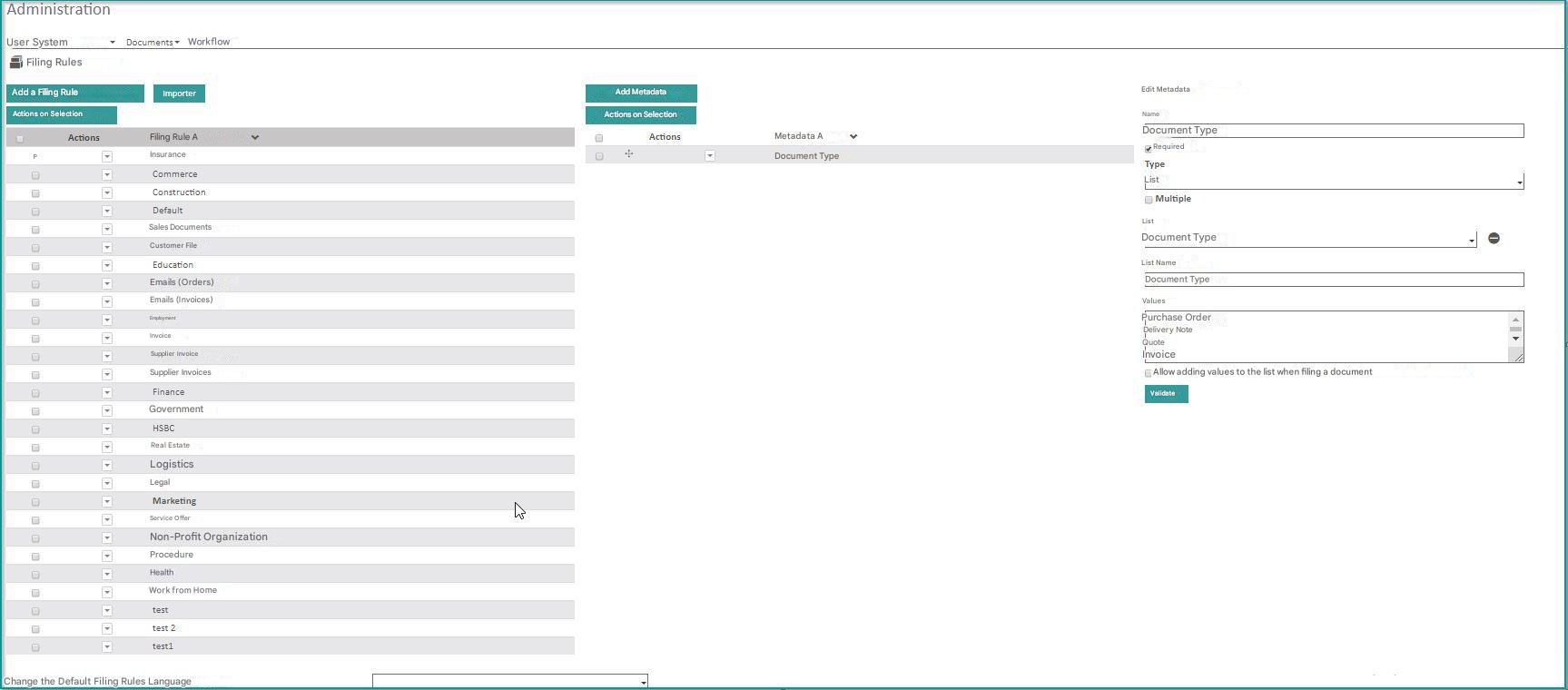
(2) Amendment of the classification rule
- Consult the Dynamic Tree page
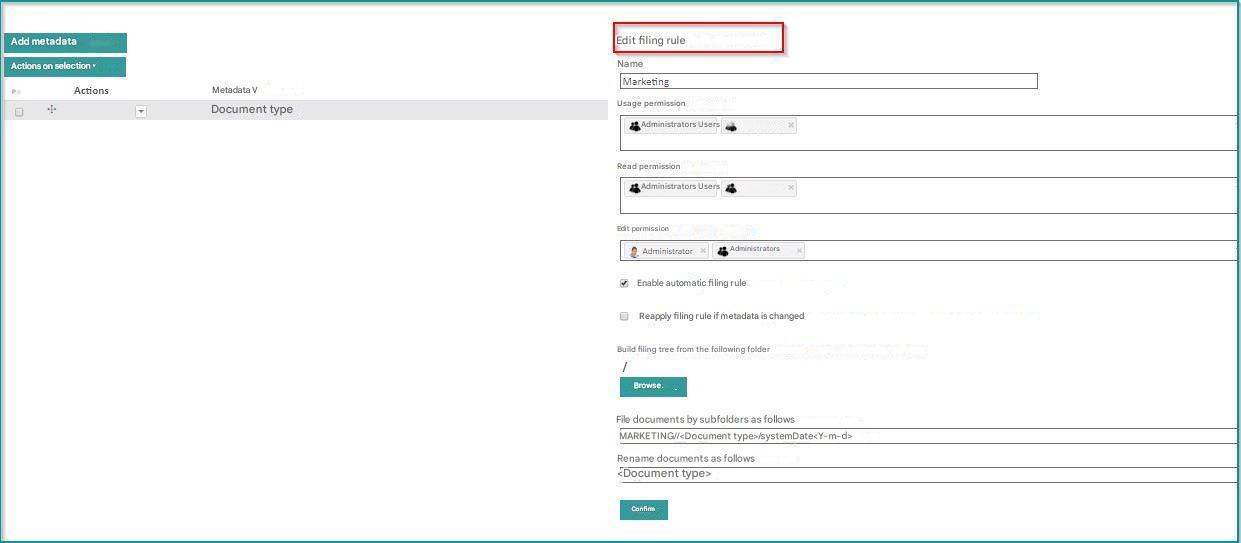
Deletion
To delete one or more ranking rules:
- Check the rule(s) you want to delete
- Click on the “Delete Selected” menu
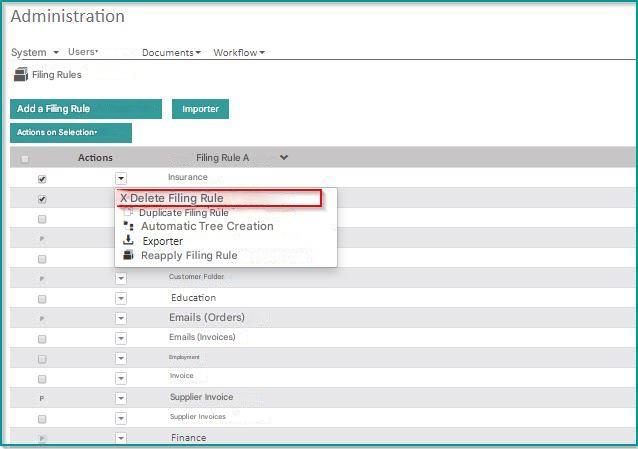
A message appears asking for confirmation of the deletion
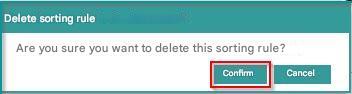
Click on “Validate”
 All associated metadata will be automatically deleted in a cascade.