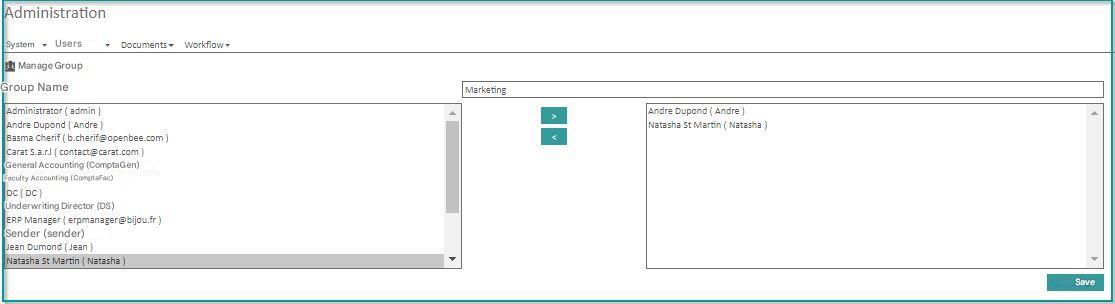
The Administrator may:
- add
- delete
- Edit User Groups.
It is essential to associate the created users with one or more groups.
Membership in a group will define user roles and permissions.
Click on “Groups”, from “Administration” “Groups”
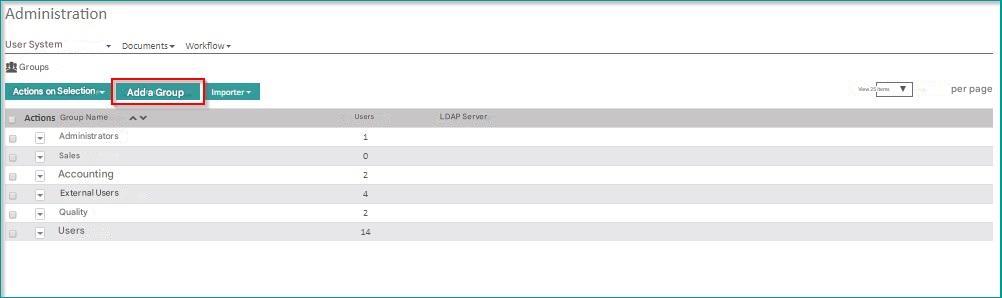
Add a group
Click on the “Add New Group” icon.
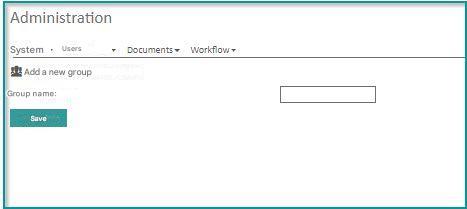
Enter the name of the group and click on “Save”
A message confirms the creation of the group: “Group successfully registered”
Delete a group
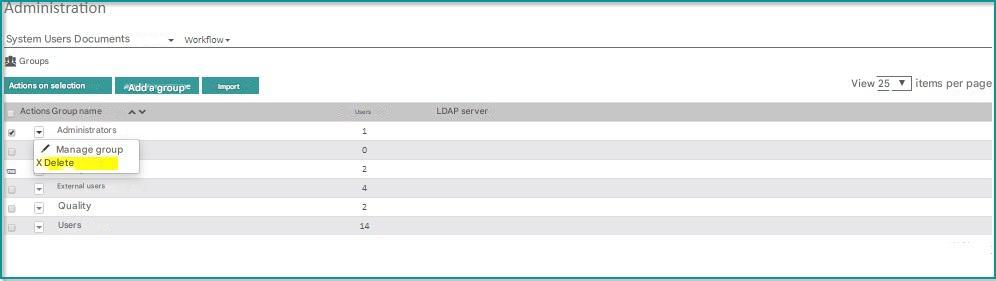
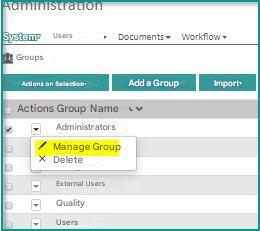
- Select the group you want to delete and click the Actions icon
- click on “Delete“.
A message confirms that the group has been deleted.
Assign users to a specific group
- Select the group to which the users will be assigned.
- Click the Actions icon

- Click Manage Group
- Select the users you want to associate with the group, using the ” > ” button and then click “Save” to confirm.
A confirmation message appears: “Group updated successfully“.