To activate your Open Bee™ Portal solution, two activation modes are possible :
- Online activation (if you have an internet connection)
- Offline activation (if you don’t have an internet connection)
Online Activation Mode:
When you launch the app for the first time, the activation form will appear in your internet browser. To activate an online license, you must have internet access.
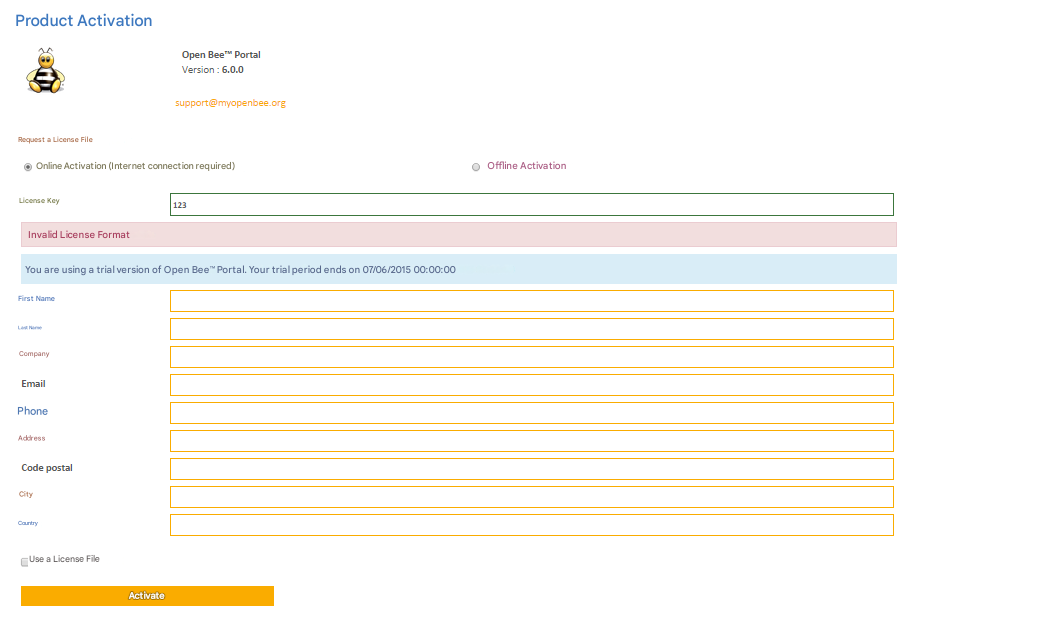
Complete all the fields in the form and enter the license key that came with your software solution.
Once you’ve completed this step, click on ” Activate ». A message will confirm that your solution has been successfully activated.
Open Bee™ Portal is now up and running.
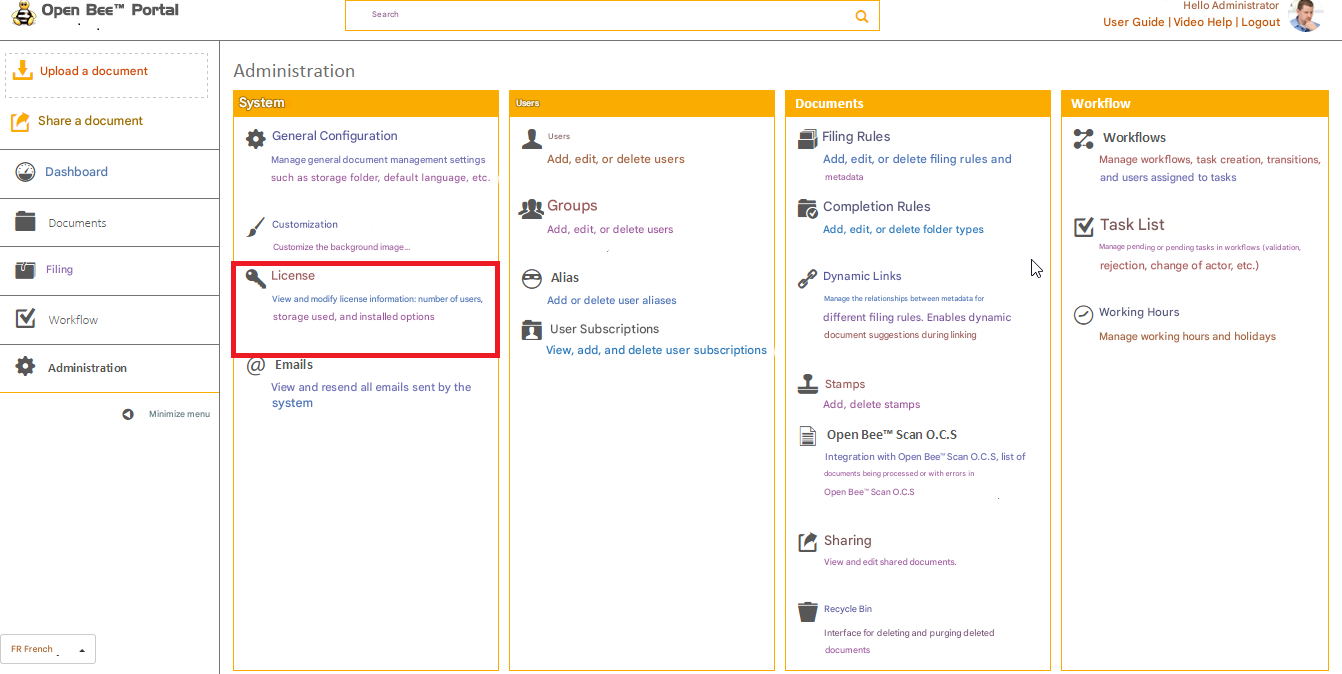
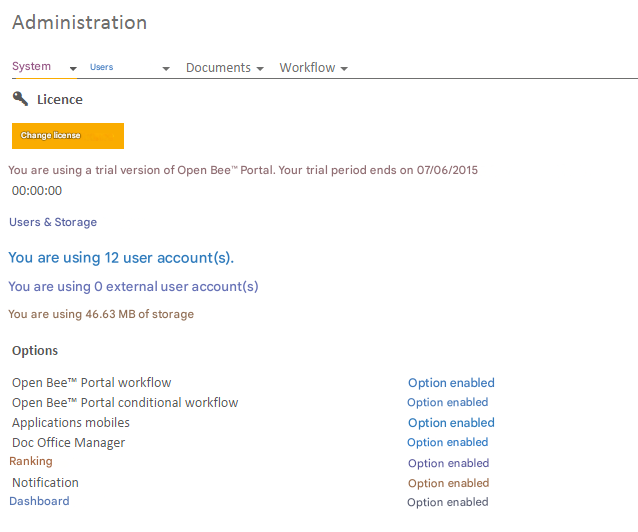
To view or modify a license that has already been activated,in the administration panel, click on “License“, then on the “Edit license” button:
Offline Activation Mode:
Manual activation provides the option to activate Open Bee™ Portal even if you don’t have an internet connection:
- Fill in all the fields of the form
- Click on “Activate ”
- A PDF document is automatically generated. Please send it by email to the contact details indicated on the document
- A license file will then be sent back to you by email
- Once you have received this file, please insert it by checking the “use a license file” box in order to activate the Open Bee™ Portal solution
- A message will confirm that the solution has been successfully activated