This function allows you to retrieve the information and metadata of a set of documents in a CSV document (editable by Excel).
Exporting metadata from search results
- Do a search with a filter on a ranking rule,
- Select the documents you want to export and click on “Export Selected Document Metadata (CSV)”
- A CSV file is downloaded by your web browser
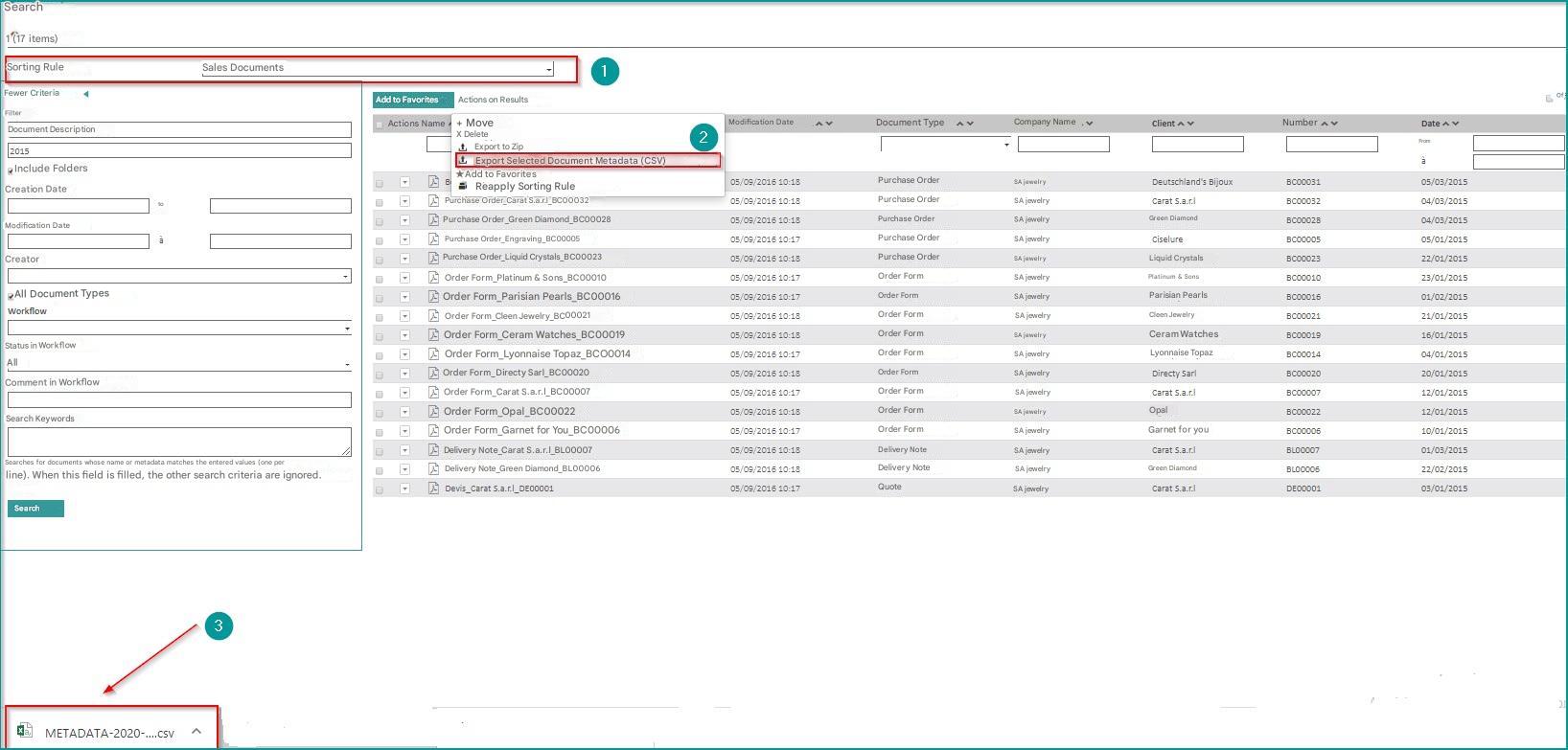
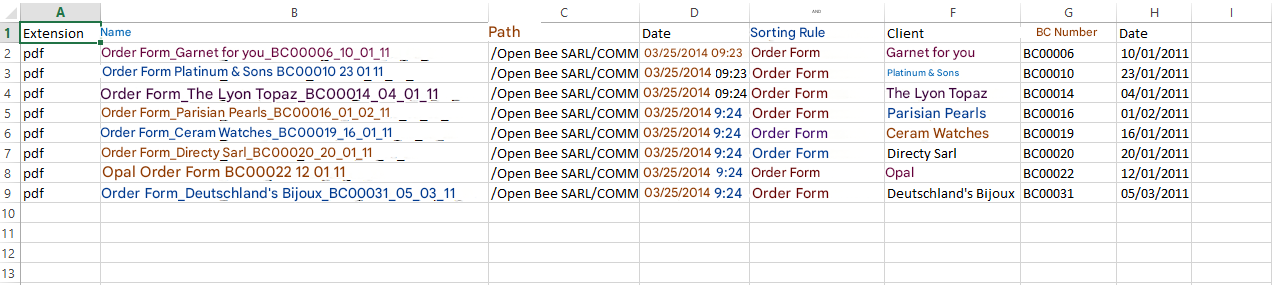
Open the file to edit it in Excel:
 If the search does not apply to a ranking rule, the export will not be available.
Exporting metadata from a folder
Select a ranking rule:
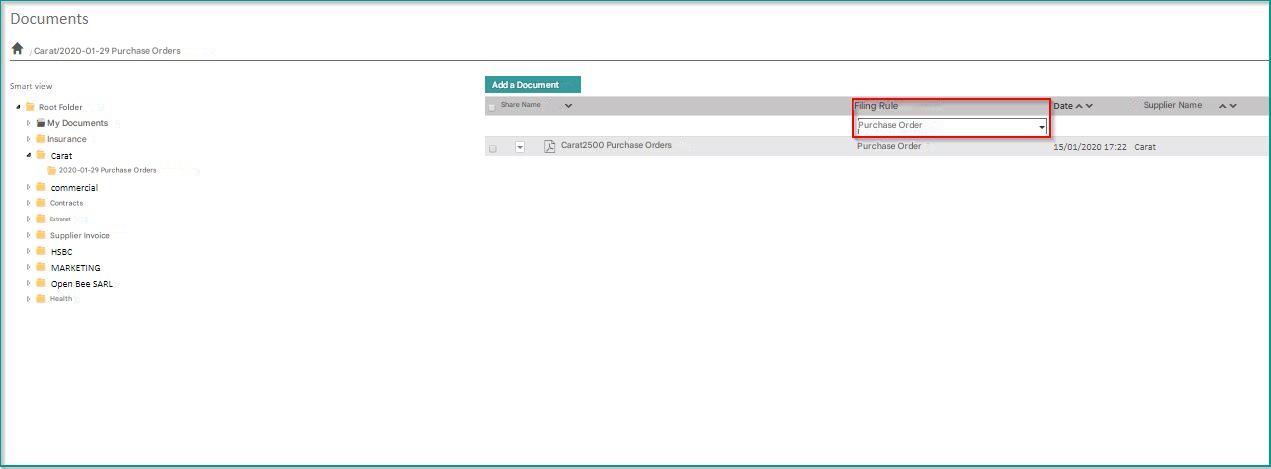
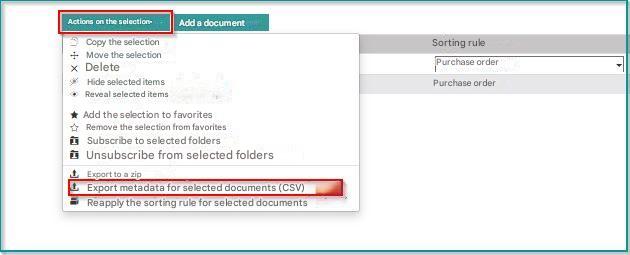
Export metadata from the folder menu or the “Selection Actions” menu:
| On a selection | On the whole file |
|---|---|
 |
|
The CSV file is automatically downloaded by your web browser and editable in Excel.