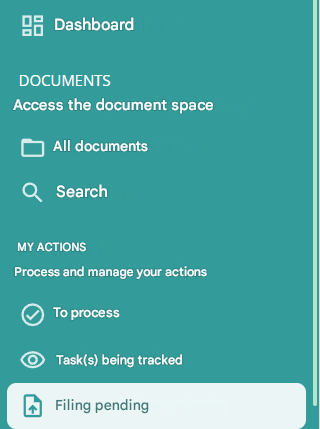
From the “Pending filing ” menu entry, you can directly file your documents by dragging and dropping them into the area provided for this purpose.
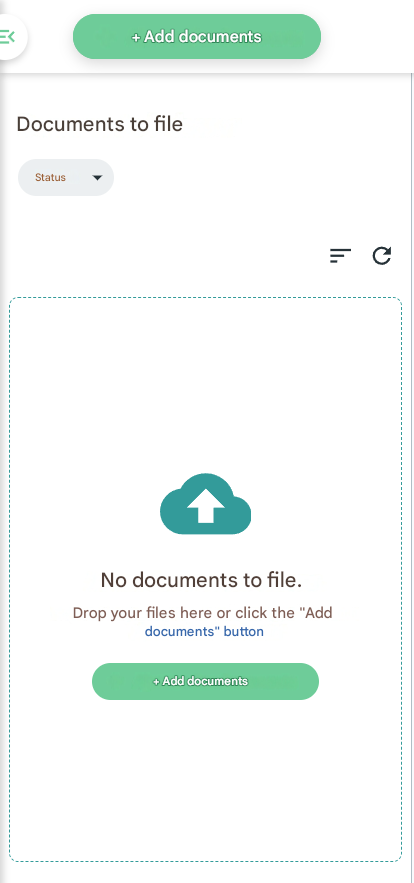
When you drop your documents in this area, they appear in the “Documents to be filed” column:
You will be able to see the preview of the selected document in the area provided.
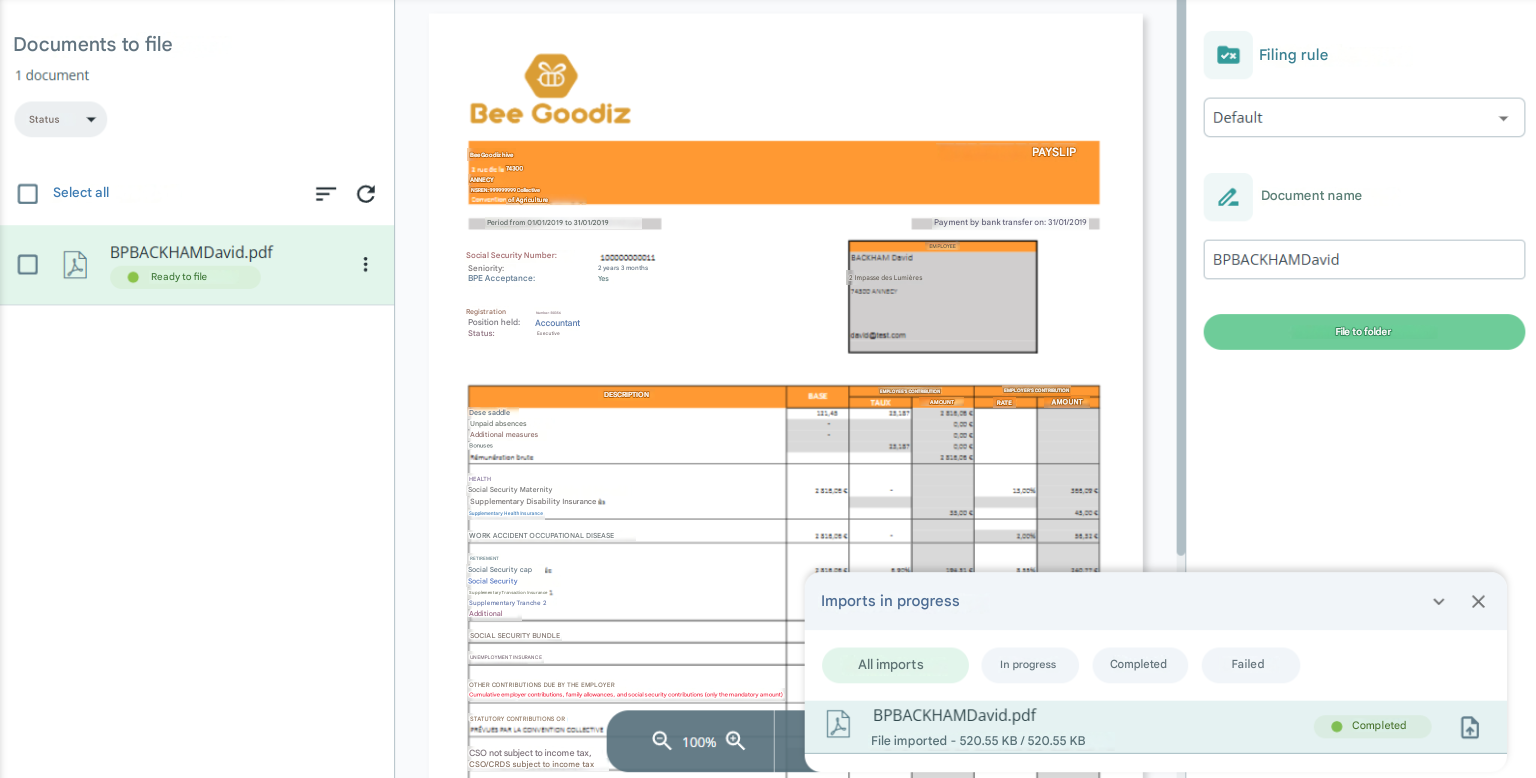
Select the filing rule you want in the “Document Classification” column
You have two options, to sort it by “Default” (directly in a folder) or to use an advanced filing rule.
Alternative
It is also possible to add a document to the filing area from any page via the “Add Documents” button in the header.

Import tracking
When adding a document from the filing area, a “Imports in progress” window is displayed with the documents to be uploaded to the DMS as well as their status. The document can be accessed directly by clicking on the button to the right of the status.
Advanced Leaderboard Area Features
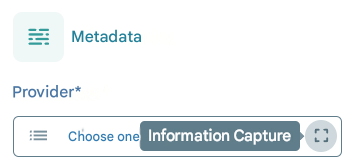
Information Capture
It is possible to fill in the metadata by selecting it from a PDF document
Cutting
From the toolbar, it is possible to manually cut out a multi-page document
Fusion
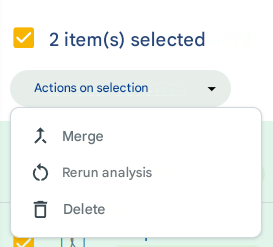
By selecting multiple documents, the user can merge the documents into one