Search by word entry
To search for a document, enter one or more words/strings in the box and press “Enter” or  to start the search.

In this context, you can search for one or more documents based on the words contained in:
- The title
- the content or body of the document
- Document metadata
Once the search is done, a page will open, offering you all the documents matching your query.
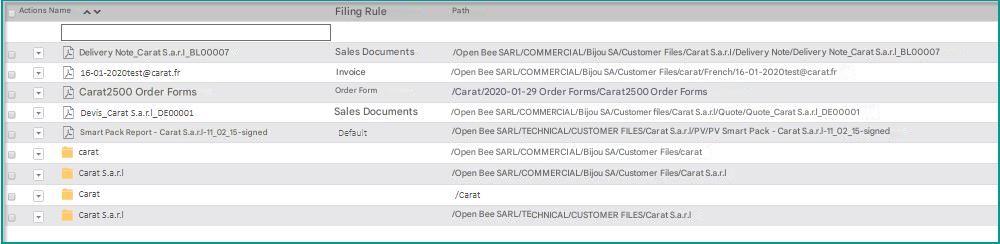
Search Behavior and Operators
By default, the search looks for exactly the word you entered.
- Operator + : Operator by default. Whether it’s indicated or not, it’s always added.
- Operator – : Search for documents that don’t contain the word xyz. by typing –xyz.
- * operator : Search for variants of a word by adding an asterisk to the end of the word.
- Operator” :
- One-time: If multiple words are entered, the search will return documents containing all the words (but not necessarily continuously). To search with continuous words, you can put your sentence in quotation marks, such as “French Industry”
- Multiple use: enclosing each search term with characters ” allows you to use the “OR” operator instead of “AND“ between terms. “Industry” “French” will therefore return all documents containing “industry” or “French”
Summary table of possibilities:
| Terms | Actions |
|---|---|
| Industry | All documents containing exactly the word Industry |
| Industry* | Industrial |
| French Industry | All documents containing the word Industrie and the word Française |
| +French Industry | |
| “French Industry” | All documents containing the exact sequence French Industry |
| “Industry” “French” | All documents containing the word “Industrie” or “Française” |
| French industry | All documents containing the word Industrie and not containing the word Française |
| +Industry -French | |
| “Industry” “French” |
These rules also apply to the “Content” field of the advanced search