Once the tasks are created, they are displayed in the diagram representing the workflow.
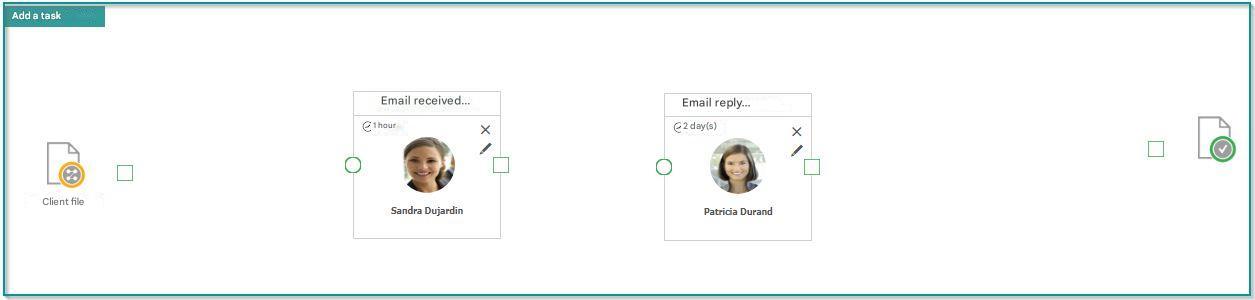
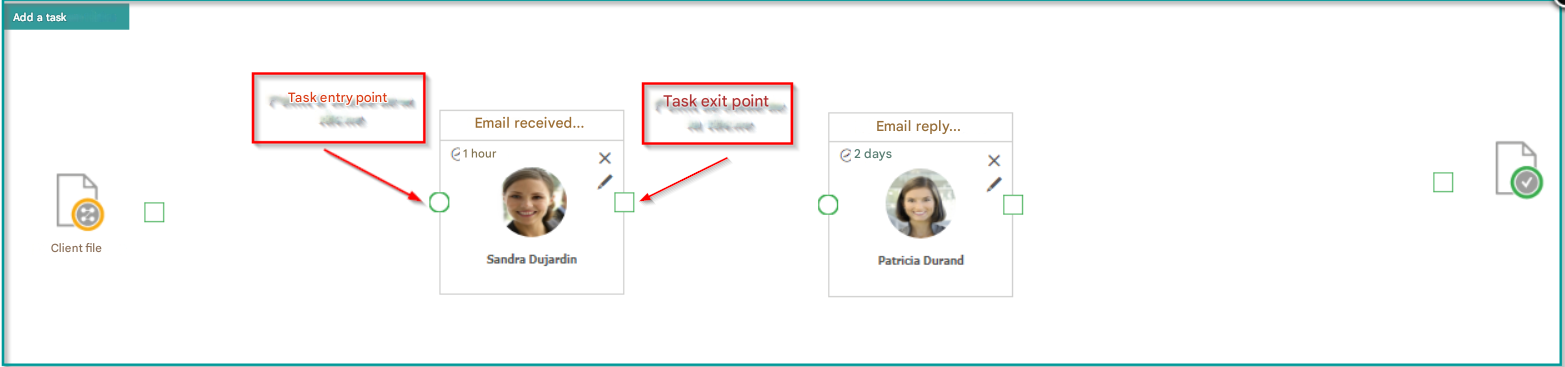
It is now necessary to link tasks with transitions to define the order in which they are processed in the workflow.
This can be done by simply dragging and dropping from the output of one task to the input of another.
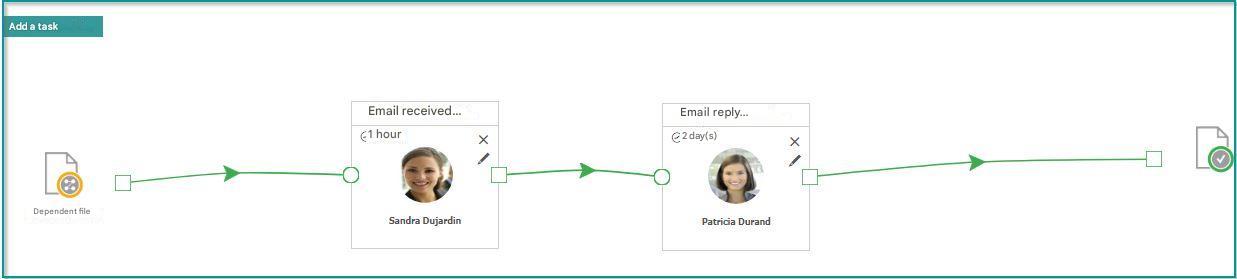
The setup of your workflow is now complete.
Click “Save” to finish.
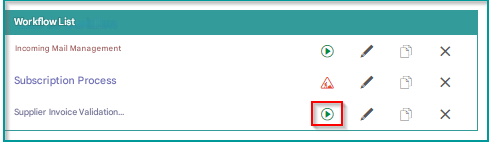
The icon  indicates that the workflow is set up correctly and can be started.