In order to create your Open Bee™ Portal documentary space, please click on the following link: https://www.openbeecloud.com/new
A page will be displayed in your Internet browser, please fill in the form.
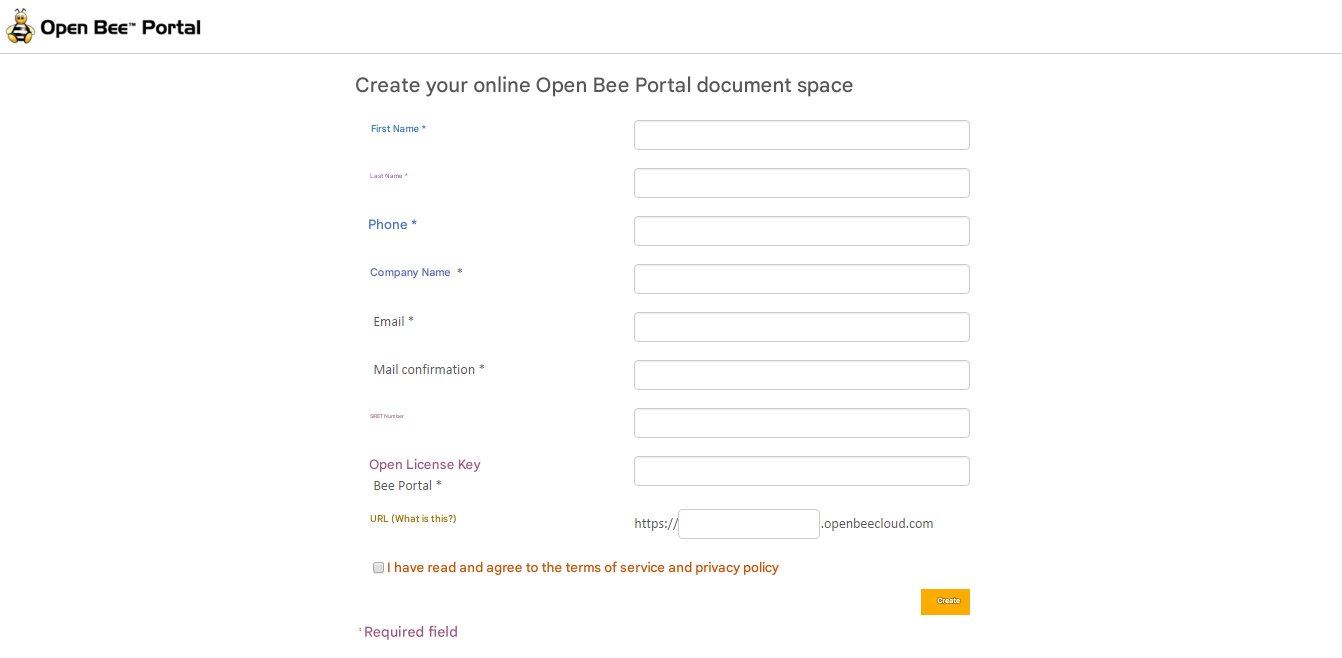
Once you have entered your license key, you need to choose your domain name, which will determine the Internet address of your Open Bee™ Portal document space.
This field allows you to create your own custom URL for your document space. The URL prefix can be up to 63 characters long and consists of characters a – z | 0 – 9 | and dashes.
To do this, enter the word of your choice, e.g. the name of your company, in the appropriate box: https://masociété.openbeecloud.com
Once you have filled in all the required fields, please click on the “Create” button.
A message will then inform you of the success of the operation and an email containing your administrator login credentials will then be sent to you.
Keep this email safe.
You can now view the Administrator Guide section.