Quick Access
Introduction
The search functionality allows you to quickly find your documents and files in the EDM thanks to a powerful search engine.
It combines:
- keyword research
- a multi-criteria search
- business filters
- a configurable list of results
- calculations on columns
- a system of recorded searches
General presentation of the research
The search allows you to query:
- the text layer of documents (OCR, PDF, Office files, etc.),
- technical metadata (dates, creator, file type, etc.),
- business metadata (e.g.: Amount excluding VAT, Third Party, Budget Code, etc.),
- the structure of the EDM (files, filing rules, statutes, etc.).
You have a simple and scalable criteria interface: criteria are displayed by default, and others can be added as needed.
Access the search
A search box is available in the top banner of the application.
It allows you direct access to global search.

Type a keyword and then press the Enter key on the keyboard to start a search from this banner.
The menu on the left has a Search entry, which opens the full search interface.
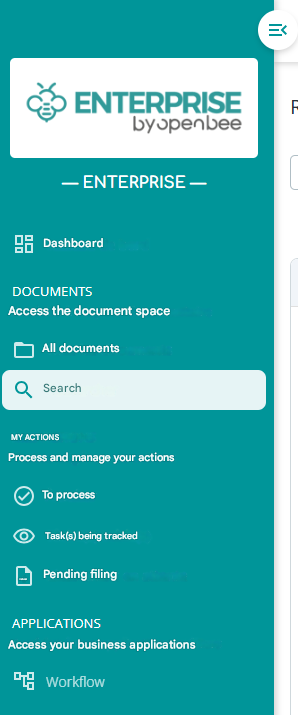
When you access the search from the menu, the search is empty: no search criteria are entered.
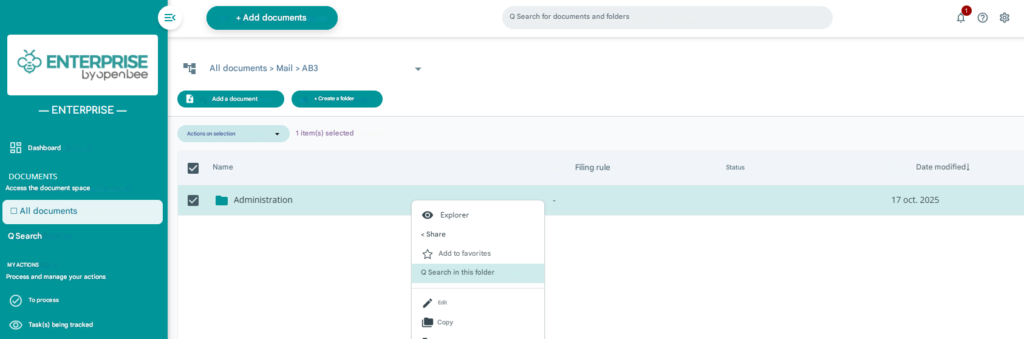
From a folder: “Search this folder”
By default, the search is carried out on your entire DMS.
Each folder has a Find in this folder action in the document browse. This action allows you to start the search by pre-filling the Folder criterion with the folder concerned.