Authentication
To launch Open Bee Portal, open the Internet browser and enter the following URL: http://xxx.xxx.xxx.xxx:yyyy where xxx.xxx.xxx.xxx is the IP address or server name and yyyy is the port on which Open Bee™™ Portal is installed.
 Open Bee™ Portal On Premises is installed by default on port 8000
Open Bee™ Portal Cloud can be accessed via a secure https connection (example: https://monespaceopenbee.openbeecloud.com/)
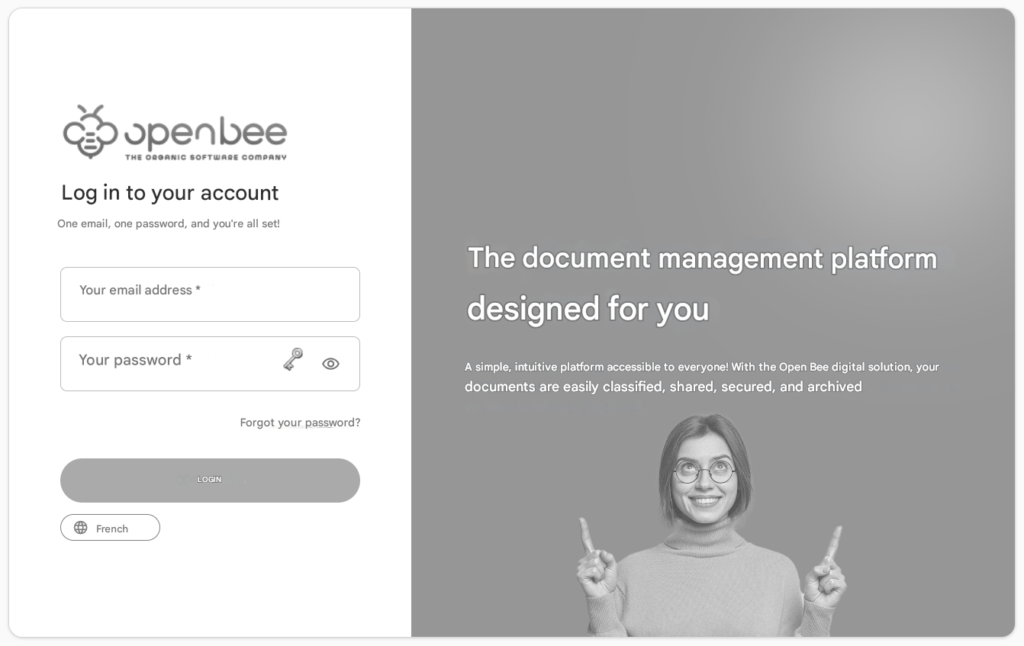
The Open Bee™ Portal login page appears
Fill in the username and password and click on “Login“
The Open Bee™ Portal dashboard opens, all the useful information is accessible (documents to file, folders to complete, shares awaiting approval, reminders, notifications, favorite documents and folders, as well as the latest searches and recent documents).
Note: Entering the username and password is case-sensitive. Make sure that the “SHIFT” key is not activated before entering the information.
In case of prolonged inactivity during a session, the message “ session expired ” appears, the username and password must be re-entered from the home interface.
Select Language
Several languages are available as soon as you log in. By default, your browser language is preselected. You can also choose a different language at the bottom of the screen.
In addition to French and English, the following languages are available:
- German
- Arabic
- Chinese Traditional
- Spanish
- Italian
- Portuguese
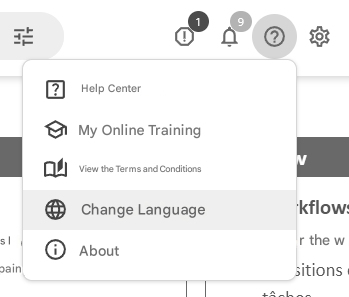
Language Change: The language can be changed at any time, on any page, by selecting the “Change Language” option from the help menu in the header.