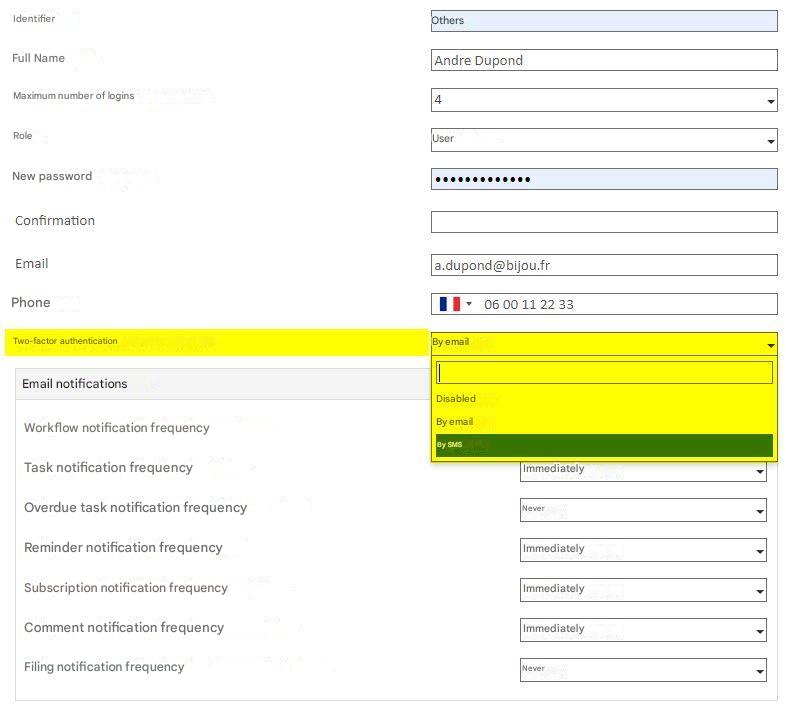
This feature allows you to add a second factor of authentication in addition to the username and password login.
Depending on the policy applied by your administrator, it is either:
- Your choice: you can choose whether or not to activate it
- Not available: You don’t have access to this feature
- Required: Your administrator requires you to use it for security reasons
Authentication Process
Once your username and password are verified, instead of being logged in directly in the app, you will be redirected to a new screen asking you to enter an authentication code. This code has been sent to you by email.
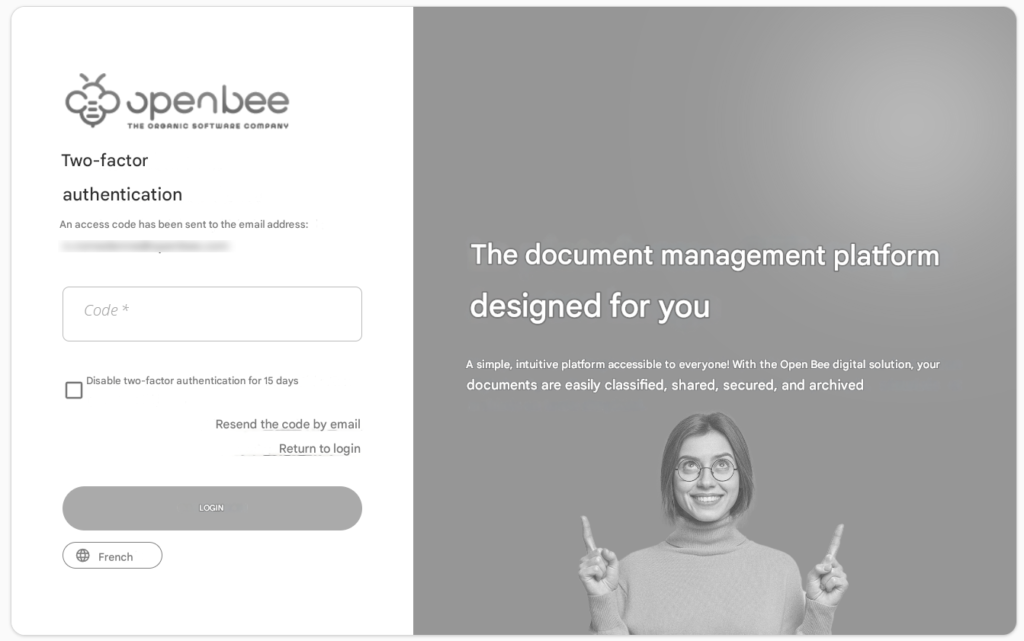
Once this code is validated, you are authenticated and logged in to the application.
Enabling the feature
If the configuration set up by your administrator allows you to do so, you can enable/disable strong authentication from your user preferences.