It is possible to perform batch actions on folders and documents:
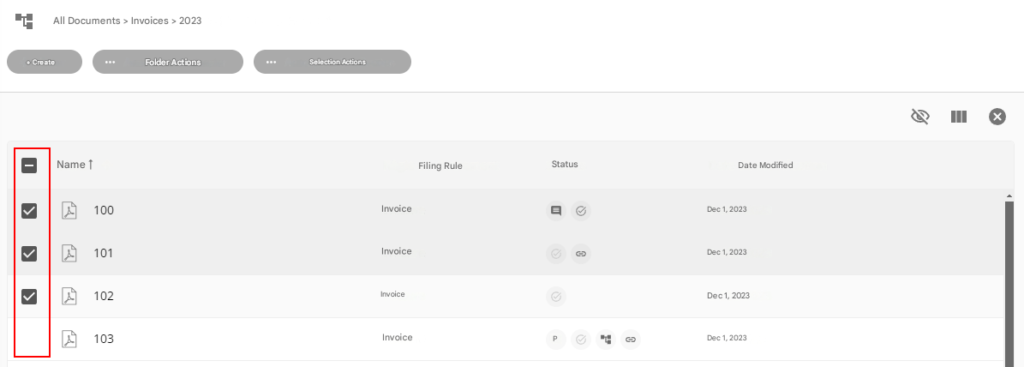
- Select the folders and/or documents you want to perform an operation on
2. Choose an action from the “Action on Selection” menu
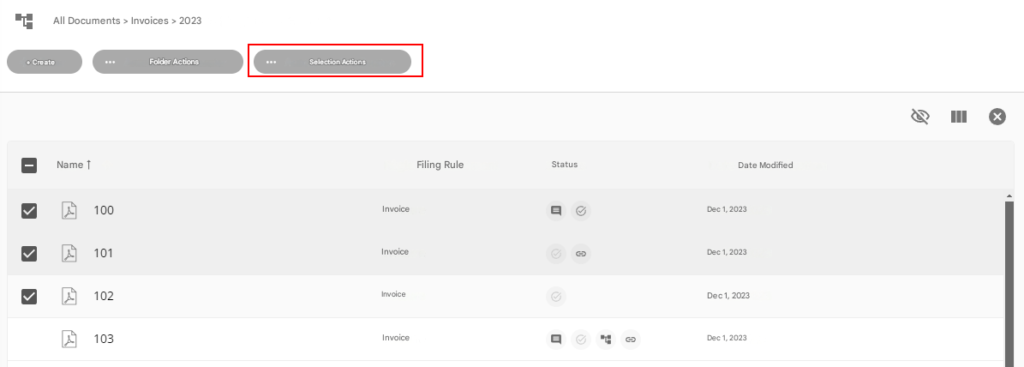
The following actions are available:
- Copy Selection
- Move Selection
- Delete Selection
- Add Selection to Favorites
- Remove Favorites Selection
- Subscribe to selected files
- Remove subscription to selected folders
- Export Selection to ZIP
Copy Selection
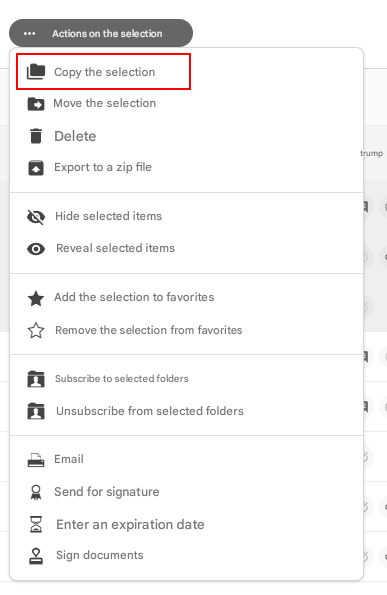
The following window appears:
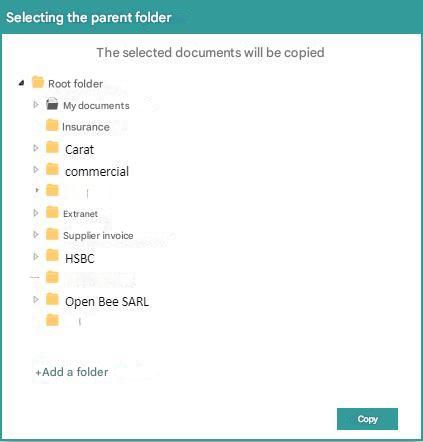
- Select the destination folder and then click the “Copy” button
- Once the items have been moved, a confirmation message will appear.
Move Selection
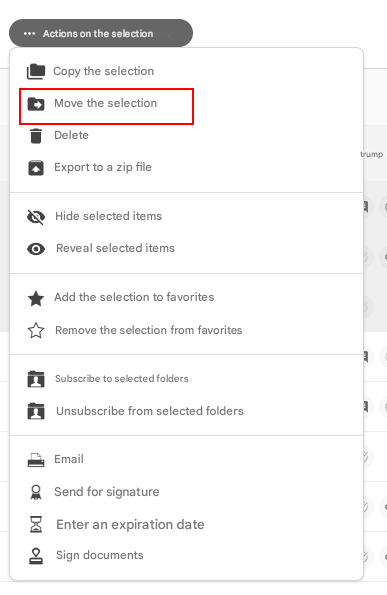
The following window appears:
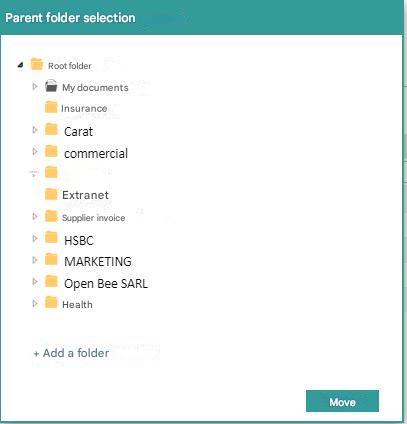
- Select the destination folder and then click the “Move” button
- Once the items have been moved, a confirmation message will appear.
Delete Selection
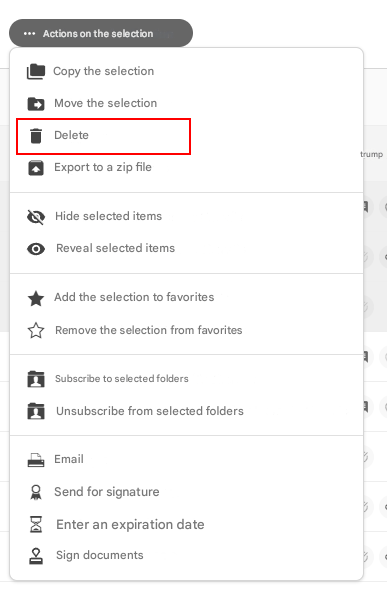
A confirmation message appears. Click “OK” to confirm the deletion of the items.
 Deleted items are moved to a global recycle bin on the system, making it possible for the administrator to restore them.