Actions
The actions available on documents and folders when navigating are also available on the results of a search.
Folders and documents can be sorted by name by clicking on the arrows in the header of the list.
Permissions and bulk actions
Search results can display documents that belong to multiple folders and therefore have different permissions.
When performing a bulk action on documents with different permissions, only those documents for which the user has the necessary permissions will be processed.
Example:
The user, “John”, searches for “invoice”. The documents “Invoice A” and “Invoice B” are returned.
John only has permissions to delete “invoice A”. When he tries to delete both invoices with a bulk action, only “Invoice A” is deleted.
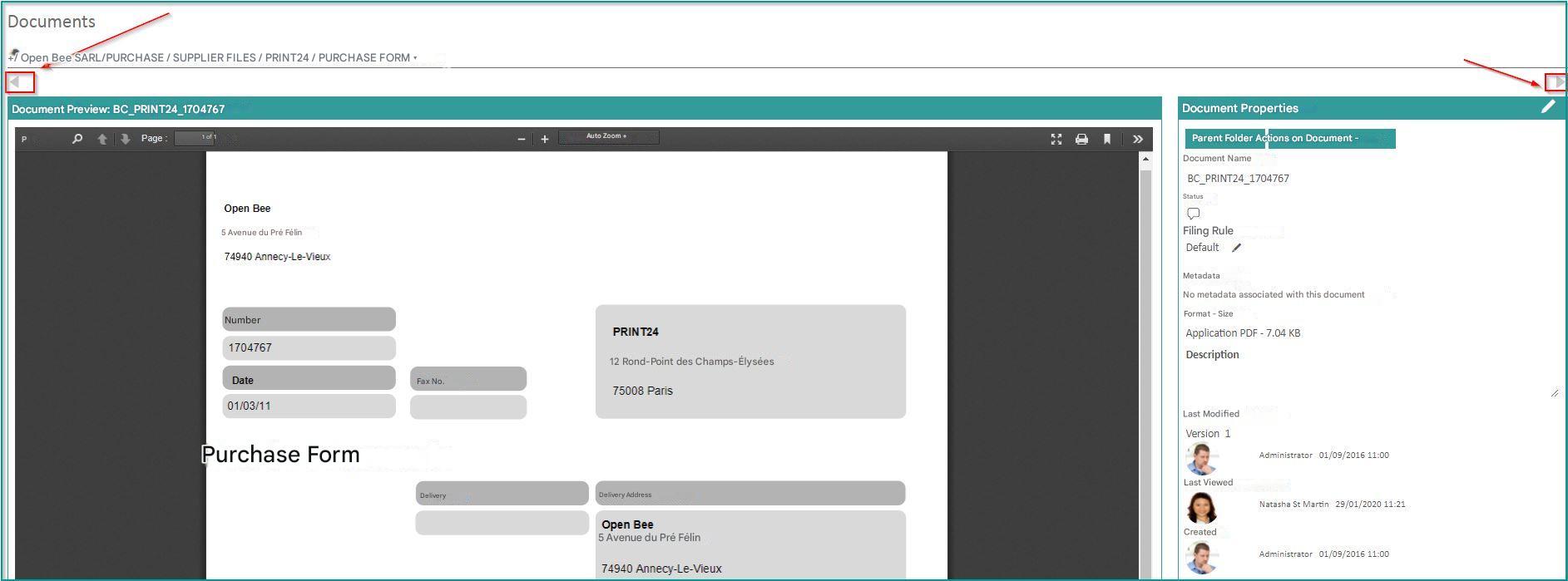
When viewing a document as a result of a search, it is possible to view the next or previous document in the search without returning to the search result by clicking on the arrows on the right and left side of the screen: