Go to the workflow tab
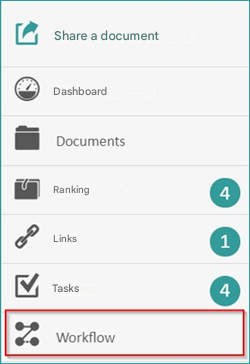
Click workflow on the fly
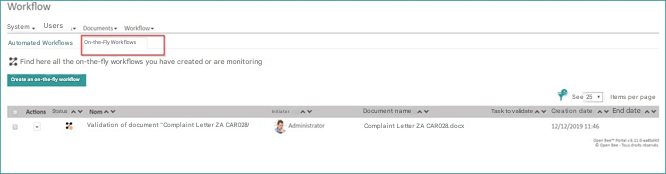
Once you arrive at the workflow interface on the fly, you can perform several actions :
- Follow up all tasks by email
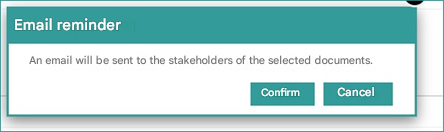
- Cancel Workflow
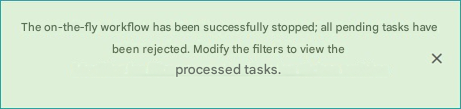
- View Workflow
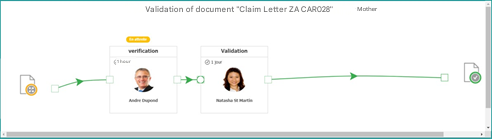
- Edit the workflow
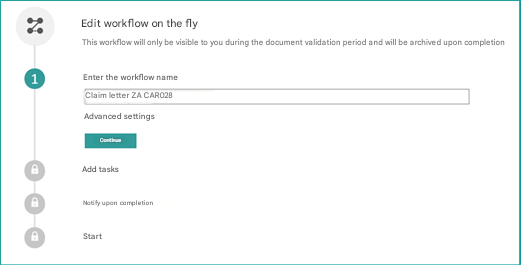
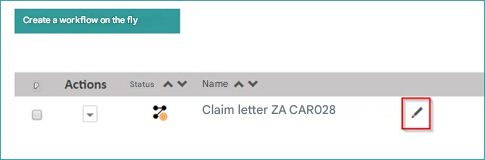
You can also change it by clicking on the pen icon next to the workflow name
By logging in with the account of the actor of the first task.
We will find this pending task in the task bin, just click on the task to preview the document and proceed to validate or reject this document.
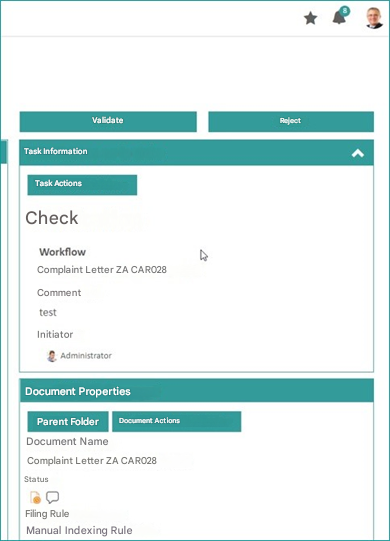
If the actor validates, the document will move on to the next task, if he rejects the document will leave the workflow.