Introduction
The “Site” (or “On-premise”) version of Open Bee™ Portal is intended to be installed in a corporate network, therefore not accessible on the Internet. Open Bee™ Portal As it is delivered “On Premise” is not secure and is not intended to be opened on the Internet.
Opening the Open Bee™ Portal access on the Internet therefore implies taking a minimum of measures regarding the security of your data. On this page you will find a non-exhaustive list of good practices to be implemented in this context.
This documentation gives only a few examples, many other solutions are possible and we do not recommend any particular solution. Open Bee cannot be held responsible for any damage caused by the operation of your Open Bee™™ Portal “On Premise” on the Internet.
To ensure the security of a web application, it is (at a minimum) necessary to:
- Do not open any ports other than HTTPS on the machine hosting Open Bee™ Portal
- Update servers regularly
- Use an SSL certificate
- Have a WAF (Web Application Firewall)
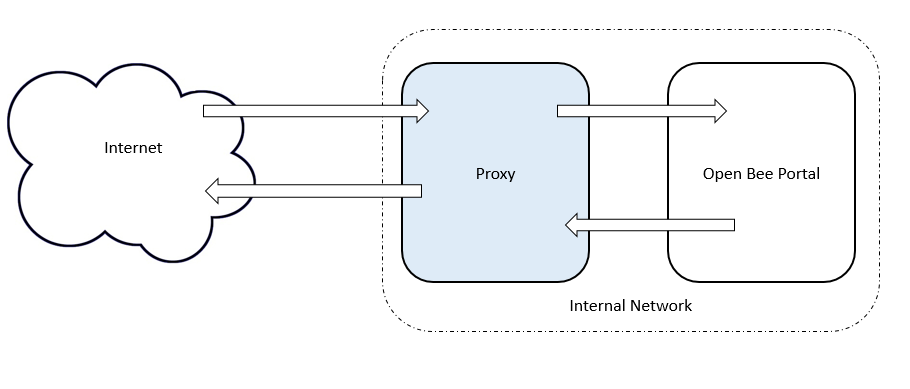
Open Bee™ Portal, in its “Site” version, is packaged with its own web server. By opening it on the Internet, it becomes necessary to carry out maintenance on this pre-established configuration. As these changes can be tricky, lead to application regressions or be overwritten during Open Bee Portal updates, we strongly advise you to install a reverse proxy upstream of the Open Bee™™ Portal server. All operations related to opening on the Internet (and associated security measures) will therefore be taken at this level, completely independently of the installation of the Open Bee™ Portal.