This feature makes it possible to strengthen the security of access to Open Bee™ Portal by adding a second authentication factor in addition to the username and password login.
It is available as an option and limited to a number of users defined in your license.
Enable Two-Factor Authentication
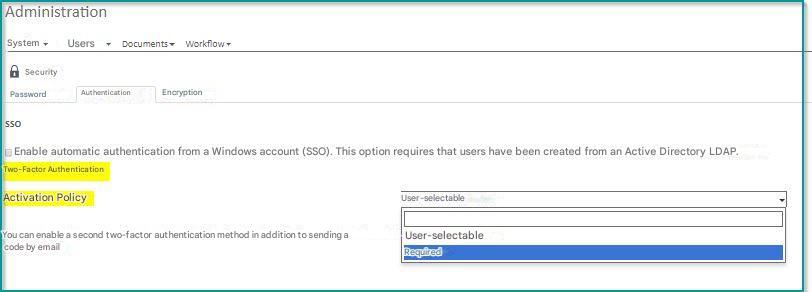
Go to the “Administration > , Security>, Authentication” section to enable two-factor authentication. There are three possible activation policies :
- Not available (default): Strong authentication is not available.
- User choice : Users to whom you assign strong authentication licenses will be able to choose whether or not to use this feature.
- Obligatory : Users to whom you assign strong authentication licenses will be required to use this system
User Choice
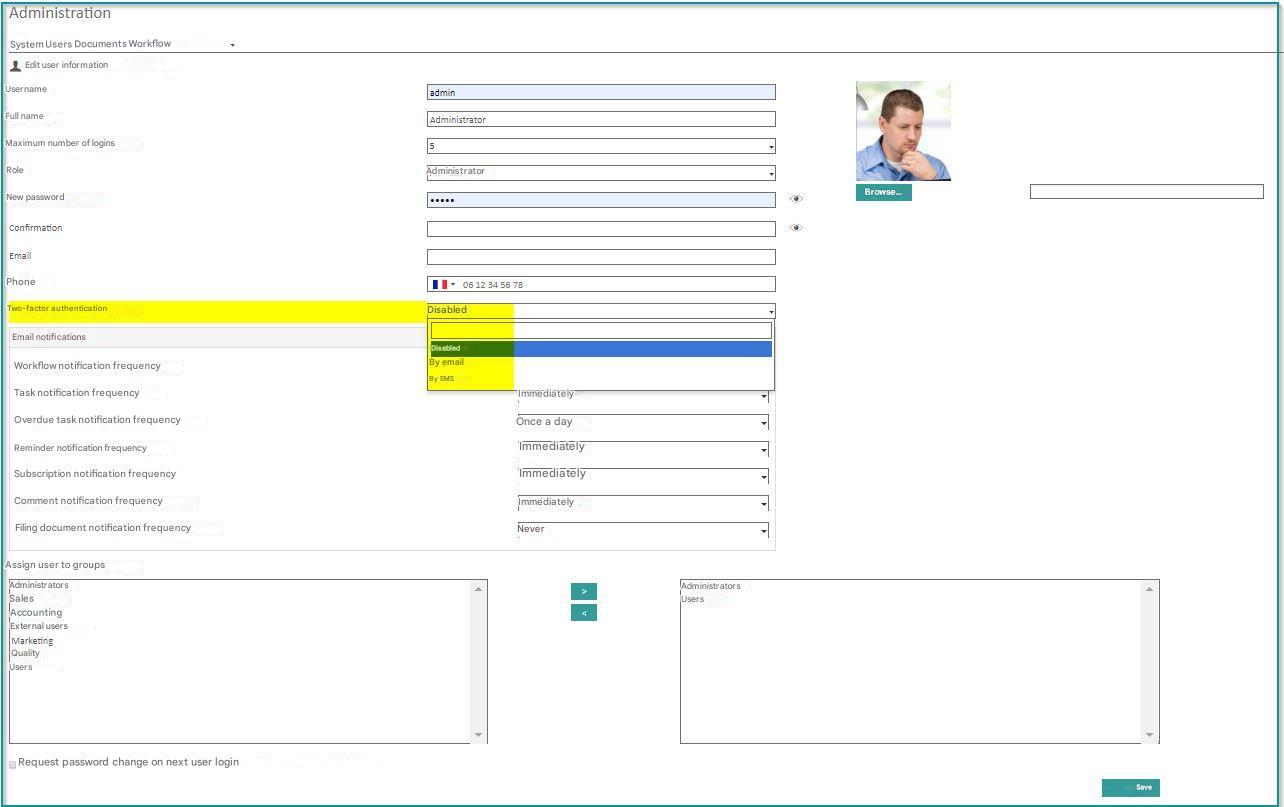
Once the option is available, you can enable strong authentication for the affected users from the “User Administration > ” section.
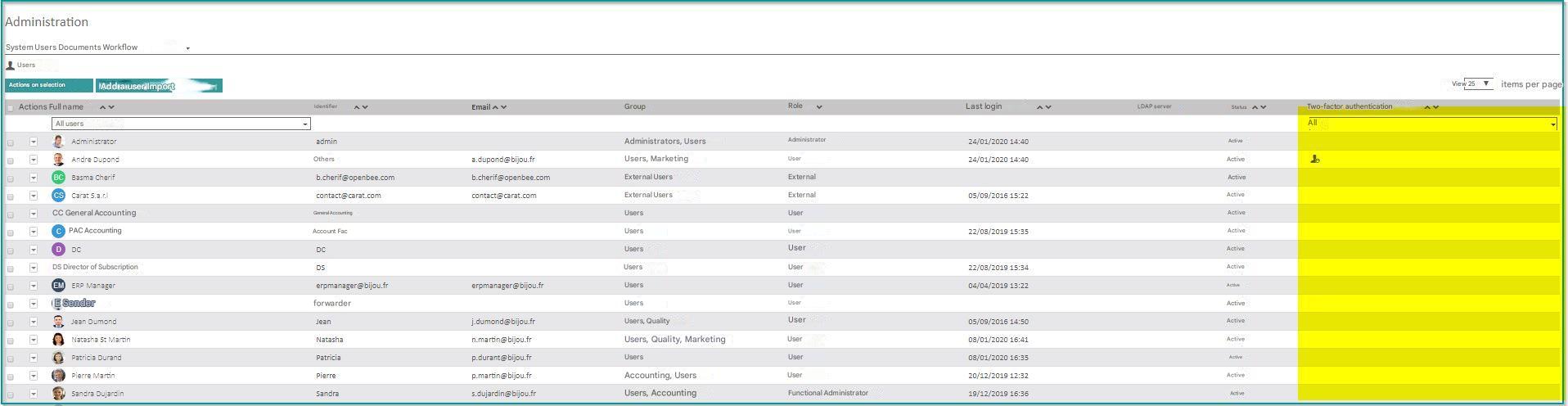
Users with this option are easily identifiable in the list of users.